Marketers should use Google Gemini as the idea, script, prompt, and review hub for AI marketing videos. It can turn a product page, customer pain point, or campaign brief into short video concepts, shot lists, voiceover scripts, and prompts for Google’s video tools. Google says Veo 3 can generate video with native audio, including dialogue, sound effects, and ambient sound [source: Google]. That makes Gemini useful for teams that need product explainers, paid social clips, launch teasers, or quick ad variants without waiting weeks for a full studio shoot.
TLDR: Gemini helps marketers create AI videos by building the concept, writing the script, shaping prompts, and refining outputs for each platform. For example, a small skincare brand could ask Gemini to turn one product benefit into five 15-second TikTok ad scripts, then generate prompt-ready scenes for Veo. If one version lifts click-through rate from 1.2% to 1.8%, that is a 50% relative increase without a new shoot. The best workflow is simple: brief Gemini, create several short concepts, generate clips, edit tightly, and test the results.
Start With a Clear Marketing Goal
Gemini works best when the marketer gives it a sharp goal. Vague prompts create bland videos. Nobody needs another glossy clip that says a product “changes everything.” It drives people crazy because it sounds like every generic ad on the internet.
A better brief includes the audience, offer, platform, length, tone, and action. For example:
- Audience: New parents buying sleep products
- Product: Weighted baby sleep sack
- Platform: Instagram Reels
- Length: 20 seconds
- Goal: Drive product page visits
- Tone: Calm, practical, warm
- CTA: “See the size guide”
With this detail, Gemini can suggest video angles such as problem-solution, social proof, comparison, seasonal gifting, and founder-led explanation. It can also flag weak ideas. That saves time before image, audio, or video generation even starts.
Use Gemini to Create Video Concepts
The first useful prompt is not “make a video.” It is more specific:
“Act as a performance marketing strategist. Create 8 short-form video ad concepts for this product. Each concept should include a hook, scene idea, voiceover, on-screen text, visual style, and CTA. Keep each video under 20 seconds.”
Gemini can then turn a single product description into several campaign options. A marketer should ask for variety. Some concepts should feel direct. Others should feel emotional, educational, or humorous. This gives the team more room to test.
Strong hooks often make the biggest difference. Gemini can generate hooks like:
- “Still guessing which serum to use first?”
- “This is why your meal prep keeps failing by Wednesday.”
- “Three seconds to see if this bag fits your daily routine.”
- “Before buying another desk chair, check this.”
Short hooks help because most viewers decide fast. The first two seconds matter. Gemini can create 20 hook options in seconds, but the marketer still needs to cut the weak ones.
Turn the Concept Into a Shot List
Once a team chooses a concept, Gemini can build the structure. A good AI video prompt needs camera direction, subjects, mood, motion, lighting, setting, and timing. Gemini can organize this into a beat-by-beat shot list.
For example, a 15-second product demo may need:
- 0–3 seconds: Close-up of a cluttered bathroom counter.
- 3–6 seconds: Product enters frame, clean lighting, soft shadow.
- 6–10 seconds: Hand applies product, texture visible.
- 10–13 seconds: Final result, calm facial expression.
- 13–15 seconds: Product pack shot with CTA.
This format helps video generation tools produce more controlled results. It also helps editors. If a generated clip is only partly useful, the editor knows which section to keep and which section to regenerate.
Write Prompts for Video Generation
Gemini can write the actual prompts that will be used in video generation. The best prompts avoid overloaded instructions. They describe one clear scene at a time.
A useful prompt may look like this:
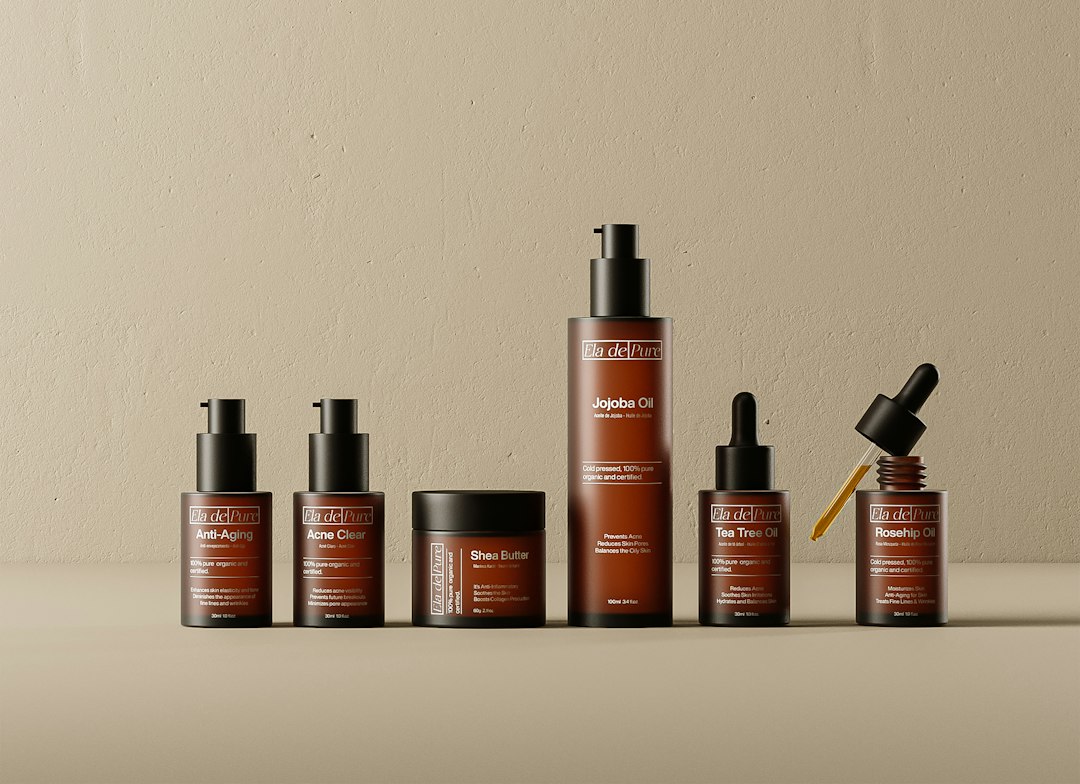
“Create a 6-second vertical video for a premium skincare brand. A woman in her early 30s stands near a bathroom mirror in soft morning light. She applies a small amount of hydrating serum to her cheek. The mood is calm and clean. Use realistic skin texture, gentle camera movement, shallow depth of field, and natural colors. No text on screen.”
The marketer can ask Gemini to create multiple prompt versions:
- Realistic product demo
- UGC-style phone video
- Cinematic launch teaser
- Minimal product-only studio shot
The catch is that AI video tools can still mangle hands, labels, logos, and product packaging. Expect to rerun key shots. If a logo must be perfect, the team should add it later in editing instead of forcing the model to render it inside the scene.
Create Platform-Specific Versions
A good YouTube ad is not always a good TikTok video. Gemini can adapt one idea for several placements. This is where it becomes useful for marketing teams with limited time.
The marketer can ask:
“Rewrite this 20-second video script into three versions: a 9:16 TikTok ad, a 1:1 Instagram feed video, and a 16:9 YouTube pre-roll. Keep the same offer, but change the pacing and opening hook for each platform.”
For TikTok, Gemini may suggest faster cuts and a casual voice. For YouTube, it may recommend a stronger opening problem and clearer brand placement. For Instagram, it may focus on text overlays and clean visuals.
It can also create caption options, thumbnail text, and CTA variants. A smart team will test at least three CTAs. “Shop now” may work, but “Find your shade” or “See the 30-second demo” can feel more specific.
Add Voiceover, Captions, and On-Screen Text
Marketing videos should work with sound on and sound off. Gemini can write voiceovers and captions that match the length of the clip. It can also trim bloated copy.
A marketer can paste a script and ask:
“Cut this voiceover to 38 words. Keep the main benefit, remove hype, and make it sound like a helpful product specialist.”
This is often where Gemini shines. It can make copy tighter fast. It can also create subtitle timing, such as one short caption per scene. That helps keep the visual rhythm clean.
Good on-screen text should not repeat every spoken word. It should highlight the message:
- Problem: “Dry skin by noon?”
- Benefit: “Hydration that feels light”
- Proof: “Dermatologist tested”
- Action: “Take the skin quiz”
Review the AI Video Like an Editor
Gemini can help review drafts, but humans need the final call. The marketer should check accuracy, brand fit, legal claims, and visual quality. Any health, finance, beauty, or performance claim needs extra care.
A simple review checklist helps:
- Does the first frame show a clear reason to watch?
- Is the product easy to understand?
- Are claims approved by the brand or legal team?
- Does the clip match the platform format?
- Are captions readable on a phone?
- Is the CTA visible before the viewer scrolls away?
Honestly, it feels like AI video saves time early and costs time near the finish. A six-second clip may take four generations to get right. Still, that can be faster than scheduling a shoot for every ad variation.
Test, Measure, and Improve
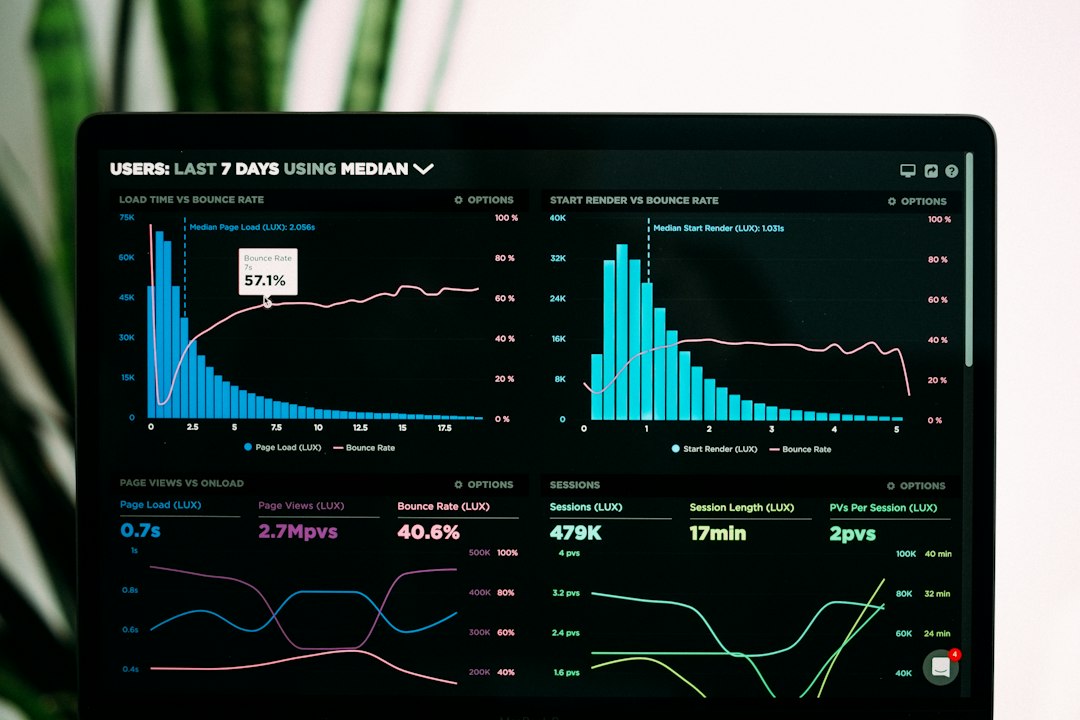
AI video should be treated as a testing engine. Gemini can help build a testing plan with hooks, visuals, offers, and CTA variants. The marketer can run small paid tests before scaling spend.
Useful metrics include:
- Thumb-stop rate: How many people pause or keep watching.
- 3-second view rate: Whether the hook works.
- Click-through rate: Whether the message drives action.
- Cost per click: Whether the traffic is affordable.
- Conversion rate: Whether the landing page matches the ad.
After results come in, the marketer can feed the findings back into Gemini. For example: “Version B had a 24% lower cost per click than Version A. Create five new scripts that keep the same hook style but test different CTAs.”
FAQ
Can Google Gemini create complete AI videos?
Gemini can help create the concept, script, prompts, captions, and review notes. Where Google video generation features are available, Gemini can also connect the marketer to AI video creation workflows. Availability can vary by region, account type, and product access.
What types of marketing videos work best with Gemini?
Short ads, product demos, social clips, explainer videos, launch teasers, and UGC-style scripts work well. Gemini is especially useful when a brand needs several variations fast.
Should brands use AI videos without editing?
No. AI clips usually need editing, captioning, brand checks, and sometimes manual logo placement. Raw output is rarely the final ad.
How long should AI marketing videos be?
Most social ads should stay between 6 and 30 seconds. Product explainers can run longer, but the first few seconds still need a clear hook.
What should marketers avoid?
They should avoid vague prompts, unsupported claims, tiny unreadable text, fake testimonials, and overstuffed scenes. Simple prompts and clear editing usually create better results.