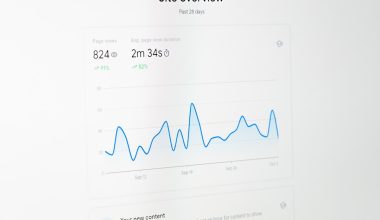
Data analysis has always been about turning raw information into useful decisions. What has changed is the speed, accessibility, and creativity that artificial intelligence brings to the process. Today, beginners do not need to be expert statisticians or senior programmers to find patterns in spreadsheets, summarize customer feedback, forecast trends, or build simple dashboards. With the right approach, AI can become a practical assistant that helps you ask better questions, clean messy data, discover insights, and communicate results clearly.
TLDR: AI can make data analysis faster and easier by helping with tasks such as data cleaning, pattern detection, visualization, forecasting, and explanation. Beginners should start with a clear question, a small dataset, and user-friendly tools before moving into more advanced methods. The key is not to let AI “think for you,” but to use it as a partner while you validate results and understand the business context.
What Does AI for Data Analysis Actually Mean?
AI for data analysis refers to using artificial intelligence tools and techniques to examine data, find patterns, generate predictions, and present conclusions. In traditional analysis, you might manually filter a spreadsheet, create charts, calculate averages, and look for unusual changes. AI can support these same tasks, but it can also go further by identifying hidden relationships, classifying text, detecting anomalies, or suggesting what to investigate next.
For example, imagine you run an online store. You have sales data, customer reviews, website traffic, and email campaign results. AI can help you answer questions such as:
- Which products are likely to sell well next month?
- Why are customers abandoning their carts?
- Which customer groups are most valuable?
- Are there unusual drops or spikes in sales?
- What themes appear most often in customer reviews?
This does not mean AI automatically produces perfect answers. Instead, it gives you a faster way to explore possibilities, test assumptions, and focus your attention on the most important signals.
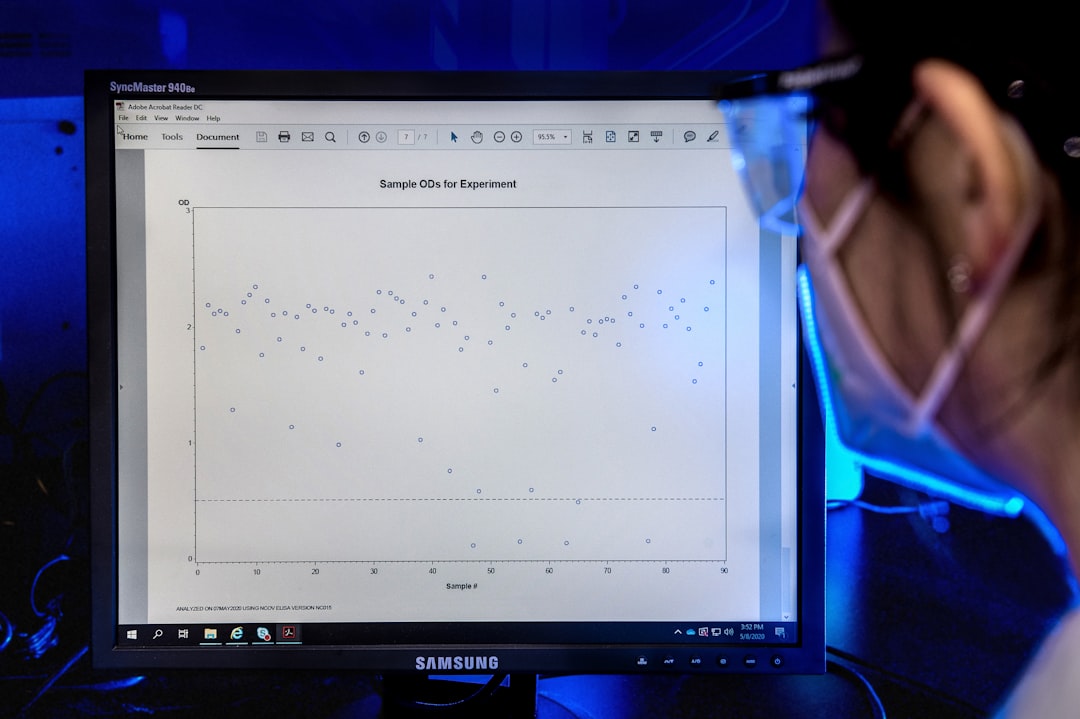
Why Beginners Should Care About AI in Data Analysis
One reason AI is so valuable for beginners is that it lowers the barrier to entry. In the past, you often needed advanced knowledge of statistics, SQL, Python, or business intelligence software before you could do meaningful analysis. Those skills are still useful, but AI tools can now guide you through tasks that once felt intimidating.
For instance, a beginner can upload a spreadsheet into an AI-enabled analytics tool and ask, “What are the main trends in this data?” or “Create a chart showing monthly revenue by region.” Some tools can generate formulas, write code, explain statistical concepts, or suggest which chart type fits your data best. This makes learning more interactive and less frustrating.
AI also helps beginners develop stronger analytical thinking. Instead of spending all your time on repetitive formatting or manual calculations, you can spend more time asking meaningful questions: What changed? Why did it change? What should we do next?
The Main Ways AI Can Help With Data Analysis
AI can support nearly every stage of the data analysis process. Here are some of the most common and beginner-friendly uses.
1. Cleaning and Preparing Data
Real-world data is often messy. It may contain missing values, duplicate records, inconsistent labels, incorrect dates, or spelling mistakes. AI can help identify these issues and suggest fixes. For example, it may notice that “USA,” “U.S.A.,” and “United States” all refer to the same country, or that a customer’s age is listed as 250, which is likely an error.
Data preparation is not glamorous, but it is one of the most important parts of analysis. If your data is unreliable, your insights will be unreliable too. AI can speed up cleaning, but you should still review major changes carefully.
2. Finding Patterns and Trends
AI tools are good at scanning large datasets and identifying patterns that may not be obvious at first glance. They can reveal seasonal trends, customer segments, correlations, and unusual behavior. For example, AI might find that sales increase every Friday, that a certain product performs better in colder regions, or that customers who buy one item often return for another within two weeks.
However, remember that correlation does not always mean causation. If two things move together, that does not prove one caused the other. AI can point you toward interesting relationships, but human judgment is needed to interpret them correctly.
3. Creating Visualizations
Charts and graphs make data easier to understand. AI can recommend visualizations based on the columns in your dataset and the question you are trying to answer. It might suggest a line chart for trends over time, a bar chart for comparing categories, or a scatter plot for exploring relationships between two variables.
Good visualizations do more than look attractive. They help people understand the story behind the numbers. Beginners should focus on clarity: use simple chart types, readable labels, and avoid clutter.

4. Forecasting Future Outcomes
AI can be used to make predictions based on historical data. This is called forecasting or predictive analytics. Businesses use forecasting to estimate future sales, inventory needs, customer demand, website traffic, and financial performance.
For beginners, forecasting should start simple. If you have monthly sales data for the past two years, an AI tool may generate a basic forecast for the next few months. But predictions are not guarantees. They are educated estimates based on patterns in existing data. Unexpected events, market changes, or poor data quality can all affect accuracy.
5. Analyzing Text and Feedback
Not all data comes in neat rows and columns. Reviews, emails, support tickets, survey responses, and social media comments are examples of unstructured text data. AI is especially useful here because it can summarize large amounts of text, detect sentiment, group comments by theme, and highlight common complaints or requests.
For example, if you have 2,000 customer reviews, AI can help identify whether customers often mention shipping delays, product quality, pricing, or customer service. This can turn overwhelming text into actionable insight.
Beginner-Friendly Tools and Skills to Learn
You do not need to master every tool at once. A good beginner path is to start with familiar software and gradually add more advanced skills.
- Spreadsheets: Tools like spreadsheet applications remain excellent for learning basic analysis, formulas, filters, pivot tables, and charts.
- AI chat assistants: These can explain concepts, help write formulas, generate SQL queries, summarize data, or suggest analysis steps.
- Business intelligence tools: These help create dashboards and interactive reports for tracking metrics.
- SQL: This is useful for collecting and filtering data from databases.
- Python or R: These programming languages are powerful for advanced analysis, automation, machine learning, and visualization.
If you are just starting, focus first on data literacy. That means understanding concepts such as rows, columns, averages, percentages, outliers, charts, and basic statistics. AI tools are much easier to use when you understand what they are doing.
A Simple Step-by-Step Process to Get Started
Beginners often make the mistake of starting with a tool instead of a question. The best analysis begins with curiosity and purpose. Here is a simple process you can follow.
- Define your question. Be specific. Instead of asking, “How is the business doing?” ask, “Which product category had the strongest revenue growth in the last quarter?”
- Collect the right data. Gather the information needed to answer the question. This may be a spreadsheet, database export, survey file, or website analytics report.
- Check data quality. Look for missing values, duplicate rows, confusing labels, or inconsistent formatting.
- Use AI to explore. Ask the tool to summarize the dataset, identify trends, suggest charts, or highlight unusual values.
- Validate the results. Double-check calculations and compare AI-generated insights with your own understanding.
- Visualize and explain. Create clear charts and summarize the key takeaway in plain language.
- Decide on action. Analysis is most valuable when it helps someone make a better decision.
This process works whether you are analyzing marketing results, personal finance, school performance, customer satisfaction, or operational data.
How to Ask Better Questions of AI
The quality of AI output depends heavily on the quality of your prompt. A vague request usually produces a vague answer. A clear, detailed request gives the AI more context and leads to better results.
Instead of writing:
“Analyze this data.”
Try writing:
“Analyze this sales dataset by month and region. Identify the top three trends, any unusual changes, and suggest two charts that would help explain the results to a non-technical audience.”
You can also ask AI to explain its reasoning, define unfamiliar terms, or provide step-by-step instructions. For example:
- “What columns should I check for missing values?”
- “Explain this correlation result in simple language.”
- “What chart should I use to compare customer churn by age group?”
- “Write a short executive summary of these findings.”

Common Mistakes to Avoid
AI can be powerful, but beginners should be aware of its limitations. One common mistake is trusting AI-generated answers without verification. AI can misunderstand data, produce incorrect formulas, or make confident-sounding claims that are not supported by the evidence.
Another mistake is using too much data too soon. Start with a manageable dataset so you can understand what is happening. Once you are comfortable, move to larger and more complex data sources.
Also be careful with private or sensitive information. Before uploading data to any AI tool, consider whether it includes names, addresses, financial details, health records, passwords, or confidential business information. Use approved tools and follow privacy rules.
Finally, avoid focusing only on fancy models. A simple chart, average, or percentage change can sometimes answer a question better than a complex machine learning algorithm. The goal is not to use the most advanced method; the goal is to produce a useful and trustworthy answer.
Important Concepts Worth Learning
As you grow more confident, a few foundational concepts will help you use AI more effectively:
- Descriptive analytics: Understanding what happened in the past.
- Diagnostic analytics: Investigating why something happened.
- Predictive analytics: Estimating what may happen next.
- Prescriptive analytics: Recommending what action to take.
- Bias: When data or models produce unfair or misleading results.
- Outliers: Values that are unusually high or low compared with the rest of the data.
- Model accuracy: How well a prediction matches reality.
These concepts will help you move beyond button-clicking and become a more thoughtful analyst.
The Human Role in AI-Powered Analysis
Even as AI becomes more capable, human judgment remains essential. AI may find a pattern, but you decide whether it matters. AI may suggest a forecast, but you understand the market conditions. AI may summarize customer complaints, but your team decides how to improve the experience.
The best analysts combine technical curiosity with business understanding. They know how to question results, communicate clearly, and connect data to real-world action. For beginners, this is encouraging: you do not have to become a machine learning expert overnight. You need to learn how to ask smart questions, evaluate answers, and tell a clear story with evidence.
Final Thoughts
Getting started with AI for data analysis is less about mastering complicated technology and more about building good habits. Start with a question, use clean data, let AI assist with exploration, and always verify the results. Over time, you can add new skills such as SQL, dashboarding, Python, or machine learning, but the foundation remains the same: use data to make better decisions.
For beginners, AI is not a replacement for learning analysis. It is a guide, accelerator, and creative partner. If you approach it with curiosity and healthy skepticism, it can help you uncover insights faster, communicate findings better, and feel more confident working with data in almost any field.