For small businesses, freelancers, and agencies that need a faster way to publish professional websites, Snapps presents itself as a streamlined website builder with an emphasis on speed, clean layouts, and practical editing tools. This review examines how Snapps performs across its main features, template quality, pricing considerations, and the strongest alternatives for users who may need broader design freedom, ecommerce depth, or open source flexibility.
TLDR: Snapps is best suited for service businesses and agencies that want to build polished websites quickly without managing complex code or hosting. For example, a local HVAC business could use a prebuilt template, add service pages, connect lead forms, and launch a five-page website in a few days instead of several weeks. Its biggest strengths are simplicity, structured layouts, and business-focused tools, while its main limitation is that advanced designers may find it less flexible than platforms such as Webflow or WordPress. Pricing should be checked directly because costs can vary by plan, account type, and included features.
What Is Snapps?
Snapps is a website builder designed to help users create modern, responsive websites without needing traditional development skills. It focuses on giving businesses a practical way to publish marketing sites, landing pages, and service-based websites through visual editing, ready-made sections, and managed technical infrastructure.
Unlike highly open-ended platforms that require extensive configuration, Snapps appears to target users who value speed, simplicity, and consistency. This makes it appealing for local businesses, consultants, agencies, and teams that prefer a guided building experience rather than starting from a blank canvas.

Main Features
Snapps includes the core tools expected from a modern website builder, with an emphasis on practical business outcomes rather than experimental design systems. Its feature set is built around helping a website look credible, load properly, and convert visitors into leads.
- Visual website editor: Users can edit pages visually, adjust text, images, sections, and layouts without writing code.
- Responsive design: Websites are designed to work across desktop, tablet, and mobile screens, which is essential for local search traffic and paid advertising campaigns.
- Prebuilt page sections: Common website blocks such as hero sections, service listings, testimonials, calls to action, and contact forms help reduce build time.
- Lead generation tools: Forms and conversion-focused layouts make Snapps useful for service businesses that depend on calls, quotes, consultations, or inquiries.
- Hosting and technical management: Like many hosted builders, Snapps reduces the need to manage servers, security patches, and plugin conflicts manually.
- SEO-friendly basics: Users can typically manage key page elements such as titles, descriptions, headings, and site structure, although advanced SEO professionals may want deeper technical controls.
The platform’s strength lies in making common website tasks efficient. A business that needs a homepage, about page, services page, gallery, and contact page can likely move faster with Snapps than with a fully custom development process. However, businesses with highly unique workflows, complex integrations, or custom application requirements may eventually need a more extensible system.
Templates and Design Quality
Templates are one of the most important parts of any website builder because they determine how quickly a user can create a professional first draft. Snapps templates are generally aimed at practical business websites rather than artistic portfolios or complex editorial experiences. The layouts tend to prioritize clarity, readable typography, service descriptions, trust signals, and prominent contact options.
This approach is useful for industries such as home services, medical offices, legal services, real estate, coaching, consulting, and local retail. A strong template can give a small company a polished online presence without hiring a full design team.
The main advantage of template-driven building is consistency. Pages remain visually aligned, spacing is usually controlled, and users are less likely to create messy layouts by accident. The tradeoff is that websites may feel familiar if many users rely on similar templates without customizing colors, imagery, copy, and page structure.
To get the best result from Snapps templates, users should replace generic stock images, write specific service descriptions, add genuine customer testimonials, and use strong calls to action. A template is only a starting point; the most effective websites still depend on clear messaging and relevant content.
Ease of Use
Snapps is likely to appeal most to users who do not want a steep learning curve. Its interface is built around editing visible page elements and arranging sections, which is easier for nontechnical users than managing themes, plugins, databases, or custom CSS.
For agencies, this can also be valuable. A standardized builder can help teams produce websites more consistently, train staff faster, and reduce time spent troubleshooting technical issues. For solo business owners, the benefit is greater independence: minor updates to text, photos, promotions, or service areas can often be handled without waiting for a developer.
That said, ease of use can come with limitations. Advanced designers may want more granular control over interactions, breakpoints, animations, and custom layouts. Developers may also prefer platforms that allow more direct access to code, APIs, or database structures.
Pricing and Value
Snapps pricing should be reviewed on the official website or through its sales process, as website builder pricing can change based on promotions, plan tiers, billing cycles, and agency arrangements. In general, buyers should evaluate the platform by looking beyond the monthly fee and considering what is included.
- Hosting: If hosting is included, the user avoids paying for a separate hosting provider.
- SSL and security: Managed security features can reduce technical maintenance.
- Number of websites: Agencies should check whether pricing is per site, per workspace, or based on usage.
- Support: Faster support may justify a higher monthly cost for businesses that rely on leads from their website.
- SEO and marketing tools: Built-in lead forms, analytics integrations, and optimization settings can improve overall value.
For a small business, Snapps may deliver good value if it replaces separate costs for hosting, maintenance, basic design work, and routine updates. For an agency, the value depends on whether it can shorten production time and improve profit margins. For example, if a team reduces a standard website build from 30 hours to 18 hours, that 40% time savings can matter more than a modest subscription fee.
Pros and Cons
Pros
- Fast website creation for service businesses and marketing sites.
- Beginner-friendly editing compared with more technical platforms.
- Business-focused templates that support leads and conversions.
- Managed infrastructure that reduces hosting and maintenance concerns.
- Useful for agencies that want repeatable website production workflows.
Cons
- Less design freedom than advanced visual design tools.
- Potential platform lock-in if migration options are limited.
- Pricing transparency may vary depending on plan structure and account type.
- Not ideal for complex web applications or heavily customized ecommerce systems.
Best Alternatives to Snapps
No website builder is perfect for every use case. Snapps works well for quick, professional business websites, but other platforms may be stronger in specific areas.
- Wix: A strong option for beginners who want a large app marketplace, many templates, and flexible drag-and-drop editing.
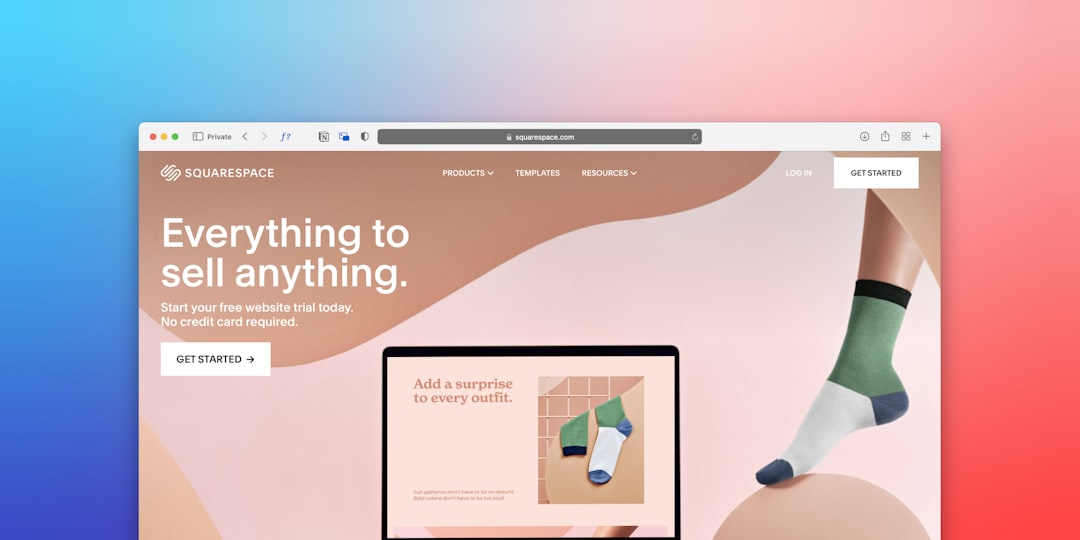
- Squarespace: Best for visually polished portfolios, restaurants, creators, and small shops that value elegant design.
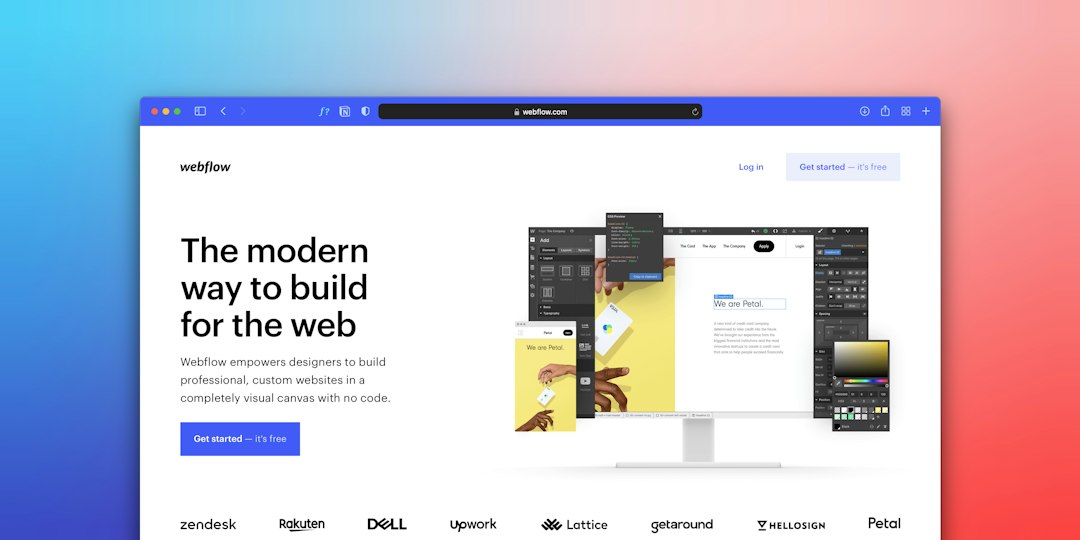
- Webflow: Better for designers and agencies needing advanced layout control, animations, and highly customized front-end design.
- WordPress: A flexible choice for content-heavy sites, blogs, membership sites, and businesses that want ownership and extensibility.
- Shopify: The stronger option for serious ecommerce stores that need inventory tools, payment integrations, and scalable online selling.
- Duda: A practical alternative for agencies building client websites at scale with collaboration and client management features.
Who Should Use Snapps?
Snapps is a good fit for businesses that need a professional website without a complicated development process. It is especially suitable for local service companies, consultants, solo professionals, and small agencies that build brochure-style websites or lead generation pages.
It may not be the best choice for organizations that need unusual custom features, large-scale ecommerce, advanced database functionality, or complete control over every technical layer. In those cases, WordPress, Shopify, Webflow, or a custom-coded solution may be more appropriate.
Final Verdict
Snapps is a practical website builder for users who value speed, simplicity, and conversion-focused design. Its strongest appeal is not that it offers unlimited creative freedom, but that it helps businesses get online with clean templates, manageable editing tools, and less technical overhead.
For small businesses and agencies, Snapps can be a smart choice if the goal is to publish reliable, professional websites efficiently. Before committing, buyers should compare pricing, support, export options, SEO controls, and integrations against their long-term needs. If those requirements align, Snapps can be a productive platform for building modern business websites.
FAQ
Is Snapps good for beginners?
Yes. Snapps is suitable for beginners because it emphasizes visual editing, templates, and simplified website management rather than coding or server setup.
Can agencies use Snapps for client websites?
Agencies may find Snapps useful for producing business websites quickly and consistently, especially when clients need service pages, landing pages, and lead forms.
Does Snapps include templates?
Snapps offers template-based website creation, with layouts designed for professional business websites. Users should customize images, copy, colors, and calls to action for the best result.
How much does Snapps cost?
Pricing can vary by plan, billing period, and account type. Prospective users should check the official Snapps pricing information and confirm what is included, such as hosting, support, and website limits.
What is the best Snapps alternative?
The best alternative depends on the use case. Wix is strong for beginners, Squarespace for polished design, Webflow for advanced visual control, WordPress for flexibility, and Shopify for ecommerce.