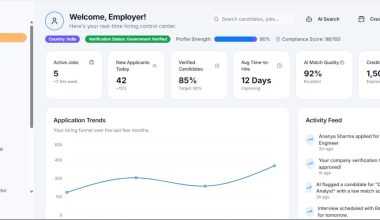
Google Stitch 2.0 is best treated as an AI starting point, while Figma remains the safer production workspace for serious product teams. Stitch can turn prompts, rough ideas, and screenshots into interface concepts quickly. Figma is still stronger for design systems, team review, prototyping, developer handoff, and long-term product work.
TLDR: Use Google Stitch 2.0 when you need fast AI-generated UI options, especially during early discovery. Use Figma when the design must survive reviews, component rules, accessibility checks, and handoff. For example, a three-person startup team might create 8 mobile screen concepts in Stitch in under an hour, then spend 2 to 3 hours cleaning and organizing the final direction in Figma instead of designing every screen from zero.
What Google Stitch 2.0 is trying to solve
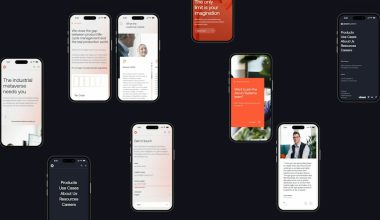
Google Stitch 2.0 is aimed at one clear pain point: getting from idea to interface faster. Instead of opening a blank canvas, a designer or founder can describe an app screen and receive a visual UI draft. That changes the first hour of work. It gives teams something to argue with, edit, reject, or refine.
This matters because early product design is often messy. Teams waste time debating vague ideas. A generated screen can make the discussion more concrete. If the prompt is clear, Stitch can produce usable layouts for dashboards, onboarding flows, ecommerce screens, admin panels, and mobile app concepts.
The catch is that generated design is not the same as finished design. AI tools can make a screen look polished before the structure is sound. Spacing may feel off. Components may not match your product rules. Accessibility may need review. Brand accuracy can drift.
Where Stitch 2.0 feels stronger than Figma
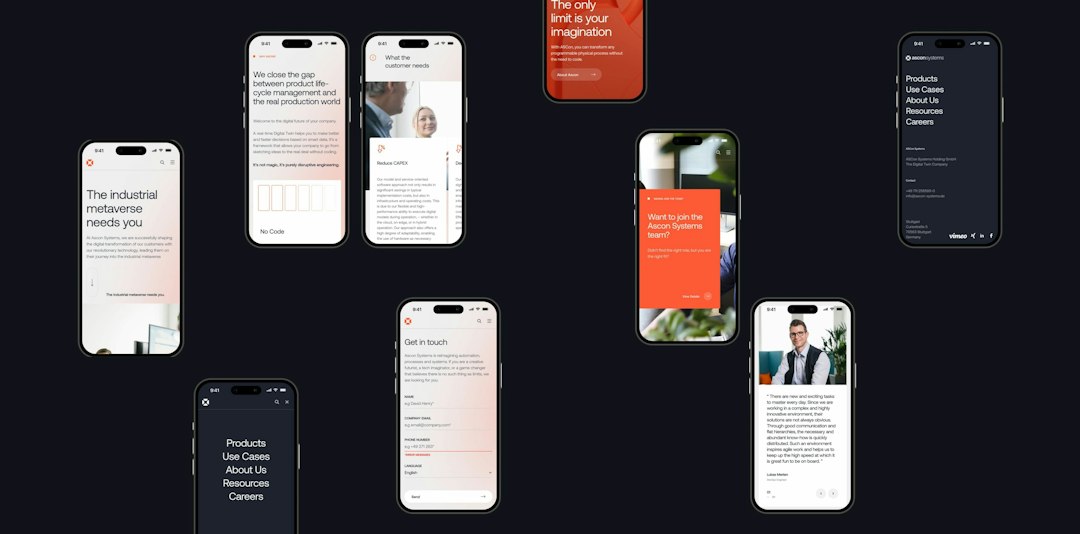
Stitch is strongest at speed and variation. It is useful when the question is not “Is this final?” but “What are our options?” A product manager can ask for a finance dashboard. A founder can request a booking app. A designer can test three different visual directions before committing to one.
- Prompt to UI: Stitch can create screens from natural language. This lowers the start-up cost of design work.
- Fast concept generation: It can produce multiple directions quickly, which helps in early planning.
- Useful for non-designers: Teams without a full design staff can create a first draft without staring at a blank file.
- Good for ideation: It helps turn rough product thinking into something visible.
For small teams, that is a real gain. A founder preparing a pitch deck does not always need a perfect component library. They may need five believable screens by Friday. Stitch can help there.
It also gives designers a faster way to test weak ideas. That sounds unglamorous, but it is useful. Bad concepts become obvious faster when they are visible. Expect to waste less time polishing a direction that should have been killed in the first meeting.
Where Figma still wins
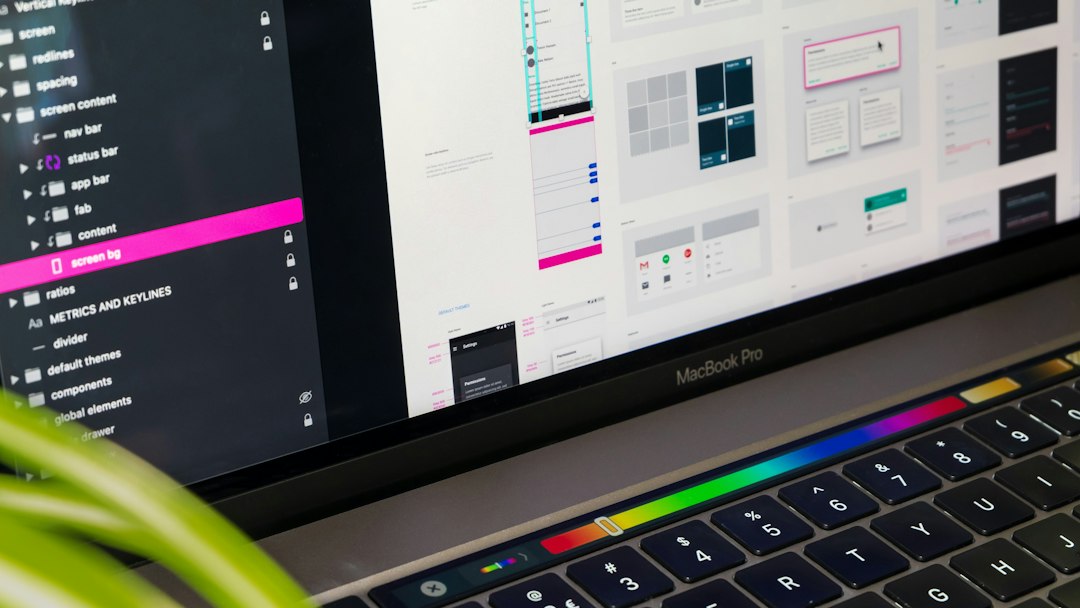
Figma remains the better tool once the work becomes serious. That means collaboration, version control, design systems, responsive behavior, accessibility checks, developer specs, and stakeholder review. In real product teams, those details decide whether a design moves cleanly into production.
Figma is not just a canvas. It is a shared workspace. Designers, engineers, product managers, researchers, and executives can comment, inspect, branch, compare, and refine. That process is hard to replace with a generator.
- Design systems: Figma handles components, variants, tokens, styles, and reusable patterns well.
- Team collaboration: Comments, permissions, sharing, and review flows are mature.
- Prototyping: Figma supports clickable flows that help test user journeys.
- Developer handoff: Specs, measurements, assets, and CSS-like values are easier to manage.
- File history: Teams can track design changes and avoid losing important decisions.
Honestly, it feels like AI tools often skip the boring parts that make product design usable. Naming layers. Reusing components. Respecting edge cases. Keeping buttons consistent. Figma is better at that work because it was built around production habits, not only fast output.
Google Stitch 2.0 vs Figma: practical comparison
| Area | Google Stitch 2.0 | Figma |
|---|---|---|
| Best use | Early AI-generated UI concepts | Full product design and handoff |
| Speed | Very strong for first drafts | Fast for trained designers, slower for new ideas from zero |
| Control | Limited compared with manual design tools | High control over every detail |
| Collaboration | Useful, but less proven for deep team workflows | Industry standard for design teams |
| Design systems | Helpful for exploration, weaker for strict systems | Strong component and style management |
| Production readiness | Needs review and cleanup | Better suited for final product work |
When to use Google Stitch 2.0
Use Stitch when speed matters more than precision. It is a good fit for workshops, early product briefs, internal demos, pitch materials, and quick experiments. It can also help teams compare visual directions before assigning a designer to refine the winner.
A practical workflow might look like this:
- Write a clear prompt with product type, user goal, platform, tone, and key sections.
- Generate several versions instead of accepting the first result.
- Pick the strongest structure, not just the prettiest visual style.
- Move the best option into Figma for cleanup, system alignment, and review.
- Test the flow with real users or internal stakeholders.
This workflow treats AI as a design accelerator, not a design authority. That distinction matters. AI can suggest. Your team still has to decide.
When to stay in Figma
Stay in Figma when the product already has a design system, active engineering work, or strict brand rules. Also stay in Figma when small details really matter. Enterprise software, fintech apps, healthcare products, and government services need careful review. A pretty AI mockup is not enough.
Figma is also better when multiple people must work in the same file. If a designer changes a component, the update can carry across many screens. If a product manager leaves comments, the discussion stays close to the work. If an engineer inspects spacing, they can do it without asking for a separate export.
The AI question: can Figma catch up?
Figma has been adding AI features, and that matters. Its advantage is context. If AI works inside the same file where your components, comments, and styles already exist, the output can become more useful. The best AI design tool may not be the one that creates the flashiest first draft. It may be the one that understands your system.
That is why the Stitch vs Figma question is not simple. Stitch may feel faster at the start. Figma may save more time later. A generated screen that takes 10 minutes to create can still cost two hours to repair if the structure is poor.
Final recommendation
Use Google Stitch 2.0 for ideation, not final ownership. It is valuable when you need quick concepts, alternate layouts, or visual starting points. It can reduce blank-canvas friction and help teams make early decisions faster.
Use Figma as the source of truth. It is still the safer choice for polished product design, shared systems, feedback, QA, and handoff. The strongest workflow is not Stitch or Figma. It is Stitch first, Figma second.
For most professional teams, that split is the most realistic answer. Let AI speed up the rough draft. Let disciplined design tools carry the product to release.