Block an IP address at the closest point to the risk. Use firewall rules when you need precise control on a server, workstation, or application host. Use router-level blocking when you want to stop traffic before it reaches devices inside your network.
TLDR: Firewall rules are best for targeted blocking, such as denying one IP from accessing a web server while leaving other services untouched. Router-level blocking is better when a whole home or office network needs protection from the same source. For example, a small office seeing 2,400 failed login attempts in 24 hours from one foreign IP should usually block it at the router first, then add host firewall rules on exposed servers. In most cases, a layered approach cuts noise fast and reduces the load on internal systems.
What IP Blocking Actually Does
Blocking an IP address tells a device to reject traffic from a specific source or destination. That device may be a server, laptop, firewall appliance, cloud security group, or router. The block can apply to all traffic or only to certain ports and protocols.
For example, you could block 203.0.113.45 from reaching your entire network. Or you could block that same IP only from accessing port 22, which is commonly used for SSH. The second option is more precise. The first option is simpler.
This matters because not all unwanted traffic is equal. A noisy scanner is different from a known abusive host trying to log into your system every few seconds.

Firewall Rules: Best for Precision
A firewall rule works on a specific device or security layer. On a Linux server, that might mean iptables, nftables, or ufw. On Windows, it may be Windows Defender Firewall. In cloud platforms, it may be a security group or network access control list.
Firewall rules are useful when you need control over:
- Source IP: who is sending the traffic.
- Destination port: which service they are trying to reach.
- Protocol: TCP, UDP, or ICMP.
- Direction: inbound or outbound traffic.
- Logging: whether attempts should be recorded.
A firewall rule can block one IP from your web admin panel while still allowing normal site visitors. That is useful when the problem is specific and you do not want to break valid traffic.
Example: If an IP is abusing your WordPress login page, you can block that IP from reaching ports 80 and 443 on the web server. Other internal devices will not be affected.
The catch is that firewall tools can feel oddly hostile. One wrong rule order, and suddenly a block does nothing. Or worse, you lock yourself out of SSH and spend 20 minutes fixing a mistake that took 10 seconds to create.
Router-Level Blocking: Best for Network-Wide Control
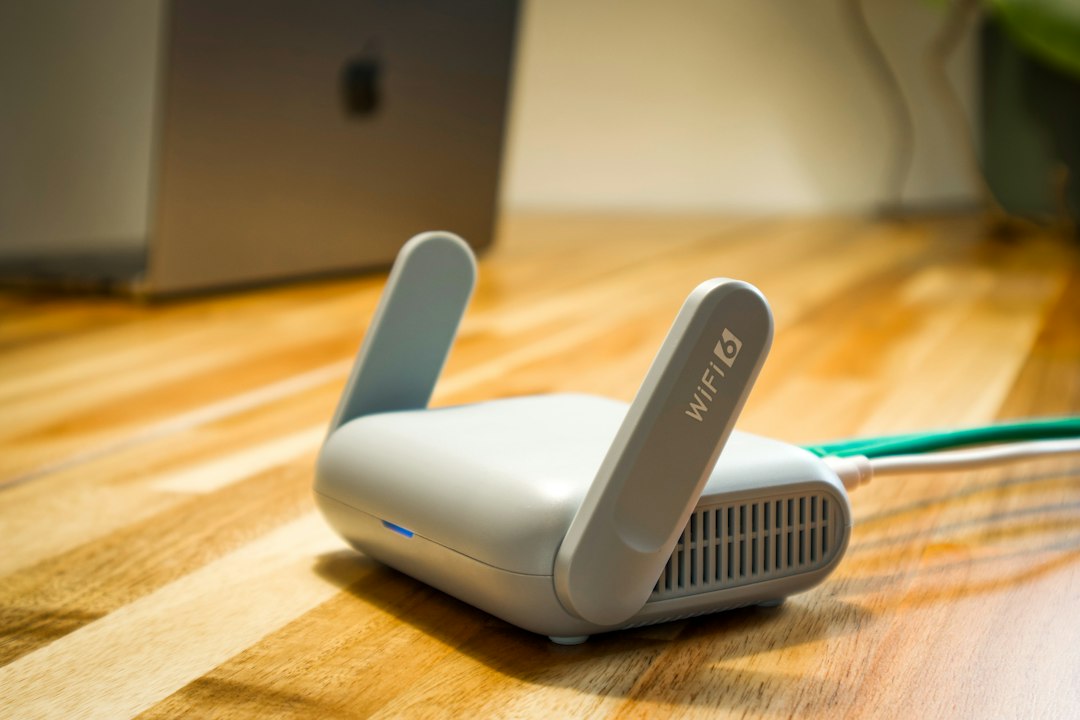
Router-level blocking happens before traffic reaches your computers, servers, printers, cameras, or other devices. This is usually done on a home router, business router, or dedicated edge firewall.
This option is useful when the same IP is causing trouble across the network. If a malicious host is probing several internal systems, blocking it at the router saves each device from handling that traffic.
Router-level blocking works well for:
- Stopping repeated scans from known bad IPs.
- Blocking traffic to or from a specific external address.
- Protecting devices that have weak built-in security.
- Reducing logs and alerts across multiple systems.
- Applying one rule to many devices at once.
Still, router blocking can be blunt. Many consumer routers offer only basic controls. Some only block outbound access. Others hide security options behind vague menus like Access Control, Security, or Parental Controls. It drives me crazy that two routers from the same brand can place the same setting in completely different places.
Firewall Rules vs Router Blocking: Key Differences
| Factor | Firewall Rules | Router-Level Blocking |
|---|---|---|
| Scope | One device, server, or cloud resource | Whole network or subnet |
| Control | Highly specific | Often broader |
| Best use | Protecting a service or host | Stopping traffic before it enters the network |
| Risk | Can block needed access to one system | Can affect many users at once |
| Logging | Usually detailed | Depends on router quality |
When to Use Firewall Rules
Choose firewall rules when the issue is tied to a specific machine or service. This is common for servers exposed to the internet.
Good cases include:
- A single IP is attacking SSH on one server.
- An abusive client is scraping one website.
- You need to block access to a database port.
- You want to allow an IP for one service but deny another.
- You need detailed logs for later review.
Firewall rules are also the better choice in cloud hosting. In AWS, Azure, Google Cloud, and similar services, security groups and network rules often act like virtual firewalls. They are built for this work.
When to Use Router-Level Blocking
Choose router-level blocking when the unwanted source should not reach any internal device. This is common in small offices, retail sites, and homes with many connected devices.
Good cases include:
- An IP is scanning many devices on your public address.
- You want to block traffic before it hits older systems.
- Several computers report alerts from the same source.
- You manage a small network and need one central rule.
- You want to reduce load on internal firewalls.
For a business, this can cut alert volume quickly. If 12 endpoints each log 200 probes from the same IP, that is 2,400 events. A router block can stop the repeat traffic near the edge and keep logs cleaner.
How to Block an IP Address Safely
Before blocking, confirm the IP address. Do not rely on one odd log line. Check timestamps, ports, request types, and frequency. A mistyped IP can block a customer, vendor, remote worker, or monitoring service.
- Identify the IP: collect it from firewall logs, server logs, or security alerts.
- Check ownership: use WHOIS or an IP reputation service.
- Decide the scope: one device or the whole network.
- Create the rule: deny inbound traffic from that IP, or block the specific port.
- Log the action: record why the block was added and when.
- Test access: confirm normal users and services still work.
- Review later: remove stale rules that no longer serve a purpose.
Common Mistakes to Avoid
Blocking without proof is risky. Shared IPs, VPN services, mobile carriers, and cloud providers may place many users behind the same address. Blocking one IP could block more than one person.
Forgetting IPv6 is another common miss. If your network uses IPv6, blocking only the IPv4 address may leave another route open.
Using too many manual blocks becomes messy. A long list of old rules is hard to audit. It may also slow troubleshooting. Use labels, comments, or change records when possible.
Relying only on IP blocking is weak security. Attackers can change IPs. Botnets may use thousands of sources. IP blocking helps, but it should sit beside strong passwords, multi-factor authentication, rate limiting, updates, and proper access control.
Best Practice: Use Both, but With Care
The strongest setup often uses both methods. Place broad, high-confidence blocks at the router or edge firewall. Then use host firewall rules for sensitive systems that need tighter controls.
A practical setup might look like this:
- Router: block known hostile IPs from reaching the network.
- Server firewall: restrict SSH to approved admin IPs only.
- Application layer: rate-limit login attempts.
- Monitoring: alert when a blocked IP keeps trying.
This approach gives you coverage without turning every rule into a network-wide decision. It also limits damage from mistakes. If a server rule is wrong, one service may be affected. If a router rule is wrong, the whole office may feel it.
Bottom line: use router-level blocking to stop unwanted traffic early, and use firewall rules when accuracy matters. Keep records, test each change, and review old blocks. Blocking an IP is simple. Blocking the right IP, in the right place, for the right reason, is what protects the network without creating new problems.