Enterprise teams should usually use Figma for shared design systems and product screens, then add Axure or a specialist prototyping tool when workflows become logic-heavy. Figma wins on speed, collaboration, and interface consistency. Axure wins when a product needs realistic rules, conditional paths, data states, and ugly edge cases that simple clickable prototypes fail to explain.
TLDR: For most enterprise UI/UX work, Figma should be the main design hub, while Axure should support complex simulations. For example, a claims management team redesigning a 12-step approval flow for 700 internal users may build the interface library in Figma, then test exception handling in Axure. In one common enterprise scenario, teams can cut review cycles by 25–35% when design systems, prototypes, and notes stay organized by role and workflow.
Why Enterprise UI/UX Design Is Different
Enterprise products are rarely simple. They often include permissions, audit trails, bulk actions, tables, filters, role-based dashboards, integrations, alerts, and approval chains. A consumer app may need a clean signup flow. An enterprise platform may need a pricing matrix with 40 fields, 8 user roles, and 15 error states.
That changes the way design tools are judged. Pretty screens are not enough. A tool must help teams explain how a system behaves when data is missing, access is blocked, or a manager sends a record back for correction.
Honestly, it feels like some tools were built for landing pages first and business software second. That does not make them useless. It means enterprise teams must pick the right mix.
Figma: Best for Collaboration and Design Systems
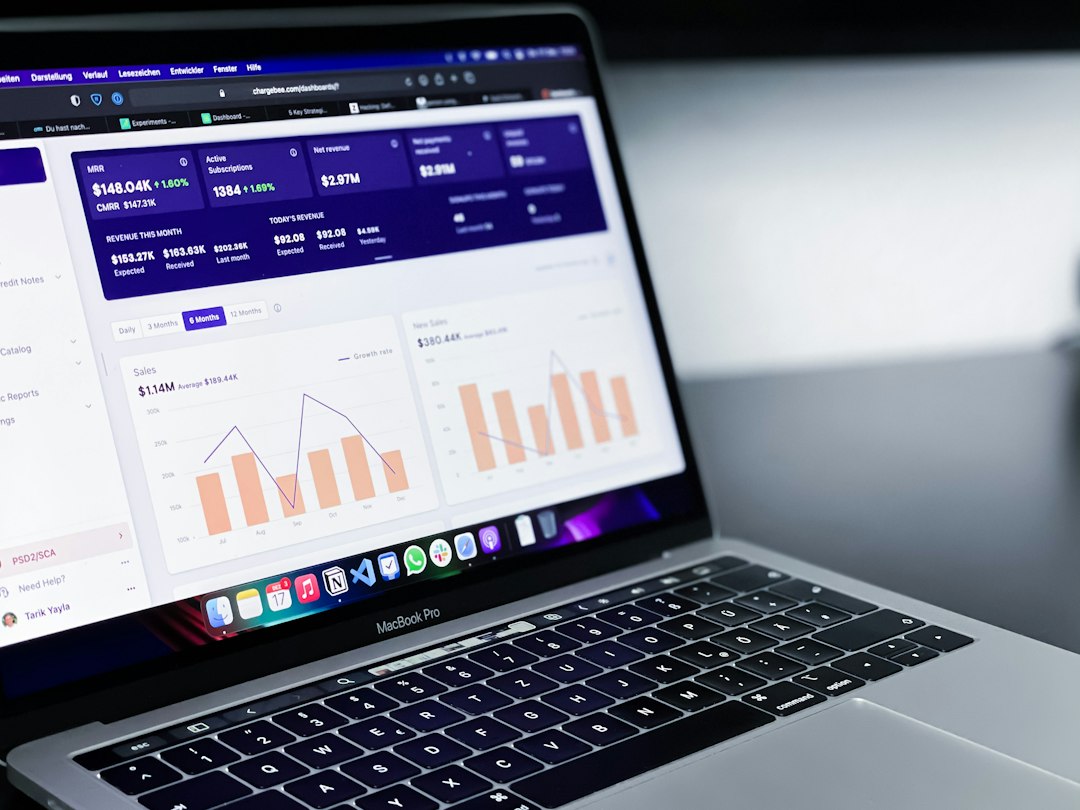
Figma is the strongest default tool for enterprise UI design. It works well when many designers, product managers, engineers, analysts, and stakeholders need to review the same product area. Files are easy to share. Comments are simple. Components can be reused across many screens.
For enterprise products, Figma is especially strong in these areas:
- Design systems: Buttons, forms, tables, modals, tabs, and alerts can be standardized across teams.
- Real-time collaboration: Product and engineering teams can inspect work without exporting files.
- Auto layout: Designers can create cleaner responsive structures for dense interfaces.
- Component variants: Complex UI states can be grouped and reused.
- Dev handoff: Engineers can inspect spacing, styles, and assets in one place.
Figma is ideal for dashboards, admin panels, CRM screens, ERP workflows, HR platforms, banking portals, and internal tools. It helps large teams keep visual rules consistent. That matters when a product has hundreds of screens.
The weak spot is advanced interaction logic. Figma prototypes are good for common flows. They are less convincing when testing conditional rules, calculations, variable data, or form behavior across many cases. Teams can fake these flows, but the file often gets messy.
Axure: Best for Logic, Rules, and Complex Prototypes
Axure is built for serious prototyping. It is not as smooth or social as Figma, but it handles complexity better. When a designer needs conditional logic, generated values, interactive tables, variables, and realistic form states, Axure is usually the better option.
Enterprise teams use Axure when a prototype must act more like software. For example, an insurance workflow may need different outcomes based on claim type, risk score, user permission, and missing documents. A simple click-through prototype cannot show that clearly.
Axure works well for:
- Multi-step forms with validation and branching.
- Role-based experiences for admins, managers, agents, and auditors.
- Data-heavy screens with sorting, filtering, and editable rows.
- Workflow testing before engineering invests in build work.
- Usability studies where realistic behavior matters.
The annoying bit is speed. Axure can take longer to set up, especially for teams used to Figma. A dropdown with conditional states might take 30 seconds in Figma and several minutes in Axure if the logic is detailed. Still, that extra setup can prevent weeks of confusion later.
Figma vs Axure: The Practical Comparison
| Criteria | Figma | Axure |
|---|---|---|
| Best use | UI design, systems, collaboration | Advanced prototypes, logic, rules |
| Collaboration | Excellent | Moderate |
| Design systems | Very strong | Limited compared with Figma |
| Complex interactions | Basic to moderate | Very strong |
| Learning curve | Lower | Higher |
| Enterprise fit | Best for the main design workflow | Best for complex validation |
The best answer is rarely one tool. A mature enterprise design team often uses Figma as the source of truth and Axure for high-risk interactions. That split keeps visual design clean while still giving product teams a way to test hard logic.
Other Tools Worth Considering
Several other tools can support complex enterprise work. None fully replace Figma and Axure together, but each can solve a specific problem.
- UXPin: Useful for design systems tied to coded components. It works well when designers and engineers want tighter parity between design and implementation.
- ProtoPie: Strong for advanced interactions, device behavior, and sensor-based prototypes. Less common for dense enterprise admin tools, but powerful for specialized products.
- Adobe XD: Still present in some organizations, though many teams have moved away due to weaker ecosystem growth.
- Sketch: Good for Mac-based teams, but weaker for mixed, remote enterprise collaboration compared with Figma.
- Balsamiq: Useful for early wireframes. It helps teams avoid arguing about colors when the flow is still unclear.
- Miro or FigJam: Best for journey maps, service blueprints, workshop notes, and product discovery.
- Storybook: Not a design tool, but vital for enterprise UI systems. It documents coded components for engineering and QA.

How Enterprise Teams Should Choose
The tool choice should follow product risk. If the main risk is inconsistent UI, Figma should come first. If the main risk is misunderstood behavior, Axure deserves a role. If the risk is engineering drift, Storybook and coded components should join the process.
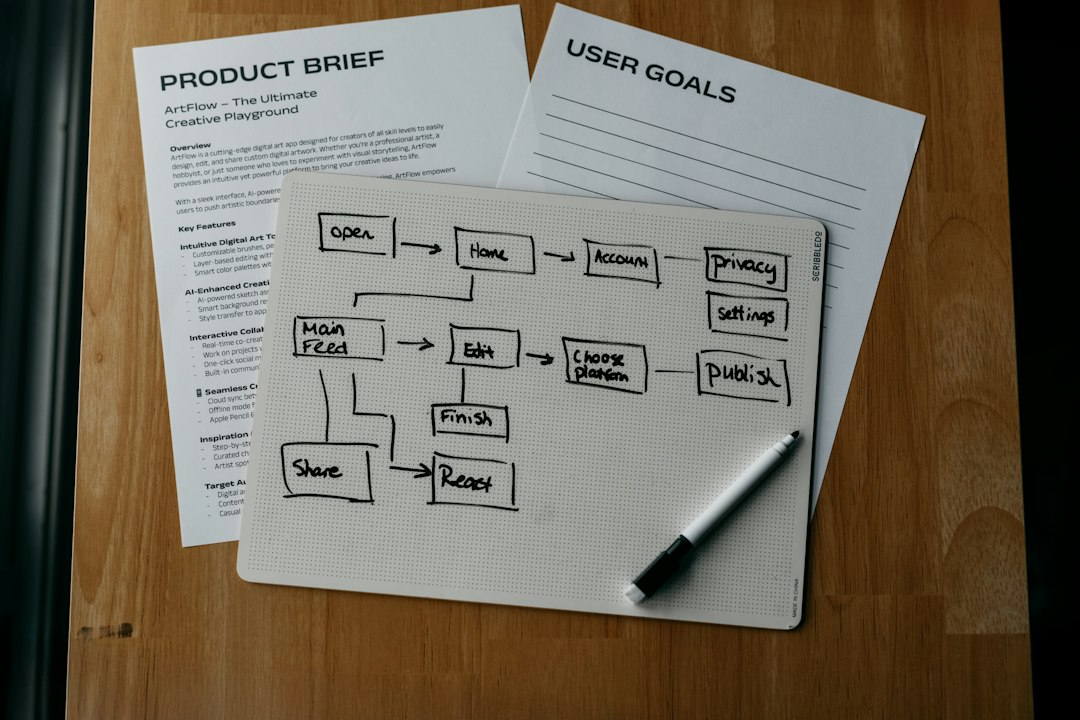
A practical workflow may look like this:
- Map the workflow in FigJam or Miro.
- Create wireframes in Figma or Balsamiq.
- Build the UI system in Figma.
- Prototype complex logic in Axure or UXPin.
- Document coded components in Storybook.
- Test with users before development scales up.
This workflow is not glamorous. It is practical. It also reduces the classic enterprise mess: five teams designing five versions of the same table, each with different filters, spacing, and error messages.
Common Mistakes in Enterprise Design Tooling
One common mistake is forcing every task into one tool. Figma can hold many flows, but it should not become a junk drawer for every product decision. Axure can model rules, but it should not become the main visual design platform for a large UI system.
Another mistake is ignoring governance. Enterprise design systems need owners, naming rules, version control, contribution standards, and review habits. Without those, even the best tool turns into clutter.
Teams should also avoid over-prototyping. Not every screen needs advanced behavior. A static mockup may be enough for a settings page. A loan approval engine, on the other hand, may need a realistic Axure prototype before engineers touch it.
Final Recommendation
Figma should be the core tool for enterprise UI/UX design. It is faster, easier to share, and better for maintaining a consistent product experience. Axure should be added when workflow logic becomes too complex for standard prototyping. Other tools should fill clear gaps, not create more process noise.
The strongest enterprise teams do not chase the trendiest software. They build a tool stack that matches the product’s complexity, the team’s skills, and the cost of getting decisions wrong.
FAQ
Is Figma better than Axure for enterprise UI/UX design?
Figma is better for most enterprise UI design work, especially design systems, collaboration, and interface consistency. Axure is better for advanced prototypes with logic, variables, and conditional flows.
Should enterprise teams use both Figma and Axure?
Yes, many teams should. Figma can act as the main design workspace, while Axure can support complex workflows that need realistic behavior before development starts.
When should a team choose Axure over Figma?
Axure is the stronger choice when a prototype needs calculations, branching paths, form validation, editable tables, or role-based logic. It is useful when stakeholders must understand how the system behaves, not just how it looks.
Is Figma enough for complex SaaS products?
Figma is enough for many SaaS screens and flows. It may fall short when deep business rules, multi-step approvals, or data-heavy interactions need to be tested in detail.
What tools support enterprise design systems?
Figma, UXPin, and Storybook are common choices. Figma supports visual design systems, UXPin can connect design and coded components, and Storybook helps engineering teams document real UI components.
What is the best tool stack for enterprise product design?
A strong stack often includes Figma for UI design, FigJam or Miro for mapping, Axure for complex prototypes, and Storybook for coded component documentation.