Use Apollo.io if you need leads and emails fast. Use LinkedIn Sales Navigator if you need better prospect research and warmer outreach. The best small B2B setup is often both, but only if your team has a clear process. Apollo says it has over 275 million contacts and 73 million companies in its database [source: Apollo]. That matters when your pipeline feels dry by Tuesday.
TLDR: Apollo.io is better for building outbound lists, finding emails, and running cold email sequences. LinkedIn Sales Navigator is better for finding the right people, checking job changes, and spotting warm paths into target accounts. Example: a 3-person B2B team might use Apollo to build a list of 2,000 accounts, then use Sales Navigator to pick the top 300 with the best fit. That can turn random outreach into a weekly pipeline habit.
What each tool is really for
Apollo.io is a sales data and outreach tool. It helps you find companies. It helps you find people. It gives you emails, phone numbers, filters, sequences, and CRM sync.
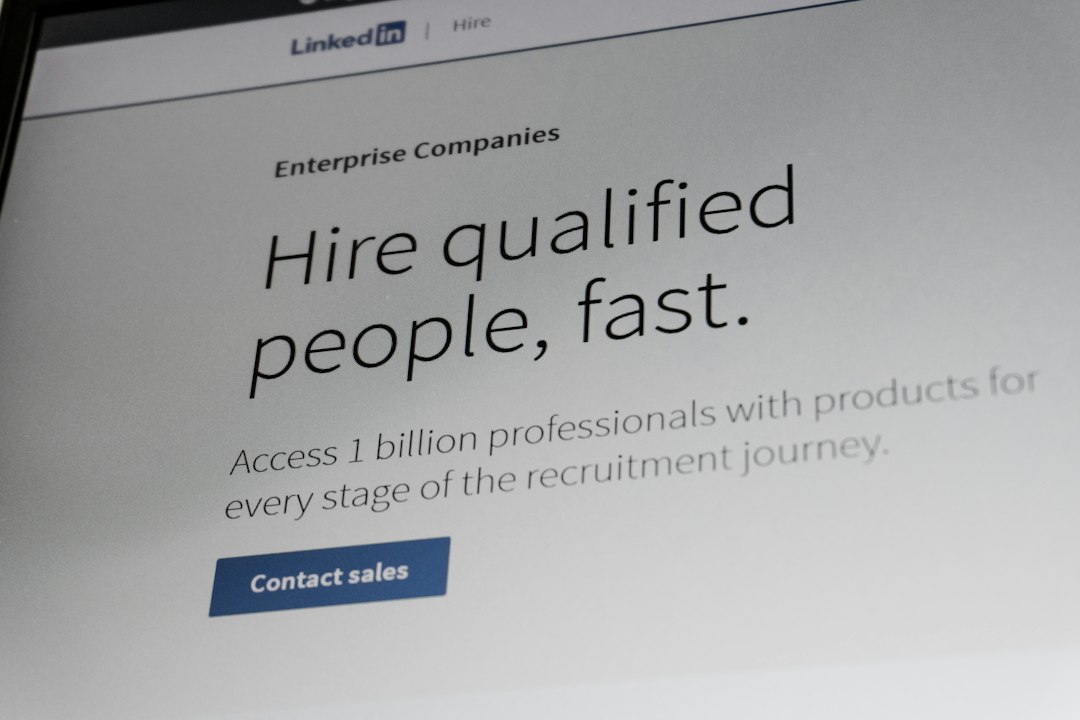
Sales Navigator is a LinkedIn prospecting tool. It helps you search LinkedIn with more filters. It shows company updates, job changes, shared connections, and buying signals.
Think of it like this:
- Apollo.io: “Who can I contact this week?”
- Sales Navigator: “Who is worth contacting, and why now?”
Small B2B teams need both answers. But they also need sleep. So let’s keep this simple.

Quick comparison
| Feature | Apollo.io | LinkedIn Sales Navigator |
|---|---|---|
| Best use | Lead lists and outbound email | Prospect research and social selling |
| Contact data | Emails and phone numbers | LinkedIn profiles, not direct emails |
| Outreach | Email sequences built in | InMail and LinkedIn messaging |
| Best for | High-volume prospecting | Account research and warm outreach |
| Big annoyance | Some data can be wrong | Getting contacts into email tools can feel clunky |
When Apollo.io wins
Apollo wins when your team needs more conversations. Not someday. This week.
You can search by job title, company size, industry, location, tech used, hiring signals, and more. Then you can save a list. Then you can push it into a sequence.
That is huge for small teams.
You do not need a separate data vendor. You do not need a separate cold email tool. You do not need ten tabs open like a stressed-out raccoon.
Apollo is strongest when you sell to a clear market. For example:
- HR software for companies with 50 to 500 employees
- Cybersecurity services for SaaS companies
- Accounting support for funded startups
- Logistics software for warehouse operators
If your ideal customer profile is clear, Apollo can help you build a steady list every week.
Here is a simple Apollo workflow:
- Pick one target segment.
- Build a list of 500 companies.
- Find 2 to 3 contacts per company.
- Remove bad fits.
- Send a 4-step email sequence.
- Book calls.
- Review replies every Friday.
The catch is that Apollo data is not perfect. Some emails bounce. Some titles are old. Some people left the company months ago. Expect to waste time cleaning lists if you skip review.
When Sales Navigator wins
Sales Navigator wins when your deal needs trust. It is great for higher-ticket B2B sales. It is also useful when the buyer is hard to reach by email.
It helps you find people based on role, seniority, company growth, recent posts, and shared contacts. You can save leads. You can save accounts. You can track changes.
This is where Sales Navigator shines:
- A VP of Sales changed jobs last month.
- A company is hiring 20 new support reps.
- Your old customer now works at a target account.
- A founder keeps posting about a pain you solve.
That is useful gold. Not “spray and pray” gold. Actual sales gold.
It drives me crazy that Sales Navigator does not make clean email outreach simple. You can find the right person, but then you still need a way to contact them outside LinkedIn. InMail can work, but it is limited. Also, many buyers ignore it.
The best setup for a small B2B company
If you can afford both tools, use them together.
Here is the clean setup:
- Use Sales Navigator to find accounts and buyers that match your ideal customer.
- Use Apollo to enrich those contacts with emails and phone numbers.
- Use Apollo sequences to send simple outreach.
- Use LinkedIn to warm up the same people with profile views, comments, and connection requests.
- Track all activity in your CRM.
This gives you two channels. Email and LinkedIn. That is better than begging one channel to do all the work.
A good weekly target for a tiny sales team might look like this:
- 100 new target accounts added each week
- 250 new contacts reviewed and cleaned
- 150 personalized emails sent
- 50 LinkedIn touches made
- 5 to 10 sales calls booked
Your numbers may differ. The point is rhythm. Pipeline loves rhythm. Chaos eats it for breakfast.
If you can only choose one
Choose Apollo.io if you need pipeline now and your average deal size is small to mid-market. It gives you contact data and outreach in one place. That makes it easier to start.
Choose Sales Navigator if your deals are larger and relationship-based. If one new customer is worth $50,000 per year, you should spend more time finding the exact right buyer. Quality beats volume there.
Here is the easy rule:
- Need more leads? Pick Apollo.
- Need better account research? Pick Sales Navigator.
- Need a real outbound machine? Use both.
How to build a consistent sales pipeline
Tools do not fix a messy sales process. Sorry. Annoying, but true.
Before buying either tool, define these five things:
- Your ideal customer: Who buys fastest?
- Your trigger events: Why would they care now?
- Your offer: What problem do you solve?
- Your message: Why should they reply?
- Your weekly activity goal: What gets done every Friday?
Then build a simple pipeline system.
- Monday: Build and clean your prospect list.
- Tuesday: Send first-touch emails.
- Wednesday: Add LinkedIn touches.
- Thursday: Follow up with warm prospects.
- Friday: Check replies, calls booked, bounces, and meetings held.

Do not overcomplicate the stack
Small B2B teams often buy tools before they fix habits. That gets expensive fast.
Start with one segment. Use one offer. Write one clear email. Run it for two weeks. Then improve it.
Apollo and Sales Navigator are both strong. But they are not magic. Apollo gives you reach. Sales Navigator gives you context. Your team still needs a sharp message and steady action.
Best practical answer: start with Apollo if budget is tight. Add Sales Navigator when you need better targeting, warmer outreach, and more account insight. Together, they can help a small B2B company turn prospecting from a panic button into a repeatable pipeline engine.