Converting a YouTube video to a WAV audio file can seem like a simple technical task: paste a link, click a button, and download high-quality audio. But the real question is not just “Can I do it?” It is “Is it safe, and is it legal?” The answer depends on what you are converting, how you are doing it, and what you plan to do with the resulting audio file.
TLDR: Converting YouTube videos to WAV is not automatically illegal, but it can violate copyright law or YouTube’s Terms of Service if you download content without permission. It is generally safer and more lawful when you are converting your own videos, public domain material, Creative Commons content that allows downloads, or content you have explicit permission to use. The biggest safety risks come from shady converter websites, intrusive ads, malware, fake download buttons, and privacy tracking. If you need audio legally, use official downloads, licensed music libraries, YouTube’s own permitted tools, or creator-provided files.
What Does Converting YouTube to WAV Actually Mean?
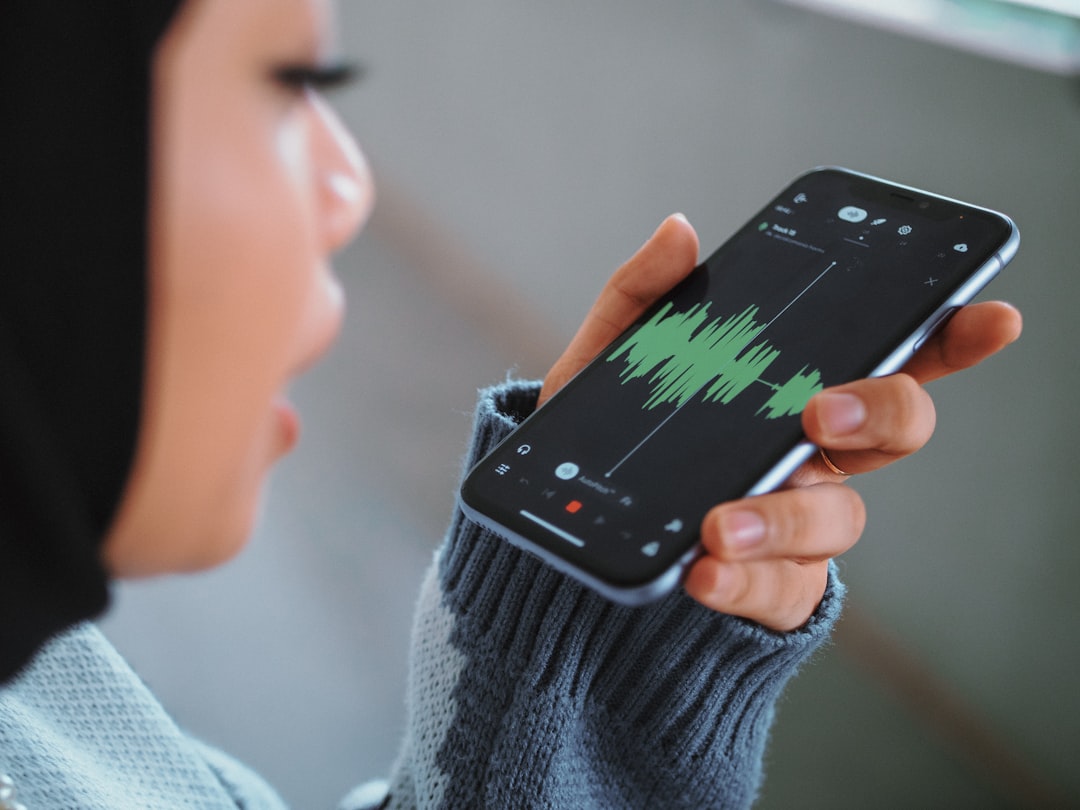
A WAV file is an uncompressed or lightly processed audio format commonly used in professional audio editing, music production, archiving, podcasting, and sound design. Compared with MP3, WAV files are usually much larger, but they can preserve more audio detail when created from a high-quality source.
When people talk about converting YouTube videos to WAV, they usually mean extracting the audio track from a YouTube video and saving it as a separate audio file. This might be done through:
- Online YouTube-to-audio converter websites
- Desktop media conversion software
- Browser extensions
- Command-line tools
- Screen or audio recording software
The technical process itself is not unusual. Audio extraction is a normal part of video editing and media production. The concern is whether the source content may legally be copied and whether the tool used to copy it is safe.
Is It Legal to Convert YouTube Videos to WAV?
The legal answer is: sometimes, but not always. Copyright law protects most music, podcasts, lectures, performances, movie clips, and other creative works uploaded to YouTube. In many countries, the copyright owner has the exclusive right to reproduce, distribute, and adapt that content. Downloading or extracting a WAV copy without permission may infringe those rights.
However, not every YouTube conversion is illegal. There are legitimate situations where converting a video to WAV may be allowed:
- You own the video: If you uploaded the content yourself and own all audio rights, converting it is generally fine.
- You have permission: A creator may explicitly allow downloads, remixing, or reuse.
- The content is public domain: Some older recordings, government works, or rights-expired materials may be free to use, depending on your country.
- Creative Commons content allows it: Some videos are licensed for reuse, though you must follow the license terms.
- Fair use or fair dealing may apply: Limited use for commentary, criticism, education, research, or parody may be permitted in some jurisdictions, but this is a complex legal defense, not a guaranteed right.
The most legally risky scenario is converting a copyrighted song, audiobook, film soundtrack, performance, or paid educational content simply because you want an offline copy. Even if you do not sell it, the act of making an unauthorized copy can still be problematic.
YouTube’s Terms of Service Matter Too
Legal copyright rules are only one part of the picture. YouTube also has its own Terms of Service. These terms generally restrict downloading content unless YouTube provides a download button, the creator makes it available, or YouTube otherwise permits it through a feature such as offline viewing in certain apps and regions.
This means an action could be questionable even if you think it might be harmless. For example, downloading a music video for personal listening may still violate YouTube’s platform rules. Terms of Service violations are not always the same as copyright infringement, but they can lead to account restrictions, blocked access, or other consequences.
In practical terms, if YouTube or the creator has not provided a legitimate way to download the audio, you should pause before using a third-party converter.
Is Converting YouTube to WAV Safe?
From a cybersecurity perspective, converting YouTube videos to WAV can be risky, especially when using random free converter sites. Many of these sites are supported by aggressive advertising, misleading buttons, pop-ups, browser notification traps, and occasionally malicious downloads.
Common safety risks include:
- Fake download buttons: A page may show several “Download” buttons, only one of which is real.
- Malware or unwanted software: Some converters push installers, toolbars, browser hijackers, or suspicious extensions.
- Phishing: A site may ask you to sign in, verify your identity, or enter personal information for no valid reason.
- Excessive permissions: Browser extensions may request access to your browsing activity, downloads, or tabs.
- Privacy tracking: Free sites may collect IP addresses, browsing behavior, pasted URLs, and device information.
- Low-quality files: Some services claim “lossless WAV” but simply convert compressed YouTube audio into a larger file without improving quality.
The last point is especially important. YouTube audio is already compressed during upload and playback. Converting it to WAV does not magically restore lost detail. It may produce a large file, but the quality is limited by the original YouTube stream.
The Myth of “High Quality” YouTube WAV Downloads
Many converter sites advertise “HD WAV” or “studio quality” audio. This can be misleading. WAV is a container and audio format, but the quality of the final file depends on the quality of the source. If the video’s audio was uploaded as a compressed file and then processed by YouTube, the extracted WAV will not be equivalent to the creator’s original master recording.
Think of it like photocopying a photocopy onto premium paper. The paper may be excellent, but the image can only be as good as the copy you started with. WAV can be useful for editing because it avoids additional compression during your own workflow, but it cannot recover information that was already removed.
If you need professional-quality music, dialogue, or sound effects, it is better to obtain the original WAV file from a licensed source, the artist, a stock audio platform, or your own recording session.
When Converting Is Usually Acceptable
There are plenty of situations where converting YouTube content to WAV is reasonable and low-risk. For example, a musician may upload a rehearsal clip to YouTube and later extract the audio for practice review. A teacher may convert their own lecture recording into WAV for transcription. A filmmaker may download audio from a private video they created to use in an editing project.
Here are examples that are generally safer:
- Personal content: You recorded, edited, and uploaded the video yourself.
- Client-approved content: You are working on media for a client who owns the rights and has authorized extraction.
- Openly licensed material: The creator uses a license that clearly allows downloading and adaptation.
- Public domain audio: The material is genuinely outside copyright protection in your jurisdiction.
- Creator download links: The video description includes an official link to WAV, stems, samples, or project files.
Even in these cases, it is wise to keep documentation. Save license pages, permission emails, screenshots of creator terms, or receipts. If you later publish a project using the audio, this evidence can be valuable.
When You Should Avoid Converting
You should be cautious or avoid conversion entirely when the content is clearly owned by someone else and no download permission is given. This includes most commercial music, concerts, music videos, audiobooks, TV clips, film scenes, paid course materials, and podcast episodes from major publishers.
It is also risky to convert videos for purposes such as:
- Uploading the audio to another platform
- Using copyrighted music in a monetized video
- Selling sound clips, samples, or remixes
- Creating an offline music library from YouTube
- Distributing converted files to friends, students, or customers
Even if your intent is not malicious, distribution increases legal exposure. A private copy may already be questionable, but sharing it can make the issue much more serious.
How to Stay Safer If You Have Permission
If you are certain you have the right to convert a YouTube video to WAV, choose your tools carefully. Avoid converter sites that bombard you with pop-ups, ask for personal information, require suspicious extensions, or force you to install unknown software.
Basic safety practices include:
- Use reputable software: Prefer well-reviewed, established media tools from official websites.
- Avoid browser extensions unless necessary: Extensions can be powerful and invasive.
- Do not enter passwords: A converter should not need your YouTube login.
- Scan downloads: Use trusted antivirus or built-in security tools.
- Check file names: A WAV file should not end in .exe, .dmg, .scr, or other executable formats.
- Use an ad blocker cautiously: It can reduce malicious ads, but it does not make a bad site trustworthy.
- Keep backups: If the audio matters, save the original video project or source file too.
Better Legal Alternatives
If your goal is simply to get good audio, there are often better options than converting YouTube videos. For music, look for official stores, artist pages, licensing platforms, or royalty-free libraries. For educational content, check whether the creator offers podcast versions, transcripts, downloadable resources, or course materials. For your own content, export the audio directly from your editing software instead of downloading it back from YouTube.
Useful alternatives include:
- YouTube Premium offline features: Available in some situations for in-app offline viewing, though not usually as standalone WAV files.
- Creator websites: Many artists and educators provide official downloads.
- Royalty-free audio libraries: These offer licenses designed for reuse in videos, podcasts, games, and ads.
- Public domain archives: Some institutions provide historical recordings that can be legally downloaded.
- Direct permission: Asking the creator may be simpler than you expect, especially for small channels.
What About Fair Use?
Fair use in the United States, and similar concepts such as fair dealing in other countries, may allow limited use of copyrighted material without permission. However, it depends on factors such as purpose, amount used, market impact, and whether the use is transformative.
For example, using a short audio excerpt in a critical video essay may be more defensible than downloading an entire album for personal listening. But fair use is evaluated case by case, and it is often decided only after a dispute arises. It is not a universal permission slip, and it does not necessarily override YouTube’s Terms of Service.
Final Verdict: Safe and Legal Only in the Right Circumstances
Converting YouTube videos to WAV is a tool, and like many tools, it can be used properly or improperly. It is most likely to be safe and legal when you own the content, have permission, follow an open license, or use public domain material. It becomes legally risky when you extract copyrighted audio without authorization, especially for redistribution, monetization, or building a personal music collection.
On the safety side, the biggest danger is not the WAV format itself. WAV files are ordinary audio files. The bigger concern is the ecosystem of unofficial converter sites and extensions that may expose you to malware, deceptive ads, privacy invasion, and unwanted software.
The smartest approach is simple: respect copyright, follow platform rules, and use trustworthy sources. If you need audio for a project, get it from a legitimate download, a licensed library, the original creator, or your own files. That way, you protect your device, your work, and the people who created the content in the first place.