Modern product teams rely heavily on internal tools to manage data, automate workflows, and centralize operations. While Retool is widely known for building internal dashboards and admin panels, it is not the only solution companies consider. Organizations often evaluate alternatives based on pricing, customization needs, scalability, deployment preferences, or developer flexibility.
TLDR: Many companies choose alternatives to Retool to gain more flexibility, lower costs, or stronger customization. Popular replacements include Appsmith, Budibase, ToolJet, Outsystems, Microsoft Power Apps, and Jet Admin. Each tool offers different strengths, from open source development to enterprise-grade automation. Choosing the right solution depends on team size, technical skill level, and long-term scalability goals.
Below are six tools companies frequently use instead of Retool for building internal tools and optimizing workflows.
1. Appsmith
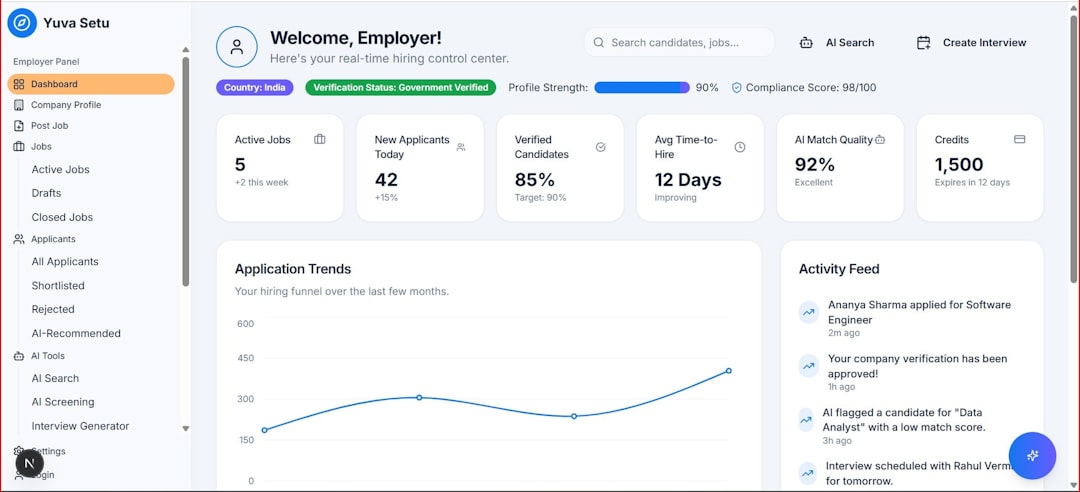
Appsmith is an open source low code platform designed for building internal dashboards and admin panels. It appeals to teams that want flexibility and control without high enterprise pricing.
Why companies choose Appsmith:
- Open source and self hostable
- Extensive API and database integrations
- JavaScript-enabled customization
- Active developer community
Engineering teams often appreciate the transparency and customization options Appsmith offers. Because it is open source, companies can modify the platform to meet security, compliance, or scalability requirements. For startups with strong technical teams, this flexibility can be a decisive factor.
However, non-technical users may find it slightly less intuitive than fully managed no code platforms. It typically works best in companies where developers are comfortable configuring backend connections.
2. Budibase
Budibase is another open source tool focused on rapid internal app development. It combines low code building with automation capabilities and database flexibility.
Key advantages include:
- Built in database or external data integration
- Automation workflows
- Self hosted and cloud options
- User friendly UI designer
Companies that value speed often gravitate toward Budibase. It allows teams to deploy CRUD apps quickly while still supporting custom workflows. Operations departments frequently use it for inventory tracking, HR systems, and finance dashboards.
Its automation features make it particularly attractive for businesses wanting to reduce repetitive manual tasks without investing in heavy enterprise software.
3. ToolJet
ToolJet is a rapidly growing open source alternative designed to build internal tools with drag and drop simplicity. It supports databases, GraphQL, REST APIs, and more.

Why organizations explore ToolJet:
- Low cost compared to enterprise platforms
- Open source flexibility
- Wide data source compatibility
- Custom components with JavaScript
ToolJet balances ease of use and developer control. Product managers can prototype interfaces quickly, while engineering teams can extend functionality with code when needed. For companies scaling quickly, this dual advantage streamlines development cycles.
Because it supports on premise deployment, it is also appealing to organizations with strict data governance policies.
4. Outsystems
Outsystems serves enterprises that need robust, scalable, mission-critical applications. Unlike lightweight internal tool builders, Outsystems is a full low code development platform.
Benefits include:
- Enterprise grade scalability
- Strong security and compliance support
- AI assisted development tools
- Advanced workflow orchestration
Large corporations choose Outsystems when internal tools evolve into customer facing systems or require deep system integration. It handles complex infrastructure demands that simpler platforms might struggle with.
The tradeoff is cost and complexity. Outsystems is typically better suited for enterprises rather than early stage startups.
5. Microsoft Power Apps
Microsoft Power Apps is part of the broader Microsoft Power Platform ecosystem. It integrates seamlessly with Azure, Office 365, SharePoint, and Dynamics.

Why companies adopt Power Apps:
- Deep Microsoft ecosystem integration
- Low code interface builder
- Enterprise security standards
- Strong workflow automation via Power Automate
For companies already operating within Microsoft’s environment, Power Apps becomes a natural alternative to Retool. It reduces friction between internal systems and leverages existing authentication and compliance structures.
Non-technical teams often find it accessible, although advanced customization may require knowledge of Power Fx formulas.
6. Jet Admin
Jet Admin focuses on business users who need fast deployment without heavy development involvement. It emphasizes simplicity and pre built components.
Core strengths:
- Quick setup with SQL and API integrations
- No code interface builder
- Role based access control
- Cloud hosted infrastructure
Companies that need operational dashboards quickly often choose Jet Admin. It bridges the gap between spreadsheets and fully custom applications. Teams in logistics, ecommerce, and customer support environments frequently rely on it for real time visibility.
The main limitation is reduced deep level customization compared to open source alternatives.
Comparison Chart
| Tool | Best For | Open Source | Ideal Company Size | Customization Level |
|---|---|---|---|---|
| Appsmith | Developer driven internal tools | Yes | Startups to Mid size | High |
| Budibase | Rapid internal app deployment | Yes | Small to Mid size | Moderate to High |
| ToolJet | Flexible open source dashboards | Yes | Startups to Enterprise | High |
| Outsystems | Enterprise grade applications | No | Enterprise | Very High |
| Power Apps | Microsoft integrated workflows | No | Mid size to Enterprise | Moderate |
| Jet Admin | Quick operational dashboards | No | Small to Mid size | Moderate |
How Companies Choose the Right Alternative
When evaluating alternatives, organizations typically consider several factors:
- Technical resources: Does the team have developers available?
- Hosting preference: Cloud only or self hosted?
- Security requirements: Are there compliance mandates?
- Budget constraints: What is the long term pricing structure?
- Scalability: Will internal tools expand into core systems?
Startups often prioritize affordability and flexibility, leaning toward open source platforms. Enterprises, on the other hand, may favor security certifications and vendor support.
Ultimately, the best choice depends on how critical internal workflows are to daily operations. Tools that seem similar at first glance can vary significantly in depth, integration, and maintainability.
FAQ
1. Why do companies look for alternatives to Retool?
Companies may seek alternatives due to pricing, the need for open source flexibility, specific deployment preferences, or integration requirements not fully supported.
2. Are open source internal tool builders better?
Not necessarily. Open source tools provide flexibility and customization but may require more engineering resources. Managed platforms often offer easier setup and support.
3. Which tool is best for startups?
Appsmith, Budibase, and ToolJet are commonly favored by startups because they offer flexibility and cost efficiency.
4. Which alternative is best for enterprises?
Outsystems and Microsoft Power Apps are popular among enterprises due to their scalability, compliance features, and infrastructure support.
5. Can non technical teams build internal tools without developers?
Yes. Platforms like Jet Admin and Power Apps are designed to minimize coding requirements and support business users.
6. What is the most important factor when choosing a tool?
The most important factor is alignment with long term business needs, including scalability, integration depth, security, and team capabilities.
As internal tools continue to shape operational efficiency, companies have more choices than ever. Evaluating these alternatives carefully ensures that workflows remain streamlined, secure, and scalable as organizations grow.