The best Pippit AI alternatives are CapCut, Canva, Adobe Express, Descript, VEED, and InVideo AI, especially if you need faster edits, better brand controls, or more flexible social video formats. Video is no longer “nice to have” for product marketing; Wyzowl reports that 91% of businesses use video as a marketing tool [source: Wyzowl]. That makes the right editor a real growth tool, not just a creative toy.
TLDR: If Pippit AI feels too narrow for your workflow, start with CapCut for short-form social videos, Canva for branded product promos, and Descript for talking-head edits. For example, a small skincare brand could turn one 90-second demo into five TikToks, three Instagram Reels, and one YouTube Short in under an hour using these tools. If your team posts 20 videos per month, saving even 15 minutes per video gives back about 5 hours of editing time.
1. CapCut: Best for fast social video editing
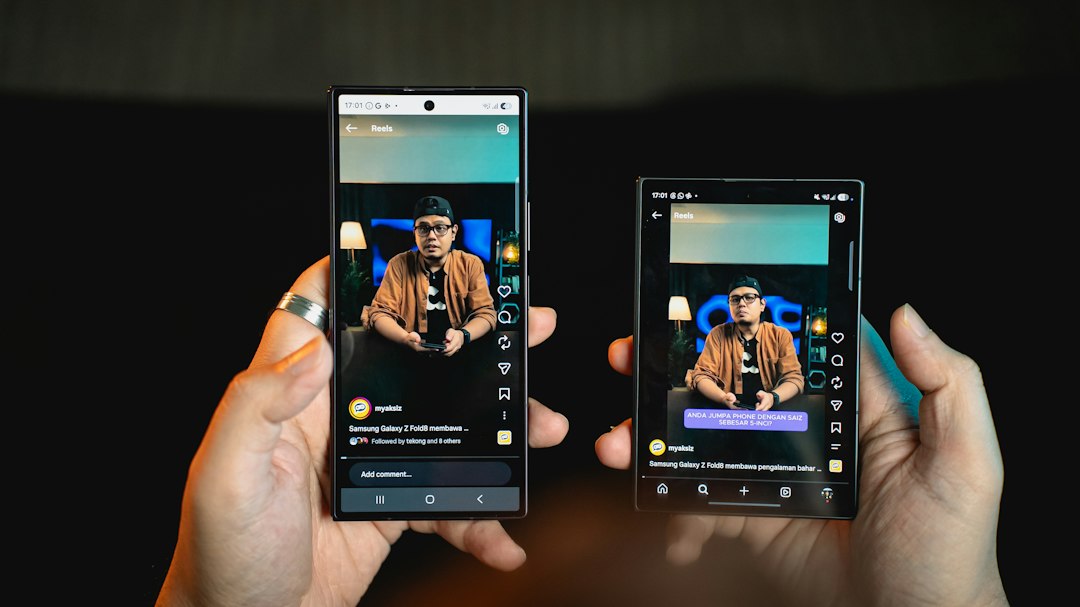
CapCut is the most natural first stop if you like Pippit AI but want more control over short videos. It is built for TikTok, Reels, Shorts, product clips, creator ads, and quick edits that do not need a full production team.
You get auto captions, background removal, templates, effects, audio tools, and clean export options. The mobile app is strong, but the desktop version is useful when you need more space to work.
- Best for: TikTok ads, Reels, product demos, influencer-style clips.
- Why it works: Fast templates and strong caption tools.
- Annoyance: Some templates feel overused, so your videos can look familiar if you do not customize them.
2. Canva: Best for branded product marketing
Canva is perfect for teams that care about brand consistency. If your product videos need the same fonts, colors, logo placement, and thumbnail style every time, Canva makes that easy.
Its video editor is not as deep as CapCut, but it shines for ads, explainers, launch posts, sale banners, and simple social videos. You can build a campaign set in one workspace: Instagram post, Reel cover, video ad, presentation clip, and email graphic.
- Best for: Product launches, promo videos, brand kits, sales campaigns.
- Why it works: Templates are clean and easy for non-editors.
- Annoyance: Video timeline editing can feel slow when projects get large.
3. Adobe Express: Best for polished marketing assets
Adobe Express is a strong Pippit AI alternative for marketers who want simple video creation with a more polished feel. It fits nicely between Canva and Adobe Premiere Pro. You do not need to be an expert, but your output can still look sharp.
It is useful for social ads, product teasers, event promos, and branded stories. You can remove backgrounds, resize content, add animations, and create quick clips for different platforms.
- Best for: Clean brand videos, product teasers, small business campaigns.
- Why it works: Good design tools and easy resizing.
- Annoyance: Some advanced options sit behind paid plans, which gets old fast.
4. Descript: Best for talking-head and demo videos
Descript is a different kind of video editor. You edit video by editing text. Delete a sentence from the transcript, and Descript cuts that part from the video. It feels strange for the first few minutes, then it clicks.
This is ideal for founders, coaches, SaaS teams, educators, and product marketers who record demos or explainers. The filler word removal is handy. So are screen recording, overdub-style voice tools, captions, and clip creation.
- Best for: Webinars, tutorials, demo videos, founder clips.
- Why it works: Text-based editing saves time.
- Annoyance: Expect to waste time cleaning transcripts if your audio is messy.

5. VEED: Best for browser-based video creation
VEED is a strong choice if you want everything in the browser. No heavy software. No confusing setup. Just upload, edit, caption, resize, and publish.
It works well for social media managers who need to turn raw clips into short content quickly. You can add subtitles, translate captions, clean audio, use templates, and make square, vertical, or horizontal versions.
- Best for: Captioned social clips, remote teams, quick repurposing.
- Why it works: Simple interface and useful browser tools.
- Annoyance: Uploading large files can take longer than expected, especially on weak internet.
6. InVideo AI: Best for turning prompts into videos
InVideo AI is useful when you want to create a video from a written idea. You can type a prompt, such as “create a 30-second Instagram ad for a vegan protein bar,” and the tool builds a draft with scenes, text, stock clips, and voiceover.
It is not perfect. You will still need to check facts, rewrite lines, and swap weak visuals. Still, for first drafts, it can save serious time. It is especially helpful for marketers who need many variants for testing.
- Best for: Ad drafts, list videos, product explainers, quick scripts.
- Why it works: Turns prompts into usable starting points.
- Annoyance: The first version often sounds generic, so do not publish without edits.
How to choose the right Pippit AI alternative
Pick based on the work you do most. If your content is mostly TikTok-style clips, choose CapCut. If brand control matters more, choose Canva or Adobe Express. If you record people talking, choose Descript. If your team works in a browser, try VEED. If you need quick video drafts from prompts, test InVideo AI.
The smartest setup may be a mix. Use Descript to cut a demo. Use Canva to package it with branded covers. Use CapCut to make punchy short clips. That workflow is simple, cheap, and fast enough for most product teams.
Final pick: CapCut is the best all-around Pippit AI alternative for social content. Canva is the safest choice for product marketing teams. Descript is the best time-saver for educational and founder-led videos.