Freedom is the best overall focus app for most travelers because it blocks distractions across devices, not just inside one cute timer. If you want something lighter and more fun, pick Forest. If travel itself motivates you, Focus Traveller feels the most on-theme. Mobile users in several major markets spent more than 5 hours per day in apps in 2023, so yes, your “quick scroll” at the airport can easily eat half your layover [source: Data.ai].
TLDR: Choose Freedom if you need serious blocking for work trips, especially when you use a laptop and phone at the same time. Choose Forest if you want a simple timer that rewards you with virtual trees and makes focus feel less grim. Choose Focus Traveller if you like the idea of turning a 25-minute session into a mini travel journey. For example, on a 3-hour train ride, four 25-minute focus sessions can give you about 100 minutes of real work with breaks built in.
Quick verdict: which focus app fits your trip?
- Best for digital nomads: Freedom
- Best for students and casual travelers: Forest
- Best for travel motivation: Focus Traveller
- Best for strict blocking: Freedom
- Best for calming visuals: Forest
Travel sounds romantic until you try to answer emails beside a gate where three people are watching loud videos. Focus apps help because they reduce choices. You set a timer, block the junk, and get moving.
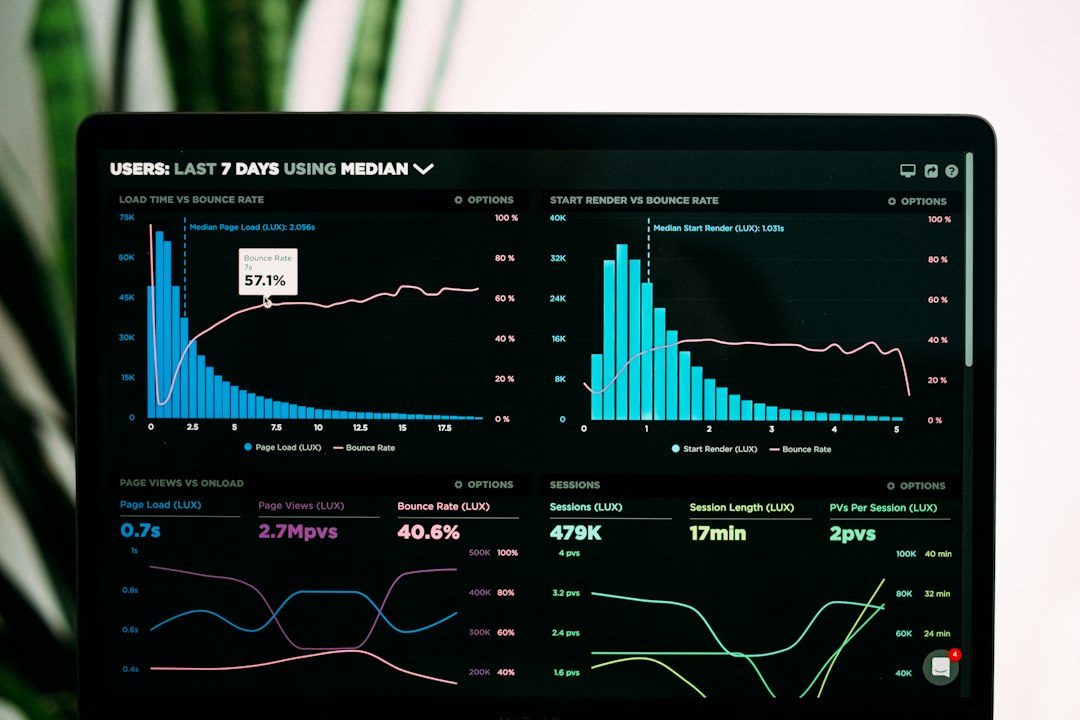
Focus Traveller: best for people who need a story
Focus Traveller is built around a simple idea: focus becomes a trip. Instead of staring at a plain countdown clock, you move through a travel-themed progress path. That small visual trick matters. It makes work feel less like punishment.
This app fits travelers who enjoy light structure. Think train rides, hotel mornings, quiet café sessions, or slow afternoons between check-in and dinner. You start a focus session, stay away from distractions, and feel like you are moving somewhere.
What works well:
- It matches the travel mood better than most productivity apps.
- The timer format is easy to understand.
- It can make short work blocks feel more rewarding.
- It suits people who hate harsh productivity tools.
What gets annoying: it may not be strict enough if your main problem is opening social apps without thinking. Honestly, it feels like a friendly coach, not a locked door. If you need real blocking, you may outgrow it fast.
Forest: best for visual motivation
Forest is probably the most charming app in this group. You plant a virtual tree when you start focusing. If you leave the session early, the tree dies. Simple. Slightly dramatic. Weirdly effective.
Forest is great for travelers because it does not require much setup. You can use it during a bus ride, while waiting for boarding, or when you need 30 minutes to plan the next day. The tree system gives you a tiny reason not to touch your phone.
Best use case: you are in a hostel lounge trying to write, but your phone keeps pulling you toward messages. Set a 25-minute Forest session. Put the phone face down. Get one task done. Repeat.

What works well:
- The design is calm and friendly.
- The reward system is easy to enjoy.
- It is good for Pomodoro-style sessions.
- It helps you notice how often you reach for your phone.
What gets annoying: Forest is strongest on phone discipline. If your real distraction is laptop tabs, news sites, or YouTube in another browser, it may not solve enough. It drives me crazy that a “focused” phone can still sit beside a wildly unfocused laptop.
Freedom: best for serious blocking
Freedom is the practical choice if you work while traveling. It can block websites and apps across several devices, which makes it more useful for remote workers, writers, founders, and anyone who says, “I’ll just check one thing,” then loses 40 minutes.
Freedom is less cute than Forest and less travel-flavored than Focus Traveller. But it is stronger. You can create blocklists for social media, shopping, news, streaming, or any site that wrecks your attention. You can also schedule sessions in advance, which is useful when your travel day has odd gaps.
Good travel setup:
- Create a blocklist called Deep Work.
- Add social feeds, video sites, and distracting news pages.
- Schedule a session for your flight, train ride, or hotel work block.
- Keep only the tools you need open.
What works well:
- It blocks distractions across more than one device.
- It is better for laptop-heavy work.
- Scheduled focus sessions reduce decision fatigue.
- It suits people who need firm rules, not gentle nudges.
What gets annoying: setup takes more effort. You may spend a few extra minutes building blocklists before your first useful session. Not a disaster, but not as instant as Forest.
Side-by-side comparison
| App | Best for | Main strength | Main weakness |
|---|---|---|---|
| Focus Traveller | Travel-themed motivation | Fun progress feeling | Limited hard blocking |
| Forest | Phone focus | Simple visual rewards | Less useful for laptop distractions |
| Freedom | Remote work and deep focus | Strong blocking across devices | More setup needed |
Which one should you choose?
If you earn money while traveling, pick Freedom. It protects your focus where the damage usually happens: browsers, apps, and multiple screens.
If you want a softer habit builder, pick Forest. It works well for reading, journaling, studying, and short creative tasks. It also feels less corporate, which is a relief.
If you want your focus sessions to feel tied to the spirit of travel, pick Focus Traveller. It is not the toughest tool here, but it may be the one you actually enjoy opening.
The best choice depends on your worst habit. If you keep touching your phone, use Forest. If you keep opening distracting websites, use Freedom. If plain timers bore you, try Focus Traveller. The right app is the one that saves your attention before the trip eats your day.