Google PhotoScan is the best free Photomyne alternative for quick phone scanning, while Epson FastFoto is the best pick for large boxes of prints. Google PhotoScan has more than 10 million downloads on Google Play, which gives families a useful signal that it is widely used for casual archiving [source: Google Play].
TLDR: Families with a few dozen loose prints should start with Google PhotoScan or Microsoft Lens. A person with 500 printed photos may save hours with an Epson FastFoto, since flatbed or phone scanning can feel painfully slow after the first 50 images. For faded faces and color damage, MyHeritage Reimagine or Vivid-Pix Restore makes more sense. For example, a family digitizing three old albums could scan with PhotoScan, then restore the best 20 portraits in a repair app.
7 Photomyne Alternatives Worth Trying
Photomyne is popular because it is simple. Still, not every family wants another subscription, auto-cropping can miss edges, and batch scanning can get messy with glossy prints. The tools below cover different needs, from fast phone scans to serious archive projects.
1. Google PhotoScan
Best for: free, simple photo scanning with glare reduction.
Google PhotoScan is a strong first choice for casual users. It guides the person through four corner captures, then blends them into one cleaner image. It works well for loose photos on a table. It is less ideal for thick albums, since the phone must move around each print.
The annoying part: scanning one photo takes several taps and a few seconds longer than a basic camera shot. That adds up fast with a shoebox full of prints.
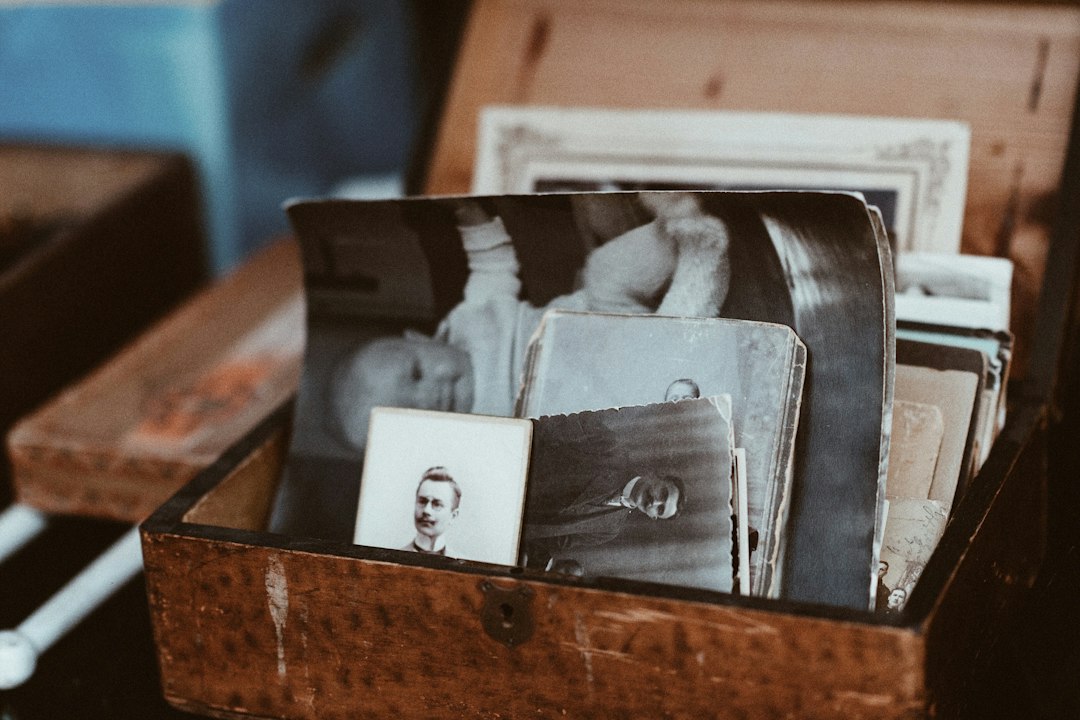
2. Microsoft Lens
Best for: mixed archives with photos, letters, cards, and documents.
Microsoft Lens is not only for office papers. It can scan old photos, crop edges, and save files to a phone or cloud storage. It is helpful when a family archive includes postcards, military papers, recipes, and school certificates next to the photos.
Its strength is order. A person can scan several keepsakes and save them as image files or PDFs. The photo repair tools are limited, though, so it is better for capture than restoration.
3. Pic Scanner Gold
Best for: scanning several printed photos at once.
Pic Scanner Gold is made for photo scanning on iPhone and iPad. It can detect and crop multiple photos from one camera shot. That makes it useful for album pages with several prints.
The app is simple and focused. It does not try to be everything. People who dislike clutter may like that. Still, results depend on lighting. Glossy photos can reflect lamps and windows, so daylight near a window often works better.
4. MyHeritage Reimagine
Best for: family history fans who want scanning plus repair.
MyHeritage Reimagine focuses on old family photos. It can scan, sharpen, colorize, and enhance faces. It also connects naturally with genealogy work, which is helpful when names and dates matter.
This is a good option for portraits of grandparents, wedding photos, and old black-and-white prints. The face enhancement can look impressive. Sometimes it can also look too polished, so families should keep the original scan as a backup.
5. Epson FastFoto FF-680W
Best for: large collections and serious digitizing projects.
The Epson FastFoto FF-680W is a physical scanner, not just an app. It is made for stacks of printed photos and can scan many images quickly. Epson lists speeds up to one photo per second at 300 dpi [source: Epson].
This is the tool for the person who inherited five boxes of prints and feels tired just looking at them. It costs more than an app, but it can turn a weekend project into something realistic.

6. ScanCafe
Best for: people who want someone else to do the work.
ScanCafe is a mail-in scanning service. Families pack photos, slides, or negatives, send them away, and receive digital files back. This can be a relief for people with fragile prints or film formats they cannot scan at home.
The tradeoff is trust and time. The photos leave the house, which may make some families nervous. The wait can also feel long when the images are special. Still, for big collections, a service may prevent months of unfinished scanning.
7. Vivid-Pix Restore
Best for: restoring color, contrast, and faded details.
Vivid-Pix Restore is not mainly a scanner. It is a restoration tool for old images after they have been digitized. It can improve faded color, flat contrast, and dull scans.
This makes it a smart partner for Google PhotoScan, Microsoft Lens, or a flatbed scanner. A family can scan everything first, then repair only the best images. That saves time and avoids over-editing every single photo.
How to Choose the Right Alternative
- For free scanning: choose Google PhotoScan.
- For documents and photos together: choose Microsoft Lens.
- For album pages: try Pic Scanner Gold.
- For face repair and family trees: choose MyHeritage Reimagine.
- For hundreds or thousands of prints: use Epson FastFoto.
- For no hand scanning: use ScanCafe.
- For faded photos: add Vivid-Pix Restore.
Honestly, the hardest part is not picking the app. It is finishing the job. A family should start with one album, name files by year or person, and back everything up in two places. One copy on a computer and one copy in cloud storage is a safer plan than leaving memories on a single phone.

FAQ
What is the best free Photomyne alternative?
Google PhotoScan is the best free choice for most people. It is simple, widely used, and made for printed photos.
Which option is best for scanning hundreds of old photos?
Epson FastFoto FF-680W is the best fit for large print collections. It is faster than phone scanning and better for bulk work.
Can old faded photos be restored after scanning?
Yes. Apps such as MyHeritage Reimagine and Vivid-Pix Restore can improve fading, color, sharpness, and faces.
Is a phone scan good enough for family albums?
For sharing and basic archiving, yes. For museum-quality preservation or very fragile prints, a dedicated scanner or scanning service is usually better.
Should original photos be kept after digitizing?
Yes. Digital copies are useful, but original prints still matter. They should be stored in acid-free boxes, away from heat, damp rooms, and direct sun.