AI photo tools are having a big moment. They can turn a simple selfie into a clean headshot, a fun avatar, or a polished social media picture. ChatPic is one of the tools people look at when they want better pictures without booking a photographer. It sounds simple. Upload a photo, pick a style, and let the robot do the glow up.
TLDR: ChatPic is an AI image tool that helps create profile photos, avatars, and styled pictures from selfies or prompts. Its pricing usually depends on credits, subscriptions, or paid image packs, so always check the latest price before buying. It is best for quick profile upgrades, social posts, and fun image experiments. Good alternatives include Canva, Lensa, Remini, Midjourney, Adobe Firefly, and AI headshot tools like Aragon AI or HeadshotPro.
What Is ChatPic?
ChatPic is an AI-powered picture tool. Its main job is to help you make better images fast. You may use it to create a new profile picture. You may use it to make a clean headshot. You may also use it to try playful styles, backgrounds, outfits, and moods.
Think of it as a tiny digital photo studio. But instead of lights, tripods, and awkward posing, it uses artificial intelligence. You give it a photo or an idea. It gives you images back.
It is popular with people who want photos for:
- LinkedIn and work profiles.
- Dating apps like Tinder, Bumble, or Hinge.
- Instagram, TikTok, and other social apps.
- Gaming avatars and online profiles.
- Personal branding for creators and freelancers.
The big promise is speed. You do not need to hire anyone. You do not need to buy a fancy camera. You do not need to dress up twenty times. The AI does much of the heavy lifting.
How Does ChatPic Work?
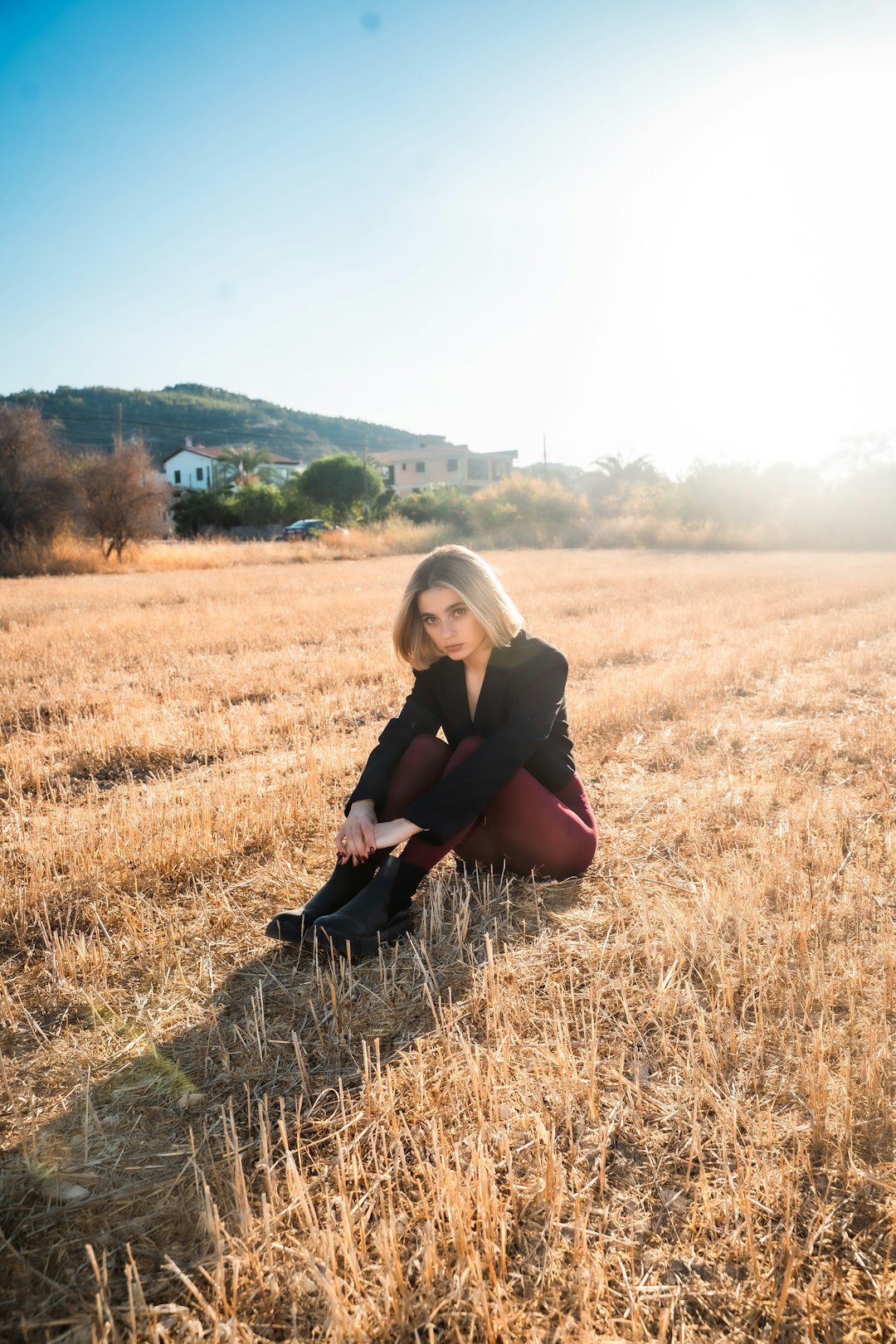
Most tools like ChatPic work in a simple way. You start by uploading one or more photos. The AI studies your face, style, pose, and lighting. Then it creates new images based on that information.
Some versions may also let you type prompts. A prompt is just a short instruction. For example, you might type professional headshot in a bright office. Or cinematic portrait with city lights. The AI then tries to build that kind of image.
The usual flow looks like this:
- Upload selfies or choose an image.
- Pick a style or write a prompt.
- Wait while the AI creates images.
- Review the results.
- Download the best ones.
It feels a bit like ordering from a menu. But the chef is a computer. And sometimes the chef gives you magic. Other times, the chef gives you three hands and one suspicious eyebrow. That is AI life.
Main Features of ChatPic
ChatPic is designed to make image creation easy. It is not just for design experts. It is for normal people who want good pictures without stress.
1. AI Profile Pictures
This is the classic use case. You upload a selfie. ChatPic turns it into a cleaner, more polished profile image. This can be useful for work, school, social media, or online communities.
2. AI Headshots
Need a business-style photo? ChatPic may help create a headshot with a neat background, better lighting, and a more professional look. It can be a cheap option compared with a studio session.
Still, it is not always perfect. If you need a photo for a passport, legal form, or official ID, use a real photo service. AI headshots can look great, but rules are rules.
3. Style Filters
Many AI photo apps include styles. These may include business, fashion, fantasy, streetwear, retro, holiday, anime, or cinematic looks. This is where the fun begins.
You can look like a startup founder. Then a movie hero. Then a cozy coffee shop poet. All in five minutes. No costume closet required.
4. Background Changes
ChatPic may let you change the scene behind you. You can move from a messy bedroom to a clean office. Or from a blank wall to a beach. This is great when your real background is not ready for fame.
5. Fast Image Generation
The best part is speed. A normal photo shoot takes planning. AI images can be made in minutes. That makes ChatPic useful for quick updates and last-minute posts.
6. Downloadable Results
Once the images are ready, you can usually save them to your device. Some tools offer high-resolution downloads only on paid plans. So check before you pay.
ChatPic Pricing
ChatPic pricing can vary. It may change based on the website, app store, country, promo, or plan type. So treat any price you see online as a snapshot, not a tattoo.
Most AI photo tools use one of these pricing models:
- Free trial: You can test the tool with limited images or watermarked results.
- Credit packs: You buy credits, then spend them to generate images.
- Monthly plan: You pay every month for a set number of images or features.
- One-time package: You pay once for a batch of headshots or avatars.
If ChatPic offers a free option, expect limits. You may get fewer images. You may wait longer. You may see watermarks. You may not get high-resolution downloads.
Paid plans usually unlock better features. These may include more generations, faster processing, more styles, HD images, and commercial usage rights.
What Should You Check Before Paying?
Before you enter your card details, look for these details:
- How many images do you get?
- Are downloads high quality?
- Are there watermarks?
- Can you cancel easily?
- Do credits expire?
- Can you use images for business?
- What happens to your uploaded selfies?
That last point is important. Your face is personal data. Read the privacy policy. Make sure you understand how photos are stored, used, and deleted.
Who Is ChatPic Best For?
ChatPic is a good fit if you want easy image upgrades. It is not for every job. But it can be very handy.
It is best for:
- Job seekers who need a cleaner profile photo.
- Freelancers who want a friendly personal brand image.
- Students who need a simple professional picture.
- Creators who want fresh visuals for content.
- Dating app users who want better, more confident pictures.
- Anyone curious who likes playing with AI images.
It is not ideal if you need total accuracy. AI can change small details. It may adjust your face, hair, clothes, or body shape. Sometimes that is fine. Sometimes it is not.
Pros and Cons of ChatPic
Pros
- Easy to use: You do not need design skills.
- Fast results: You can create images quickly.
- Fun styles: You can test many looks.
- Good for profiles: It can improve weak selfies.
- Lower cost: It may be cheaper than a photographer.
Cons
- Results can vary: Some images may look strange.
- Not always realistic: AI can over-polish faces.
- Privacy matters: You are uploading personal photos.
- Pricing may be unclear: Credits and subscriptions can be confusing.
- Not for official documents: Use real photos when rules require them.
ChatPic Alternatives Compared
ChatPic is not the only player in the AI image playground. There are many alternatives. Some are better for headshots. Some are better for art. Some are better for editing existing photos.
| Tool | Best For | Why Pick It? |
|---|---|---|
| Canva | Social posts and simple designs | Easy editing, templates, and quick graphics. |
| Lensa | AI avatars and stylized portraits | Very popular for artsy profile images. |
| Remini | Photo enhancement | Great for sharpening old or blurry photos. |
| Midjourney | Creative AI art | Powerful results, but less beginner-friendly. |
| Adobe Firefly | Creative image generation | Good for people already using Adobe tools. |
| Aragon AI | Professional headshots | Focused on business-style AI headshots. |
| HeadshotPro | Team and business photos | Strong option for companies and remote teams. |
ChatPic vs Canva
Choose ChatPic if your main goal is AI portraits or profile images. Choose Canva if you want to build full designs, like banners, thumbnails, flyers, or social posts.
Canva is more like a design studio. ChatPic is more like a photo glow-up machine.
ChatPic vs Lensa
Lensa is famous for stylized avatars. It can create dreamy, artistic, and colorful portraits. ChatPic may feel more direct if you want profile photos or realistic images.
If you want fantasy art, try Lensa. If you want a cleaner photo for your profile, try ChatPic.
ChatPic vs Remini
Remini is great at improving photos you already have. It can sharpen faces and restore detail. ChatPic is more about creating new versions and styles.
Use Remini when your photo is blurry. Use ChatPic when your photo is boring.
ChatPic vs Midjourney
Midjourney is a powerhouse for AI art. It can create stunning scenes, characters, posters, and fantasy images. But it has a learning curve. You need better prompts. You may need more patience.
ChatPic is simpler. It is better for people who want less fiddling and more clicking.
ChatPic vs AI Headshot Tools
Tools like Aragon AI and HeadshotPro focus on professional headshots. They may be better if you need polished business photos for a team page, conference bio, or company profile.
ChatPic may be better if you want a mix of fun and practical photos. It is less serious. That can be a good thing.
Is ChatPic Worth It?
ChatPic can be worth it if you want quick, stylish pictures and do not want to spend much time. It is especially useful if your current profile photo is old, dark, blurry, or taken in a bathroom mirror. We have all been there.
It may not be worth it if you need perfect realism. It may also not be worth it if you only need one tiny edit. In that case, a simple photo editor might be enough.
The best move is simple. Try the free or cheapest option first. See if the results look like you. If they do, upgrade. If they make you look like your mysterious cousin from the future, maybe try another tool.
Tips for Better Results
Want better AI photos? Start with better input. AI is smart, but it is not a wizard with unlimited snacks.
- Use clear selfies with good lighting.
- Avoid sunglasses and heavy filters.
- Upload different angles if allowed.
- Pick styles that match your real goal.
- Do not overdo the smoothing.
- Check fingers, teeth, eyes, and ears before posting.
- Use realistic prompts for professional images.
For work profiles, keep it simple. A clean background, natural smile, and sharp lighting usually win. For social media, you can be more playful. Add color. Add drama. Add that “main character walking through a neon city” energy.
Final Verdict
ChatPic is a fun and simple AI photo tool for people who want better pictures fast. It can help with profile photos, headshots, avatars, and styled portraits. Its biggest strengths are speed, ease, and variety.
Its biggest risks are uneven results, privacy concerns, and pricing details that may change. So read the fine print. Test before spending more. And do not trust every AI image at first glance.
If you want quick profile upgrades, ChatPic is worth a look. If you need serious business headshots, compare it with dedicated headshot tools. If you want wild art, try tools like Midjourney or Firefly. The best choice depends on your goal.
In short, ChatPic is like a pocket photo booth with a robot inside. Sometimes it makes you look amazing. Sometimes it makes you look like you joined a futuristic jazz band. Either way, it is pretty fun.