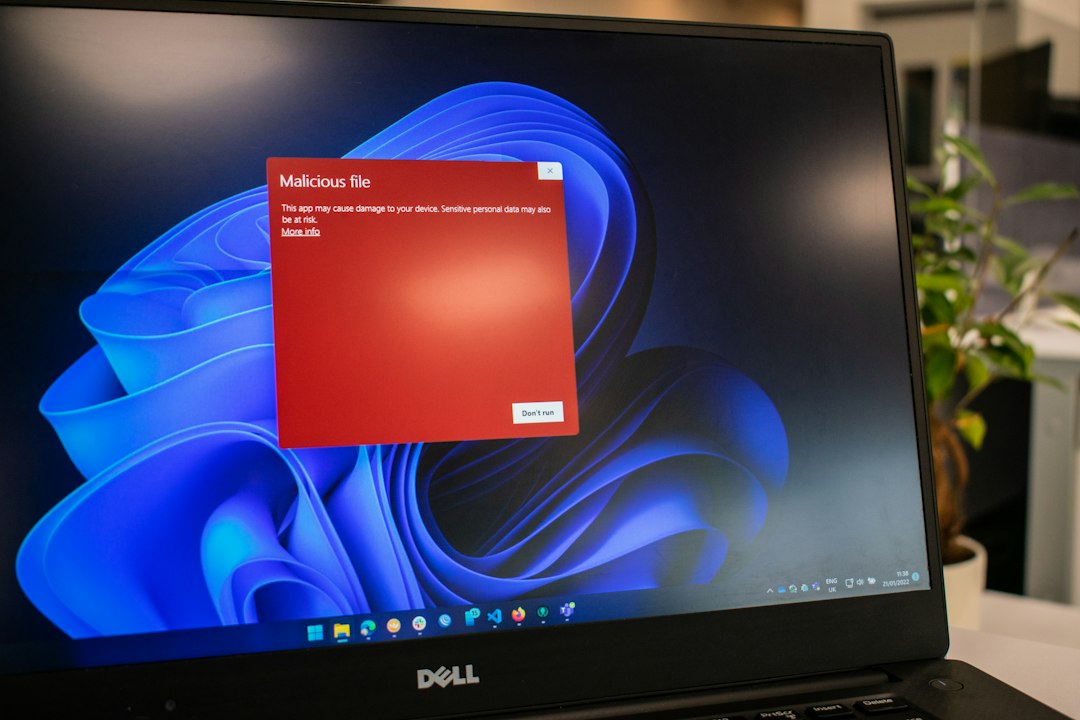
A smart cybersecurity hit list starts with one strong antivirus, one cleanup tool, and basic identity protection, because AV-TEST says it sees more than 450,000 new malicious programs and unwanted apps per day [source: AV-TEST].
TLDR: Bitdefender, Malwarebytes, and Norton still sit near the top for home users and small teams. A good example is a five-person office using Bitdefender for always-on defense, Malwarebytes for second-opinion scans, and Norton 360 for VPN and identity alerts. That setup can cut tool sprawl from five or six apps to two or three. The best pick depends on whether the main risk is malware, phishing, stolen passwords, or messy family devices.
The 7 Security Tools Worth Shortlisting
-
1. Bitdefender
Best for: strong malware blocking with little fuss.
Bitdefender is a clean choice for people who want protection that stays quiet. It covers ransomware, phishing, unsafe websites, webcam access, and online fraud. Its paid plans often include a VPN, password manager, and parental controls, though some features may have limits unless upgraded.
The annoying part: settings can feel scattered. A user may spend an extra 30 seconds hunting for a simple control that should be easier to find.
-
2. Malwarebytes
Best for: cleanup, second-opinion scans, and adware removal.
Malwarebytes is popular because it catches junk that traditional antivirus tools sometimes miss. It is useful after suspicious pop-ups, browser redirects, or a fake update scare. Many users keep it beside another antivirus, though its premium plan can also run real-time protection.
Honestly, it feels like Malwarebytes earns its keep after something has already gone wrong. That makes it less glamorous, but very practical.
-
3. Norton 360
Best for: all-in-one protection.
Norton 360 bundles antivirus, firewall features, VPN, cloud backup, dark web monitoring, and identity tools in many regions. It is a strong fit for families or users who do not want to stitch five apps together.
The tradeoff is upselling. Norton can push add-ons harder than some rivals. It drives users a bit mad when a paid product keeps nudging them toward another paid feature.
-
4. Microsoft Defender
Best for: free baseline protection on Windows.
Microsoft Defender is built into Windows, updates often, and costs nothing extra. For careful users, it may be enough when paired with safe browsing habits and strong passwords. It also avoids the clutter of many third-party suites.
Its weakness is that it lacks some polished extras found in paid suites. Families may miss better child controls, identity alerts, or simpler scam protection. Microsoft explains its built-in protection under Windows Security [source: Microsoft].

-
5. ESET
Best for: light performance and advanced controls.
ESET has a loyal user base because it runs smoothly and gives more control to technical users. It is useful for people who dislike bloated dashboards and want clear alerts. Small businesses also like its endpoint products.
Beginners may find it less friendly than Norton or Bitdefender. It is powerful, but not always warm.
-
6. Sophos Home
Best for: families and remote device management.
Sophos Home lets one person manage several devices from a web dashboard. That helps parents, caregivers, and small teams. It includes malware protection, web filtering, and ransomware defense.
The interface is simple, which is good. It can also feel too thin for users who want deep local settings.
-
7. Trend Micro
Best for: scam and phishing protection.
Trend Micro puts strong focus on blocking unsafe links, fake shopping pages, and email scams. That matters because many attacks start with one bad click. It is a solid option for less technical users who need clear warnings.
Its scans can feel heavier on older PCs. That may not matter on a new laptop, but it is noticeable on a tired work machine.
Other Alternatives to Consider
- Avast or AVG: easy to use, with free plans, though promo messages can get old fast.
- McAfee: broad family coverage and identity tools, but the interface can feel busy.
- F-Secure: clean design, strong privacy features, and good family plans.
- Intego: a common pick for Mac users who want Mac-first protection.
- Kaspersky: strong lab results in many tests, though some buyers may have policy or regional concerns.
How Buyers Should Choose
The best tool is the one that matches the risk. A gamer may care most about low system impact. A parent may need web filters. A freelancer may need phishing defense, VPN use, and safer public Wi-Fi habits.
A simple setup works best for most people:
- One antivirus suite for real-time defense.
- One password manager for unique logins.
- Multi-factor authentication on email, banking, and cloud accounts.
- Backups for files that cannot be replaced.
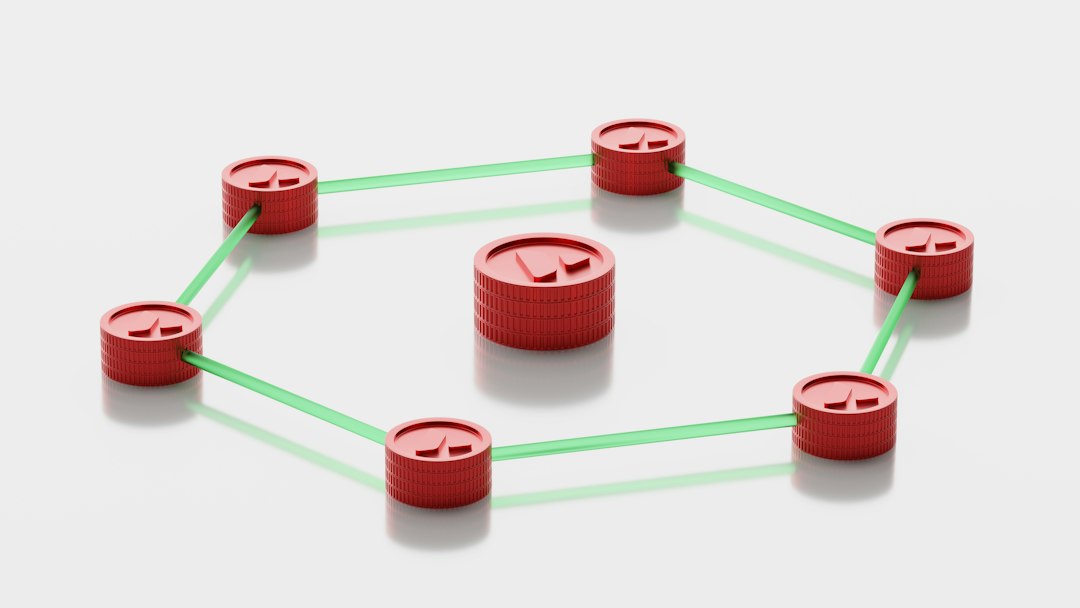
Security software helps, but it cannot fix every bad habit. Users still need updates, careful clicks, and strong passwords. No app should be treated like magic armor.
FAQ
Is Bitdefender better than Norton?
Bitdefender is often better for quiet, strong malware protection. Norton is better for users who want a larger bundle with VPN, backup, and identity features.
Should Malwarebytes replace antivirus software?
It can, if using Malwarebytes Premium. Many users still run it as a cleanup and second-opinion tool beside another antivirus.
Is Microsoft Defender enough?
For careful Windows users, yes, it can be enough. Families, heavy shoppers, and small teams may want stronger phishing, identity, and management tools.
Which tool is best for families?
Norton 360, Bitdefender, and Sophos Home are strong family picks. They offer multi-device plans and useful controls.
What is the most overlooked security tool?
A password manager. Reused passwords cause endless trouble, and antivirus cannot stop every account takeover.