Imagine a tiny robot dog on your desk. It can trot, turn, wiggle, and look very proud of itself. That is the charm of Pupper, an open-source robot built for learning. It is small, friendly, and packed with big robotics ideas.
TLDR: Pupper is a small, open-source, four-legged robot that helps people learn robotics, coding, control systems, and electronics. A student team can build one, then test walking code in a classroom or lab. For example, a club with 5 members could split the work into mechanics, wiring, software, testing, and documentation. In a 10-week course, students might spend 30% of their time building, 40% coding, and 30% testing fun robot moves.
What Is Pupper?
Pupper is a cute quadruped robot. That means it walks on four legs. It is often linked with the Stanford Pupper project, which was designed to make legged robotics more open and affordable.
Big robot dogs can cost a lot. Some are made for industry. Some are used in research labs. Pupper is different. It is made so students, hobbyists, and makers can explore the same core ideas at a smaller scale.
It is not just a toy. It is a learning platform. You can study how legs move. You can test balance. You can write code for walking. You can also learn how motors, sensors, batteries, and frames work together.
Why Is Pupper So Fun?
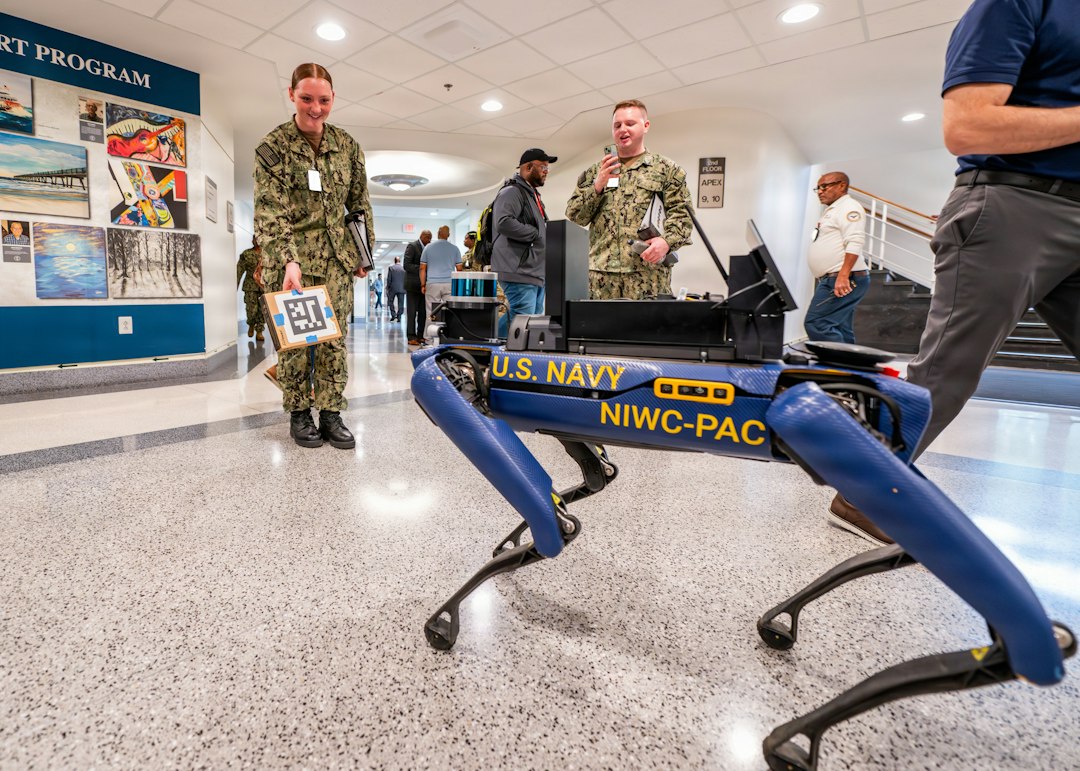
Pupper is fun because it feels alive. It does not roll like a normal robot car. It steps. It shifts weight. It reacts to code in a very visible way.
When your code works, the robot walks. When your code fails, the robot may flop over. That sounds bad. But it is actually useful. You learn fast when the result is right in front of you.
It also invites teamwork. One person can print parts. One person can wire motors. One person can tune movement. One person can write Python code. Everyone gets a role.
Main Features of Pupper
Pupper is small, but it has many important parts. These parts help it move like a real legged robot.
- Four legs: Each leg helps the robot walk, turn, and balance.
- Servo motors: These act like muscles. They move the joints.
- Onboard computer: Many builds use a small computer, such as a Raspberry Pi, to run the robot code.
- Battery power: Pupper can move without being plugged into a wall.
- 3D printed or custom parts: Many parts can be made or modified by builders.
- Open software: The walking control code can be studied, changed, and improved.
- Remote control: Builders can often control the robot through a controller or computer interface.
These features make Pupper a great bridge between simple robots and advanced machines. You do not need a giant lab. You need patience, tools, and curiosity.
How Does Pupper Walk?
Walking is harder than it looks. Try to explain how you walk. It gets strange fast.
A robot must decide where each foot goes. It must move the joints in the right order. It must keep its body stable. It must not drag its feet. It must not fall over every two seconds.
Pupper uses code to control its legs. The code sends commands to the motors. Each motor moves to a target angle. Together, these angles create a gait. A gait is a pattern of steps. Dogs have gaits. Horses have gaits. Robots have them too.
Common robot gaits include:
- Trot: Diagonal legs move together. This is common and stable.
- Walk: Legs move one at a time. This is slower.
- Bound: Front and back legs move in pairs. This is bouncy and fun.
The Open-Source Design
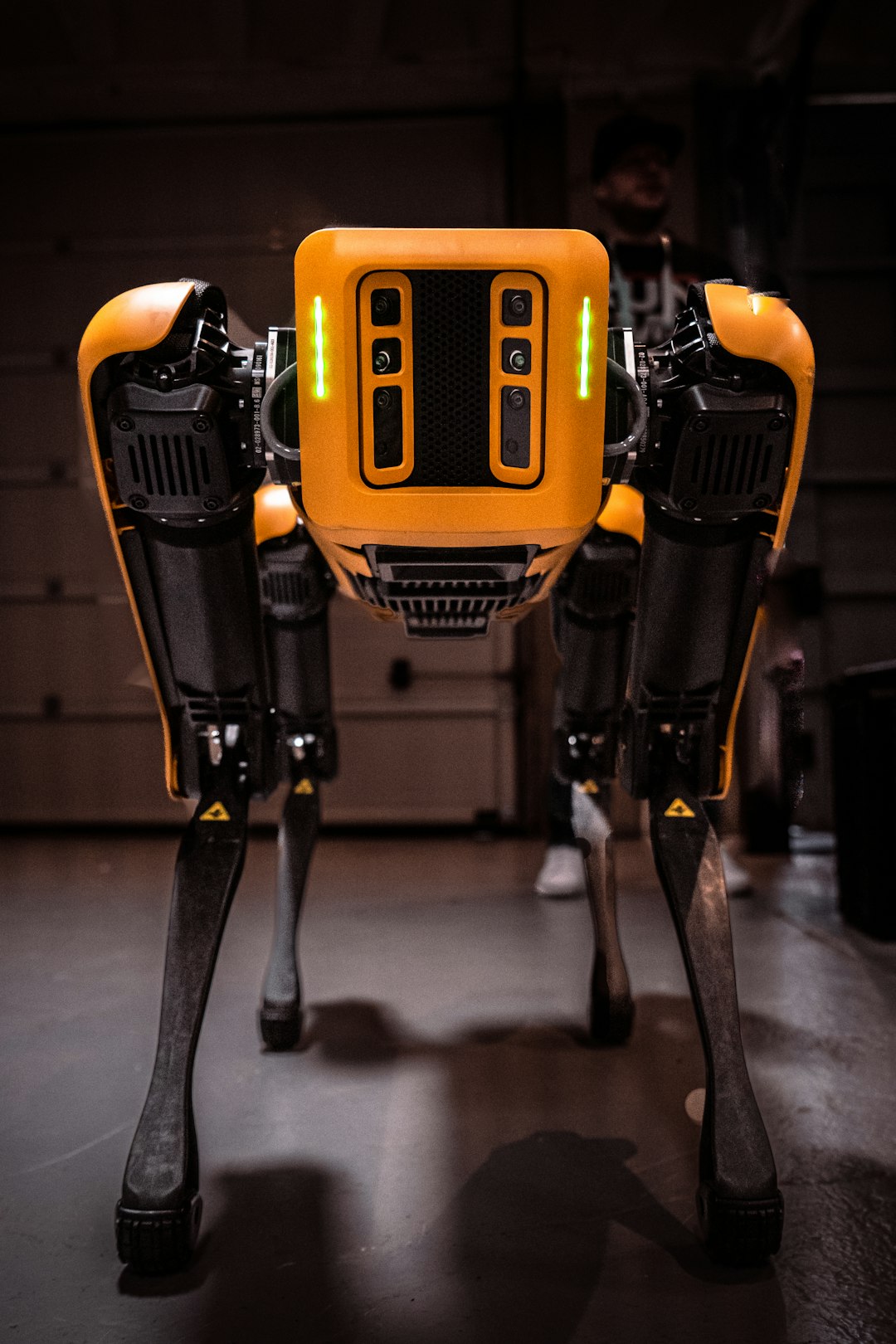
The best part of Pupper is its open-source nature. Open source means the design files, code, and build notes can be shared. People can learn from them. They can also improve them.
This makes Pupper powerful as a teaching tool. You are not staring at a closed black box. You can open the files. You can read the code. You can change the parts. You can ask, “What happens if we try this?”
Open source also helps the community. One builder may improve a leg bracket. Another may fix a software bug. A class may write better setup notes. Over time, the project grows through shared effort.
Here are some things people can modify:
- Frame design: Change the body shape or leg structure.
- Motor choices: Test different servos for strength or speed.
- Control code: Improve walking, turning, or balance.
- Sensors: Add cameras, distance sensors, or an inertial measurement unit.
- Behavior: Create tricks, dances, patrol routes, or follow modes.
What Can You Use Pupper For?
Pupper can be used in many ways. Some are serious. Some are silly. Both are useful.
1. Robotics Education
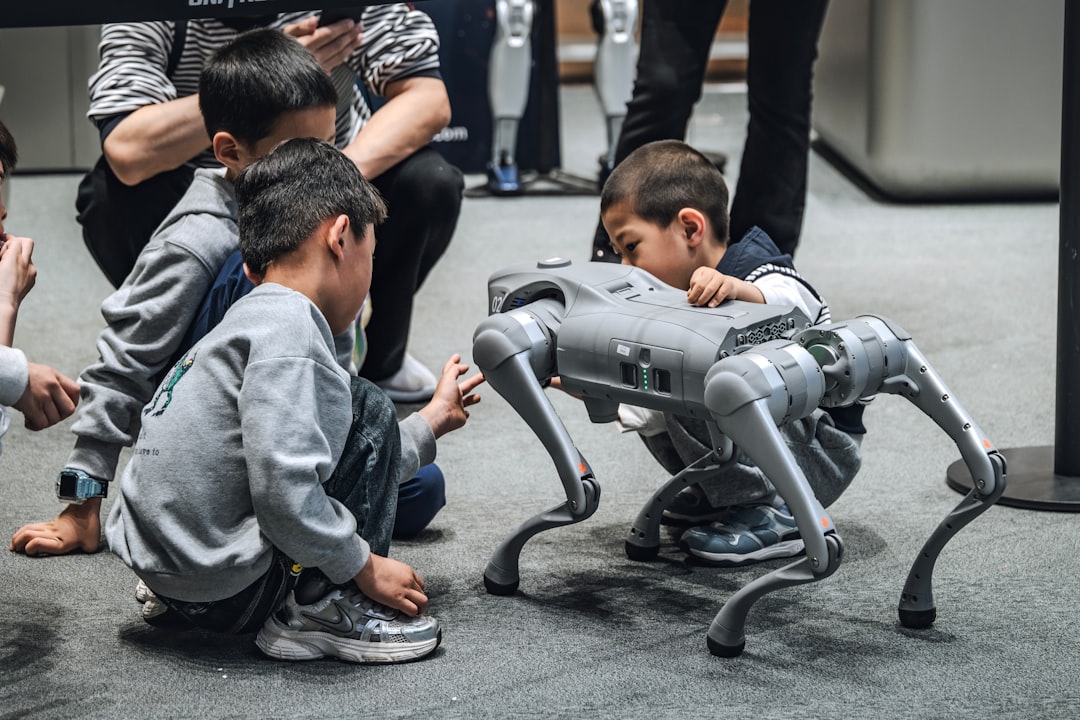
Pupper is great for classrooms. Students can learn about mechanics, electronics, programming, and math. They get to see how theory becomes motion.
For example, a teacher can ask students to change the step height by 20%. Then students can measure if the robot walks better on carpet, wood, or foam. That is real testing. It is also much more exciting than a worksheet.
2. Coding Practice
Pupper gives code a body. A simple change in software can make the robot move faster, slower, smoother, or stranger.
Students can practice Python, control loops, data logging, and debugging. They can also learn why small code errors matter. If one leg moves the wrong way, the robot will tell you quickly.
3. Research and Prototyping
Researchers can use Pupper to test legged locomotion ideas. It is cheaper and easier to modify than many large robots. This makes it useful for early experiments.
Teams can explore balance, gait planning, reinforcement learning, or sensor fusion. Pupper may be small, but the ideas are big.
4. Maker Projects
Makers can turn Pupper into a custom robot pet. Add lights. Add a camera. Add sound. Give it a personality. Make it wave when someone enters the room.
What Skills Can You Learn?
Building Pupper teaches many skills at once. That is why it is so valuable.
- Mechanical design: You learn how parts fit and move.
- Electronics: You learn about power, wiring, motors, and boards.
- Programming: You learn how code controls real hardware.
- Math: You meet angles, coordinates, timing, and forces.
- Problem solving: You learn to test, fail, fix, and repeat.
- Teamwork: You learn to divide tasks and explain your work.
These skills are useful far beyond Pupper. They apply to drones, factory robots, medical devices, cars, and smart machines.
Is Pupper Easy to Build?
Pupper is friendly, but it is not magic. You should expect some challenges. That is part of the fun.
You may need to 3D print parts. You may need to assemble small joints. You may need to manage cables. You may need to tune the motors. You may need to fix bugs that make no sense at first.
Beginners can still do it. The key is to go step by step. Do not try to make the robot run on day one. First, build one leg. Then test one motor. Then test all legs. Then try standing. Then try walking.
Learning Resources
If you want to learn Pupper, start with the official project materials and community notes. Look for build guides, code repositories, assembly videos, and student writeups.
Helpful resources include:
- GitHub repositories: Find code, CAD files, and setup notes.
- University project pages: Learn the design goals and background.
- YouTube build videos: Watch real assembly steps and common mistakes.
- Robotics forums: Ask questions and read fixes from other builders.
- Python tutorials: Strengthen your coding skills.
- Control systems lessons: Learn how robots stay stable.
Final Thoughts
Pupper is a small robot with a big mission. It makes advanced robotics feel less scary. It turns hard ideas into moving legs and funny little trots.
Because it is open source, Pupper invites people to learn together. You can build it. Break it. Fix it. Improve it. Then share what you learned.
If you want a fun way to explore robotics, Pupper is a great place to start. It may stumble at first. So will you. But that is how both of you learn to walk.