Simply Draw is the best starting point if you want structured lessons, Sketchbook is the best free-feeling sketch pad, and Procreate is the best serious art app once you are ready to practice daily. For most beginners, the right choice is not the most powerful app. It is the app that gets you drawing without hunting through menus. Procreate is still the best-known premium iPad art app, with a large user base and regular visibility on the App Store [source: Apple App Store].
TLDR: Choose Simply Draw if you need step-by-step help, such as learning faces, animals, or basic shading in 20-minute sessions. Choose Sketchbook if you want a clean, low-pressure place to sketch ideas without paying a high upfront cost. Choose Procreate if you plan to draw several times a week and want layers, brushes, animation tools, and export options. A good path is simple: spend 2 to 4 weeks in Simply Draw, then move to Procreate when you can finish a basic sketch without pausing every five minutes.
Best overall for beginners: Simply Draw
Simply Draw is built for people who do not know where to start. That matters. Many drawing apps hand you a blank canvas and a brush panel, then expect you to figure it out. Simply Draw does the opposite. It teaches through guided lessons, with clear topics and small tasks.
The app is best for true beginners. If you struggle with proportions, line control, or even deciding what to draw, this is the least stressful option. You can follow lessons on eyes, cartoons, animals, and simple objects. The structure reduces guesswork.
What it does well:
- Clear instruction: Lessons are broken into small steps.
- Low pressure: You are not expected to know art terms.
- Good habit building: Short sessions make practice easier.
- Useful feedback style: It feels closer to a course than a tool.
What may annoy you: advanced artists may feel boxed in. Honestly, it feels like training wheels after a while. That is not a flaw for beginners, but it becomes limiting when you want full control over brushes, textures, file sizes, and layer effects.
Best free sketching experience: Sketchbook
Sketchbook is the app I would pick for loose drawing, planning, and casual practice. It has a clean interface and a strong set of brushes. It is less intimidating than Procreate, but it still feels like a real drawing app.
Sketchbook is especially good for people who already understand the basics. If you can draw simple forms and want a place to practice, it works well. It also suits note sketching, thumbnails, character ideas, and quick studies.
What it does well:
- Clean workspace: The canvas feels open and calm.
- Solid brush engine: Pencils, inks, and markers feel natural.
- Fast sketching: You can start drawing quickly.
- Good for rough work: It is great for ideas before a polished piece.
The catch is… Sketchbook is not a full learning system. It gives you tools, not a plan. Expect to waste time if you open it with no goal. You may spend 15 minutes changing brushes instead of practicing circles, boxes, and gesture lines.
Best for serious growth: Procreate
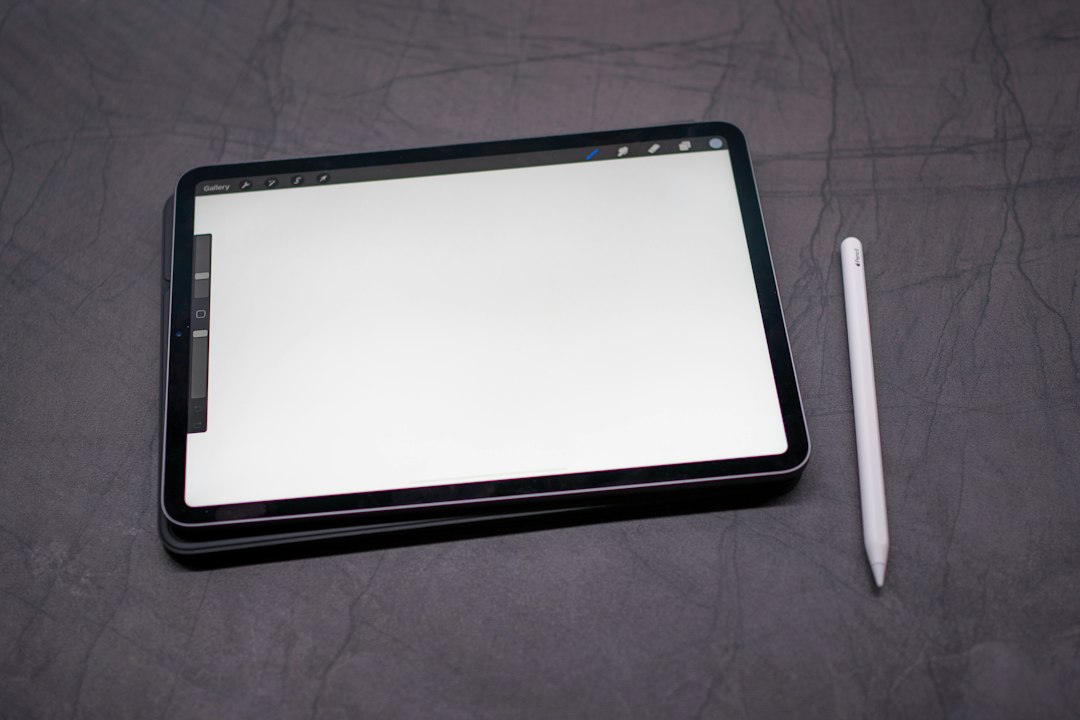
Procreate is the strongest app of the three for long-term drawing. It is powerful, polished, and fast. It has excellent brushes, layers, masks, blending tools, color controls, time-lapse recording, and animation features. Many artists use it for illustration, comics, lettering, and concept art.

For learning, Procreate is both excellent and slightly dangerous. The app gives you professional tools, but it does not teach you much by itself. If you are disciplined, that is fine. If you are not, you may end up making pretty brush strokes without learning structure.
What it does well:
- Brush quality: The default brush library is strong, and custom brushes are easy to add.
- Layer control: You can sketch, ink, color, and adjust without ruining earlier work.
- Performance: It feels smooth on modern iPads.
- Export options: It supports common formats for sharing and print work.
- Learning support: There are thousands of tutorials from artists online.
What gets frustrating: Procreate has so many options that beginners can overthink every mark. Picking brushes can take longer than the drawing itself. If you are brand new, set a hard rule: use only one pencil, one inking brush, and one soft brush for the first month.
Which app should you choose?
The best choice depends on your current skill level, not on which app has the longest feature list.
- Choose Simply Draw if you are a beginner who wants lessons and structure.
- Choose Sketchbook if you want a simple place to practice sketching without heavy setup.
- Choose Procreate if you want to build finished artwork and learn professional digital habits.
If you are buying your first iPad drawing app, do not start with ten brush packs and a complicated workflow. Start with line control. Draw boxes. Draw mugs. Draw your hand. It sounds dull, but it works.
Recommended learning path
A sensible path looks like this:
- Weeks 1 to 2: Use Simply Draw for basic lessons and confidence.
- Weeks 3 to 4: Use Sketchbook for daily 10-minute sketches.
- Month 2 onward: Move to Procreate for finished pieces, layers, and color studies.
This keeps the process clean. You learn first, experiment second, polish last. That order matters. Procreate is the best final destination for most iPad artists, but Simply Draw may be the better first teacher. Sketchbook sits nicely in the middle as a calm practice space.
Final verdict: for complete beginners, start with Simply Draw. For casual sketching, use Sketchbook. For serious digital art, choose Procreate. The best app is the one that makes you draw more often, not the one with the flashiest brush menu.