Visily is the safest first pick for fast AI wireframing in 2026, while Uizard is better when non-designers need to turn rough ideas, screenshots, or hand sketches into editable screens quickly. Both tools can save hours before a design team opens Figma, but they solve slightly different problems. Visily feels more structured for product teams building dashboards and SaaS flows. Uizard feels more forgiving for founders, marketers, and teams starting from messy notes.
TLDR: Choose Visily if you need clean app wireframes, reusable components, and team collaboration. Choose Uizard if your inputs are rough sketches, screenshots, or plain English prompts from non-designers. For example, a three-person startup mapping a five-screen booking app could cut the first wireframe pass from about 6 hours to 90 minutes with either tool, then spend the saved time on user feedback. If you already work heavily in Figma, an AI plugin or Figma’s native AI features may be the more practical route.
Quick comparison: Uizard vs Visily
| Tool | Best for | Main strength | Main weakness |
|---|---|---|---|
| Uizard | Founders, product managers, non-designers | Turns sketches, screenshots, and prompts into editable UI mockups | Generated layouts can feel generic without cleanup |
| Visily | SaaS teams, product squads, business app builders | Strong templates, neat UI structure, good collaboration | Less playful for highly visual consumer apps |
Neither tool replaces a skilled product designer. That claim still feels overblown. What they do well is remove the blank canvas problem. They help teams create something concrete enough to review, reject, improve, and test.
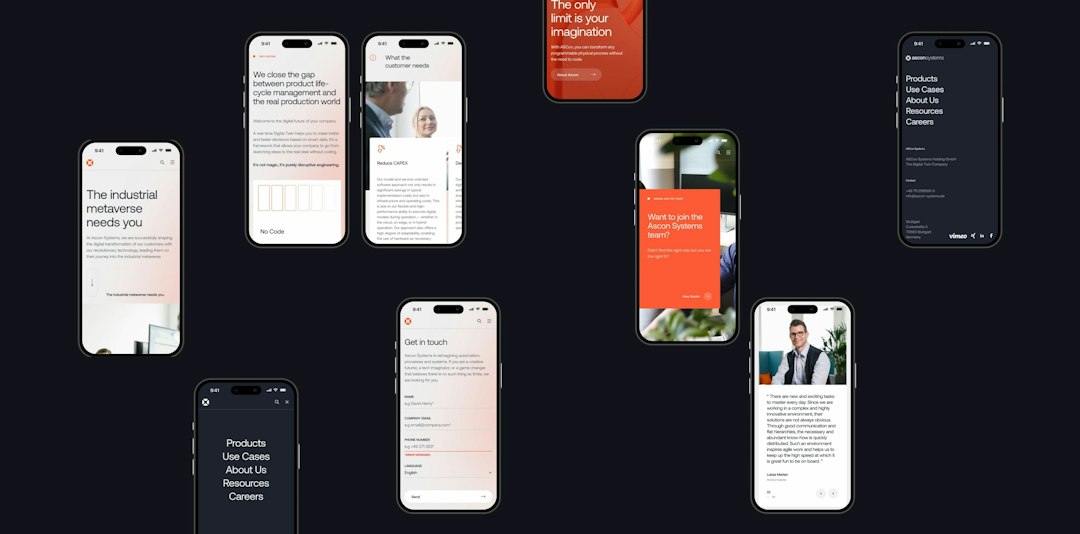
Why AI wireframe generators matter in 2026
AI wireframe generators are no longer novelty tools. The better ones now handle prompts such as “create a mobile onboarding flow for a budgeting app with email signup, goals, and dashboard” and return usable screens in minutes. Some can import screenshots. Some can detect UI patterns from competitors. Some can generate copy, layout sections, and states.
The real value is speed at the uncertain stage. Before engineering starts. Before the design system is polished. Before anyone argues about button color for 20 minutes. Teams can compare three interface directions in one meeting instead of waiting two days for a first pass.
The catch is that AI still makes odd choices. Forms may be too long. Spacing can drift. Accessibility is often weak unless checked by a human. Expect to waste time on cleanup if you treat the first output as production ready.
Uizard: best for turning rough inputs into screens
Uizard is one of the most approachable AI wireframing tools. Its core appeal is simple: you can start with a prompt, a sketch, or a screenshot. That makes it useful for people who know what a product should do but cannot draw a clean layout.
Uizard works well for:
- Early product ideas that need quick visual shape.
- Startup pitches where screens matter more than pixel polish.
- Workshops with stakeholders who are not designers.
- Basic mobile and web apps with familiar patterns.
Its sketch-to-wireframe feature remains a strong reason to try it. A founder can draw a login screen and dashboard on paper, upload it, and get an editable mockup. That is genuinely useful. It also lowers the pressure in planning sessions, since rough ideas can become visible fast.
Honestly, it feels like Uizard sometimes tries too hard to make things look finished. That can be annoying. A low-fidelity wireframe may come back with decorative cards, icons, and styling that distract from the flow. Designers may need to strip the output back before serious review.
Visily: best for structured SaaS and business workflows
Visily has become a strong option for teams that build dashboards, admin panels, internal tools, marketplaces, and B2B products. It feels more controlled than many AI UI generators. Its templates and component suggestions are practical, not flashy.
Visily is especially useful for:
- Product managers writing feature specs.
- SaaS teams creating dashboard concepts.
- Agencies preparing early client options.
- Distributed teams that need comments, sharing, and quick revisions.
The tool is strong at turning product requirements into layouts. A prompt for a customer support dashboard can produce a sidebar, ticket list, filters, status labels, and analytics cards. The first version will not be perfect, but it gives a sensible base.
Visily also tends to keep screens more consistent. That matters when you are building multi-screen flows. It drives me crazy when an AI tool changes button styles every other screen. Visily is not immune, but it is usually more predictable than casual prompt-based design tools.
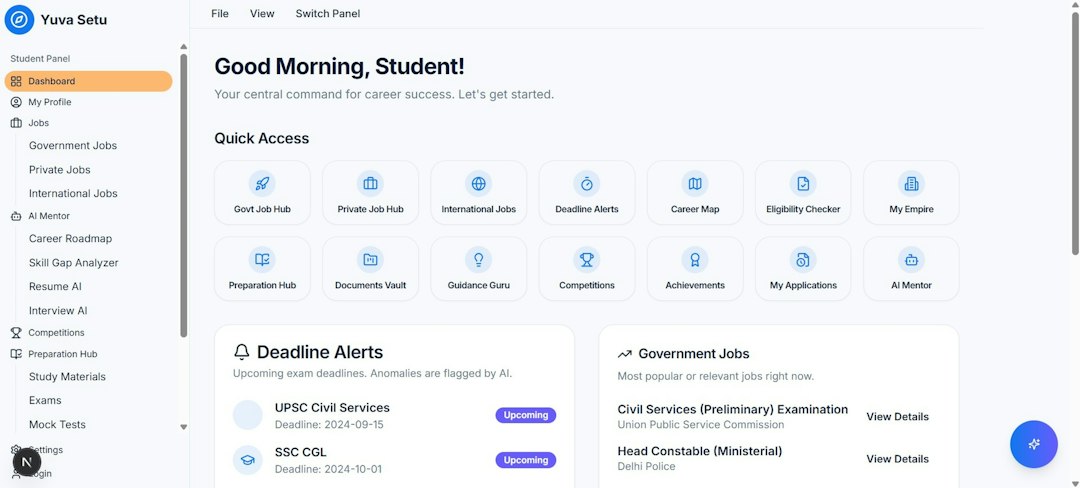
Other AI wireframe tools worth considering
Figma AI
Figma AI is the practical choice for teams already living in Figma. It can help generate layouts, rewrite interface text, find assets, and speed up repetitive edits. Its biggest advantage is workflow fit. You do not have to export, import, rebuild layers, or explain files to designers later.
Use it if your designers already own the process. Skip it as a standalone ideation tool if your team needs handholding from prompt to full wireframe.
Galileo AI
Galileo AI is strong for polished UI concepts from text prompts. It often produces attractive screens, especially for mobile apps and modern web products. This can be useful for mood, direction, and executive buy-in.
The downside is control. Pretty screens can hide weak UX. Treat Galileo as a concept generator, not a requirements tool.
Relume
Relume is excellent for website wireframes, especially marketing sites and content-heavy pages. It can generate sitemaps and page sections quickly. For agencies and Webflow teams, it can save a lot of early planning time.
It is less suitable for complex product interfaces. If you are designing a banking dashboard or multi-step admin flow, Visily or Figma will usually fit better.
UX Pilot
UX Pilot focuses on UX planning, user flows, and screen generation. It is useful when the team needs help shaping product logic before visual design. Its strength is thinking through structure, not only drawing rectangles.
MockFlow
MockFlow remains a reliable wireframing platform with AI features added on top. It is good for teams that want simple wireframes, site maps, UI specs, and planning boards in one place. It lacks the excitement of newer AI-first tools, but it is steady.
How to choose the right tool
Use the selection criteria below before paying for another subscription:
- Input type: If you start from sketches or screenshots, try Uizard first.
- Product type: For SaaS dashboards and management tools, Visily is the stronger bet.
- Design workflow: If your team finishes everything in Figma, keep wireframing close to Figma.
- Fidelity level: For rough structure, choose a wireframe-first tool. For polished concepts, try Galileo.
- Handoff needs: Check export quality before committing. Bad layer structure can erase the time saved.
- Security: Avoid uploading confidential customer data or proprietary screenshots unless the vendor terms are clear.
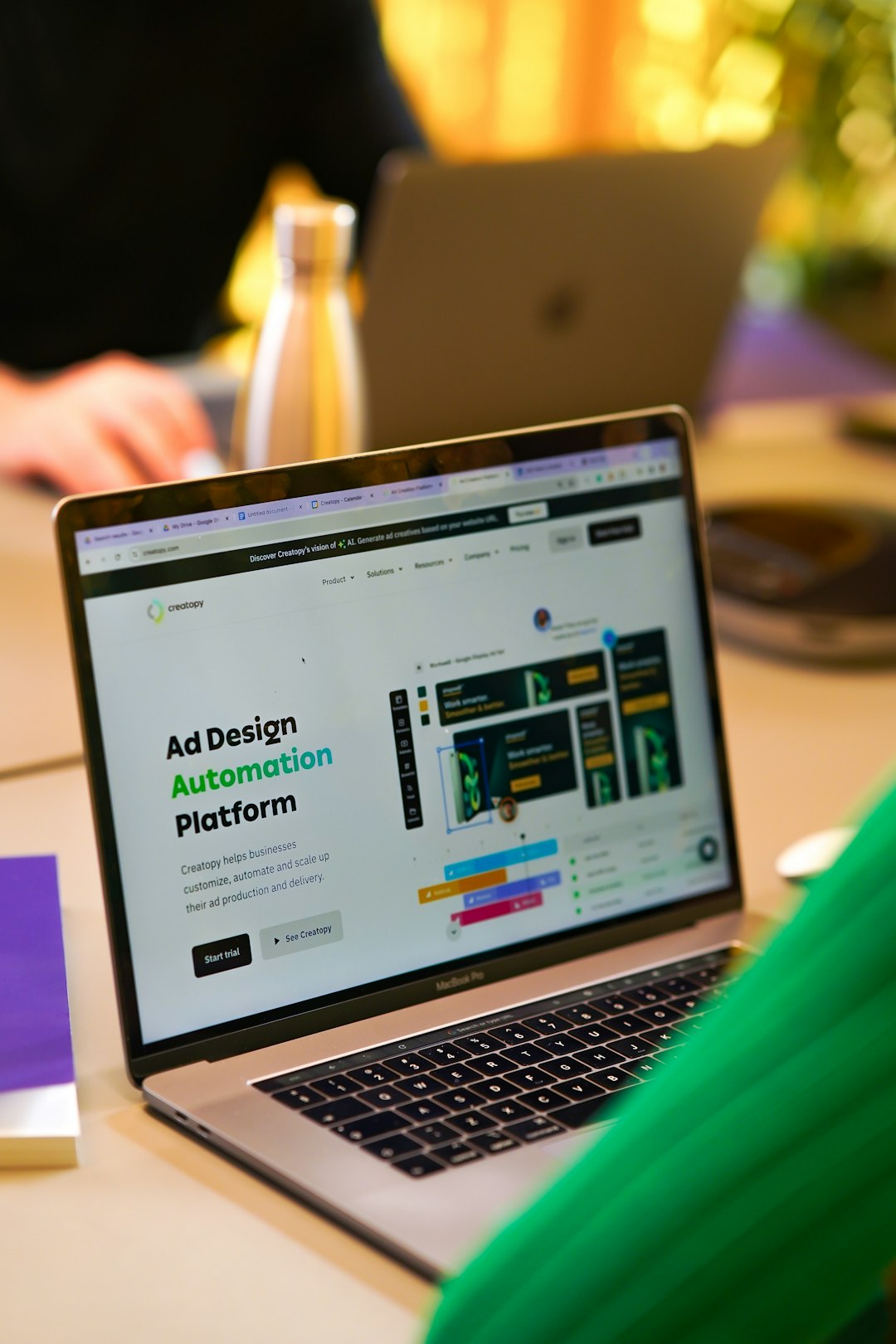
Best picks for 2026
- Best overall for product teams: Visily.
- Best for non-designers: Uizard.
- Best for Figma-based teams: Figma AI.
- Best for polished app concepts: Galileo AI.
- Best for website structure: Relume.
- Best for classic wireframing with planning tools: MockFlow.
The most sensible setup for many teams is not one tool. It is a short stack. Use Visily or Uizard to create the first interface direction. Move strong ideas into Figma for refinement. Then test clickable prototypes with real users before engineering starts.
Final recommendation: start with Visily if you build serious web apps, dashboards, or internal tools. Pick Uizard if your team needs the lowest barrier from idea to screen. Keep expectations realistic. AI can speed up wireframing, but judgment, product thinking, accessibility checks, and user testing still decide whether the interface works.