Automated SEO reporting helps teams move from repetitive data gathering to faster analysis and better decisions. When Supermetrics is connected with Ahrefs, keyword rankings, backlink metrics, organic traffic indicators, and competitor insights can flow into reporting destinations such as Google Sheets, Looker Studio, Excel, or a data warehouse. The result is a cleaner reporting workflow where stakeholders receive updated SEO performance data without manually exporting CSV files every week.
TLDR: Supermetrics can be used to pull Ahrefs SEO data into reporting tools automatically, reducing manual exports and saving time. The setup usually involves selecting Ahrefs as a data source, authenticating the account, choosing metrics and dimensions, and scheduling refreshes. Teams should plan report structure carefully, monitor API limits, and combine Ahrefs data with sources such as Google Analytics 4 and Google Search Console for stronger insights. A well-built workflow turns Ahrefs from a research tool into a repeatable reporting system.
Why Connect Supermetrics with Ahrefs?
Ahrefs is widely used for backlink analysis, keyword research, competitor monitoring, and organic visibility tracking. However, its greatest value often comes when its data is reviewed consistently over time. Manually downloading reports from Ahrefs and pasting them into spreadsheets can be slow, error-prone, and difficult to scale across multiple clients, websites, or markets.
Supermetrics acts as a data pipeline between marketing platforms and reporting destinations. By connecting Supermetrics with Ahrefs, an SEO team can automate recurring data pulls and create dashboards that update on a schedule. This is especially useful for agencies, in-house SEO departments, and consultants who need to present performance trends regularly.
Instead of spending time collecting data, analysts can spend more time explaining what changed, why it happened, and what should happen next.

What Data Can Be Reported?
The exact available fields can depend on the Supermetrics destination and the Ahrefs connection options available to the account. In general, teams may use Ahrefs data for reporting on:
- Backlink profiles: referring domains, backlinks, lost links, new links, and domain authority-related metrics.
- Organic keyword data: keyword positions, search volume, ranking URLs, and keyword difficulty.
- Competitor visibility: competing domains, keyword gaps, and changes in organic presence.
- Content performance: top pages, traffic estimates, and pages gaining or losing visibility.
- Technical and site audit insights: where supported, issue counts and crawl-related signals may be used for high-level monitoring.
For executive reporting, the most useful approach is often to avoid overwhelming readers with every field available. A clear summary of organic visibility, ranking movement, link growth, and competitor change is usually more valuable than a raw data dump.
Step 1: Choose the Reporting Destination
Before building the connection, the reporting destination should be selected. Supermetrics supports several common destinations, and the best choice depends on the reporting workflow.
- Google Sheets: best for flexible analysis, quick data manipulation, and spreadsheet-based reporting.
- Looker Studio: ideal for visual dashboards that stakeholders can access online.
- Microsoft Excel: suitable for teams that already rely on Excel-based reporting.
- BigQuery or another warehouse: useful for advanced teams combining SEO data with large datasets and business intelligence tools.
For many SEO teams, Google Sheets is the easiest starting point because it allows the analyst to test the data pull, clean the structure, and validate the numbers. Looker Studio is then useful when the final report needs interactive charts and a polished presentation layer.
Step 2: Connect Ahrefs as a Data Source
After selecting the destination, the analyst can open Supermetrics and choose Ahrefs from the list of data sources. The workflow typically requires authorization, where the user signs in with the relevant Ahrefs account and grants access for Supermetrics to retrieve data.
During this step, the account should have access to the required Ahrefs projects, domains, and reports. If an agency manages multiple client websites, permissions should be checked carefully to ensure that the correct properties are available. Authentication issues are one of the most common causes of incomplete or failed reporting setups.
Best practice: the connection should be created through a stable business account rather than an employee’s temporary personal login. This reduces the risk of reports breaking when team roles change.

Step 3: Select Metrics, Dimensions, and Filters
Once Ahrefs is connected, the analyst can choose the metrics and dimensions needed for the report. A metric is a numerical value, such as referring domains or keyword search volume. A dimension is a descriptive field, such as date, URL, keyword, country, or domain.
A practical SEO reporting setup might include:
- Keyword ranking table: keyword, ranking URL, country, position, volume, and estimated traffic.
- Backlink trend report: date, referring domains, new backlinks, lost backlinks, and domain rating indicators.
- Top pages report: URL, estimated organic traffic, ranking keywords, and traffic change.
- Competitor comparison: domain, shared keywords, missing keywords, and visibility estimates.
Filters can keep the report focused. For example, an analyst may filter by country, branded versus non-branded keywords, specific folders of a website, or a fixed set of competitor domains. This prevents dashboards from becoming cluttered and makes trends easier to interpret.
Step 4: Build the Report Structure
A strong automated report should follow a logical structure. Stakeholders usually need a high-level summary first, followed by more detailed analysis. The report might be organized into sections such as:
- Executive summary: major wins, risks, and recommended actions.
- Visibility trends: keyword movement, ranking distribution, and organic traffic estimates.
- Backlink performance: new links, lost links, referring domains, and link quality signals.
- Content insights: pages gaining or losing rankings and opportunities for optimization.
- Competitor movement: domains gaining visibility and keyword gaps worth targeting.
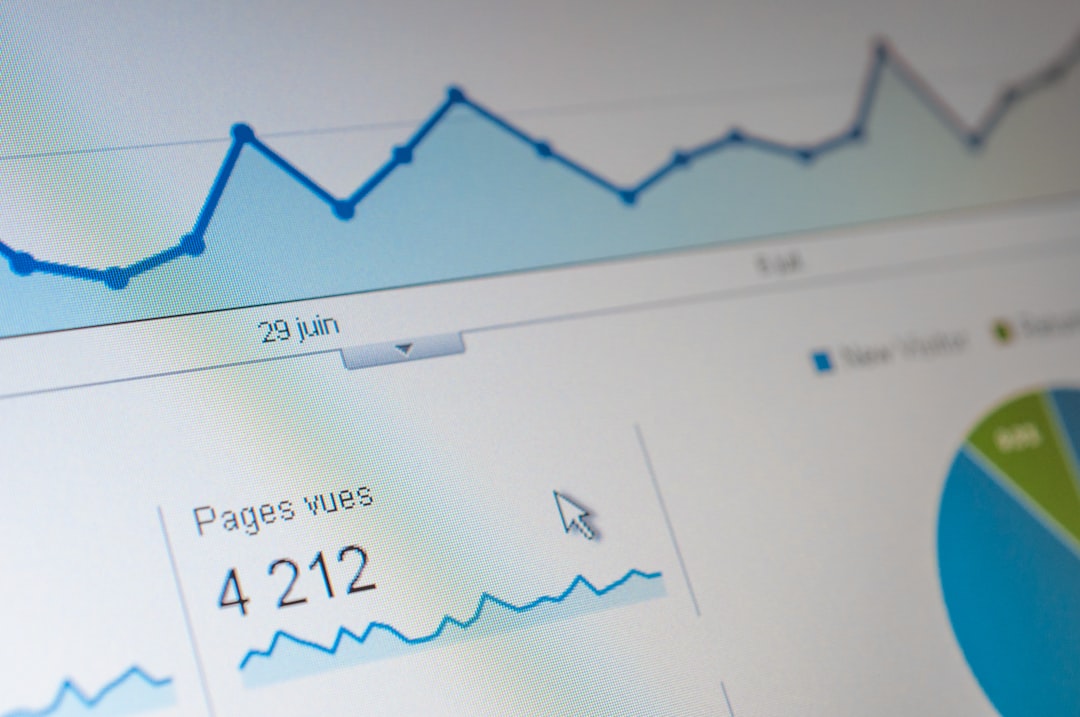
Charts should be simple and focused. A line chart can show backlink or keyword visibility trends over time, while a table can show the biggest ranking gains and losses. Scorecards can summarize key metrics such as total referring domains or keywords in the top 10 positions.
Step 5: Schedule Automatic Refreshes
The main benefit of connecting Supermetrics with Ahrefs is automation. After the query or dashboard is built, refresh schedules can be configured. Depending on the destination and plan, reports may refresh daily, weekly, or monthly.
For most SEO reports, a weekly refresh is a practical balance. Search rankings can fluctuate daily, and backlink indexes may update at different times, so daily reporting can sometimes create unnecessary noise. Weekly or monthly reporting is often clearer for strategic decisions.
Automation should not remove human review. Dashboards should still be checked before important meetings to confirm that data refreshed correctly and that unusual changes are explained in context.
Common Challenges and How Teams Avoid Them
Several issues can appear when automating Ahrefs reporting through Supermetrics. The first is API or query limits. Pulling too many fields, too many domains, or too large a date range can slow reports or cause failed refreshes. A focused report with only necessary fields is more reliable.
The second issue is data interpretation. Ahrefs provides third-party SEO estimates, while tools such as Google Search Console and Google Analytics 4 provide first-party performance data. These numbers should not always be expected to match. Ahrefs is excellent for competitive and visibility insights, while first-party tools are stronger for actual clicks, conversions, and user behavior.
The third issue is report ownership. Automated dashboards still need a person responsible for maintaining queries, updating filters, and checking broken connections. Without ownership, reports can quietly become outdated.
Best Practices for Better Automated SEO Reporting
- Start small: create one reliable report before adding many domains, markets, or competitors.
- Use consistent naming: label queries, tabs, charts, and dashboards clearly.
- Blend data carefully: combine Ahrefs with Google Search Console, GA4, and other sources only when each metric’s meaning is clear.
- Separate raw data from presentation: keep source pulls in one area and dashboard visuals in another.
- Review refresh logs: check failed updates and authentication warnings regularly.
- Document assumptions: note whether metrics are estimates, sampled values, or first-party measurements.
When implemented well, the Supermetrics and Ahrefs connection gives SEO teams a repeatable reporting foundation. It reduces manual work, improves consistency, and helps decision-makers see changes in rankings, links, and competitive visibility faster.
FAQ
Can Supermetrics pull Ahrefs data automatically?
Yes, where the Ahrefs connector and required account permissions are available, Supermetrics can pull Ahrefs data into supported destinations and refresh it on a schedule.
What is the best destination for Ahrefs reporting?
Google Sheets is often best for testing and analysis, while Looker Studio is better for visual dashboards. Larger teams may prefer a warehouse such as BigQuery for advanced reporting.
How often should Ahrefs reports refresh?
A weekly refresh is usually enough for SEO reporting. Daily updates may be useful for close monitoring, but they can also create noise because rankings and backlink indexes fluctuate.
Should Ahrefs data be combined with Google Search Console?
Yes. Ahrefs is strong for competitive research, backlink analysis, and visibility estimates, while Google Search Console provides first-party click and impression data. Using both gives a more complete SEO view.
Why might an automated report fail to refresh?
Common reasons include expired authentication, changed account permissions, query limits, unavailable fields, or overly large data requests. Regular monitoring helps prevent reporting gaps.