NFC tags are tiny stickers with a tiny superpower. Tap them with your phone, and they can make something happen. No app hunting. No menu digging. Just tap and go. They are cheap, simple, and very fun to play with.
TLDR: NFC tags can help you automate small everyday tasks with one phone tap. You can use them at home, at work, in your car, or while traveling. They are great for sharing Wi-Fi, launching playlists, setting timers, saving notes, and more. Think of them as little buttons you can stick almost anywhere.
What Is an NFC Tag?
NFC stands for Near Field Communication. That sounds fancy. But it is simple. Your phone talks to a small chip when it gets very close. Usually, you just tap the tag with the back of your phone.
An NFC tag does not need a battery. It sits quietly until a phone wakes it up. Then it can open a link, share text, trigger a shortcut, or start an action. Many modern phones can read NFC tags. Most newer iPhones and Android phones can do it.
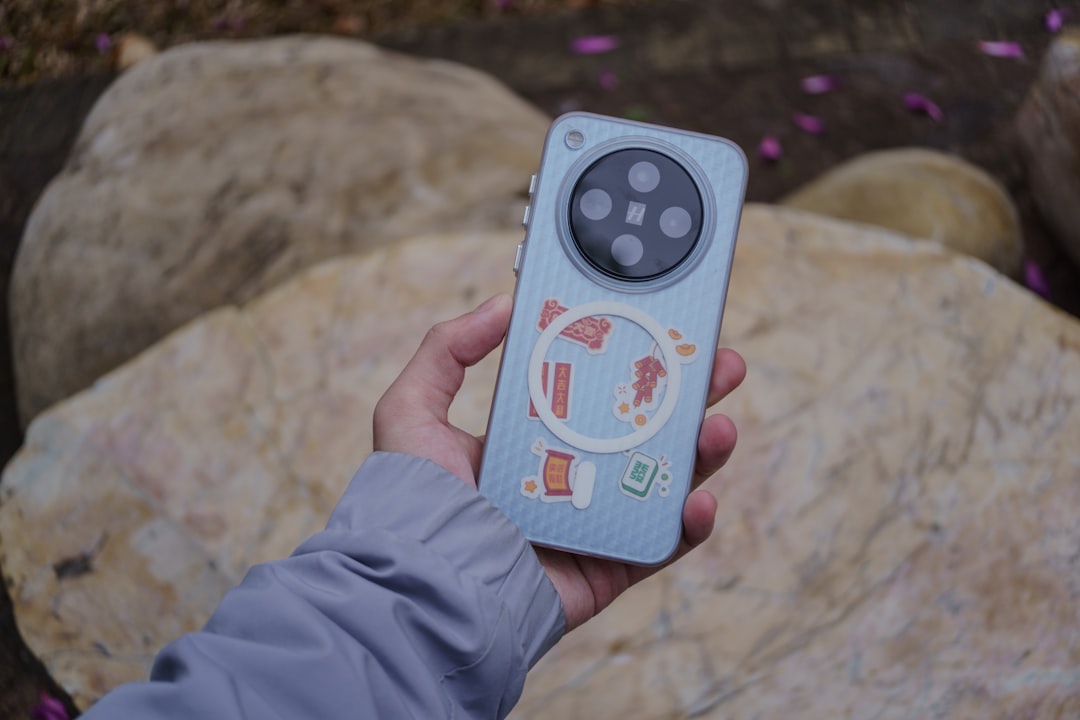
You can buy NFC tags as stickers, cards, keychains, or little discs. Some are waterproof. Some are made for metal surfaces. Pick the right type for where you want to use it.
25 Practical Things You Can Do With NFC Tags
-
Share your Wi-Fi password
This is one of the best uses. Put a tag near your front door or on your router. Guests can tap it and join your Wi-Fi. No more spelling out a password like “FluffyPancake94!” five times.
-
Start a morning routine
Place a tag on your nightstand. Tap it when you wake up. It can turn off sleep mode, show the weather, open your calendar, and start your favorite playlist. Your morning now has a launch button.
-
Set a quick timer in the kitchen
Stick tags near your oven or coffee machine. One tag can set a 10-minute timer. Another can set a 30-minute timer. Great for pasta, tea, or cookies that must not become tiny bricks.
-
Open a recipe
Put a tag on a jar, spice rack, or recipe card. Tap it to open your favorite chili recipe or smoothie guide. It is like a secret cookbook button.
-
Launch your workout playlist
Stick a tag on your gym bag or water bottle. Tap it to open music, start a workout app, or begin a timer. It tells your brain, “We are doing this now.”
-
Track medicine or vitamins
Place a tag on a medicine box. Tap it after taking a dose. It can open a notes app, log the time, or run a health shortcut. This is helpful if you often ask, “Did I take that already?”
-
Make a digital business card
Program a tag with your contact page, portfolio, or LinkedIn profile. Put it on a card or badge. When someone taps it, they get your details. It feels a bit like magic. Professional magic.
-
Share your social profiles
If you are a creator, artist, or small business owner, this is handy. Put a tag at your booth, desk, or display. People can tap it to follow you online. No awkward username spelling needed.
-
Open a smart home scene
Place a tag by your couch. Tap it to dim the lights, turn on the TV, and start movie mode. Another tag can turn everything off. It is a remote control without buttons.
-
Control lights in a room
Stick a tag near a doorway. Tap to turn lights on or off. This is useful if you want a simple switch for smart bulbs. It is also great for guests who do not know your smart home setup.
-
Start navigation to work or home
Put a tag in your car. Tap it to open maps and start directions. You can create one for home, work, school, or the gym. Very useful when your brain is still loading.
-
Start driving mode
A car tag can do more than maps. It can turn on Bluetooth, open your music app, silence notifications, and text someone your arrival time. Tap once. Drive safer.

-
Make a “do not disturb” tag
Stick a tag on your desk. Tap it when you need focus time. It can turn on Do Not Disturb and open your task list. Add a calm playlist if you like. Now your desk has a focus button.
-
Start a work timer
Use a tag to start a Pomodoro timer. That means 25 minutes of work, then a short break. It is simple. It works. It also makes procrastination feel slightly watched.
-
Log your work hours
Put one NFC tag on your desk for “start work” and another for “stop work.” Tap them to log time in a spreadsheet or time tracking app. This is useful for freelancers and remote workers.
-
Open meeting notes
Stick a tag on a meeting room table or notebook. Tap it to open a shared document, agenda, or notes page. Everyone knows where the notes live. At last.
-
Make a packing checklist
Put a tag on your suitcase. Tap it to open your travel packing list. You can have one list for beach trips, one for work trips, and one for “I refuse to forget my charger again.”
-
Store emergency info
An NFC card in a wallet can link to emergency contact details. It can include allergies, medical notes, or a phone number. Keep the data safe and simple. Do not put private information on a public tag unless you understand the risk.
-
Label storage boxes
Stick tags on boxes in your garage, closet, or attic. Tap a box to see what is inside. This is perfect for holiday decorations, cables, tools, or mystery boxes from three moves ago.
-
Create a plant care helper
Put a tag on a plant pot. Tap it to see watering instructions, sunlight needs, and the last care date. Your fern may not thank you. But it may stop looking dramatic.
-
Make pet care easier
Add a tag near your pet food bin. It can open feeding instructions, vet details, or a medication schedule. This helps pet sitters. It also helps sleepy humans at 6 a.m.
-
Share a menu or price list
If you run a café, salon, shop, or market stall, place a tag where customers can tap it. It can open your menu, booking page, or price list. Clean. Fast. No printed paper needed.
-
Collect reviews
Make it easy for happy customers to leave a review. Put a tag near checkout. It can open your review page. A small tap can lead to big trust.
-
Open an instruction manual
Stick a tag on an appliance, tool, or gadget. Tap to open its manual or setup video. This is great for printers, coffee machines, 3D printers, and anything with too many blinking lights.
-
Build a fun scavenger hunt
NFC tags are great for games. Hide tags around a house, classroom, museum, or event. Each tap can reveal a clue, riddle, or challenge. It is simple tech with treasure hunt energy.

How to Program an NFC Tag
Programming a tag is usually easy. On Android, many phones can use free NFC writing apps. On iPhone, you can use the Shortcuts app for automations, and some apps can write simple data to tags.
Here is the basic idea:
-
Choose what the tag should do.
-
Use an NFC writing app or automation tool.
-
Hold the phone near the tag.
-
Wait for the success message.
-
Test it right away.
Some tags can be rewritten many times. Some can be locked forever. Be careful before locking a tag. Forever is a long time, especially if you typed the wrong link.
Tips Before You Start
-
Test before sticking. Make sure the tag works where you want it.
-
Avoid metal unless the tag supports it. Metal can block regular NFC tags.
-
Keep actions simple. One clear task is usually best.
-
Label your tags. A tiny sticker label can save a lot of confusion.
-
Think about privacy. Do not store sensitive passwords or private data on tags that others can scan.
Fun Ideas for Families
NFC tags can make family life smoother. Put one by the door for a school checklist. Tap it to ask, “Backpack? Lunch? Water bottle? Homework?” Put one near the TV to start family movie night. Put one by the chore chart to open a music playlist. Suddenly chores feel 12% less tragic.
Kids can use NFC tags too, with help. A tag can open an audiobook. Another can start a brushing teeth song. Another can show a bedtime routine. Simple taps are easy for small hands. Just place tags where they are safe and useful.
Fun Ideas for Work
At work, NFC tags can save tiny bits of time all day. That adds up. Use them for room booking pages, printer instructions, guest Wi-Fi, or shared folders. You can also add tags to event badges. A tap can share a profile or open an event schedule.
They are especially helpful for people who hate repeating the same instructions. Instead of saying, “The Wi-Fi is on the whiteboard,” point to the tag. The tag does not get tired. The tag does not sigh.
What Not to Do With NFC Tags
NFC tags are useful, but they are not perfect. Do not put bank details, private login codes, or sensitive files on a public tag. Anyone with a phone may be able to read basic tag data. Also, do not place mystery tags in public places. That can feel creepy.
Use NFC for convenience. Use common sense for safety. That is the winning combo.
Final Thoughts
NFC tags are small, cheap, and surprisingly powerful. They turn everyday spots into smart shortcuts. Your desk can start focus mode. Your suitcase can open a packing list. Your kitchen can set timers. Your car can launch navigation.
The best part is that you do not need to be a tech wizard. Start with one simple tag. Maybe Wi-Fi sharing. Maybe a playlist. Maybe a coffee timer. Then add more when you see how handy they are.
One tap can save a few seconds. Many taps can save a lot of fuss. And yes, it also feels a little futuristic. Tiny sticker. Big convenience.