Start with Scribe if you need clean SOPs fast, choose Supademo for clickable product tours, and keep Loom in the mix when video explains the problem better than screenshots. Guidde is handy for AI-made how-to videos, but it is not the only strong option. Teams now expect tutorials to be searchable, editable, shareable, and quick to update. That pressure is real: Microsoft reported that 75% of knowledge workers use AI at work [source: Microsoft].
TLDR: The best Guidde alternatives are Scribe, Tango, Supademo, Dubble, and Loom. For example, a support team handling 500 tickets a week could turn its top 20 repeated answers into guides and cut “how do I?” tickets by 15% to 30%. Pick Scribe or Tango for step-by-step docs, Supademo for interactive demos, and Loom for quick video walkthroughs. Dubble is a good fit when you want speed without much setup.
What makes a good Guidde alternative?
A solid tutorial tool should do more than record your screen. It should catch clicks, create steps, write draft text, blur private data, and let you export or embed the result. Bonus points if it works well with tools like Notion, Confluence, Zendesk, Intercom, HubSpot, or your help center.
- For written SOPs: choose Scribe, Tango, or Dubble.
- For product onboarding: choose Supademo.
- For async training videos: choose Loom.
- For teams with strict editing needs: check export options before paying.
1. Scribe
Scribe is one of the easiest Guidde alternatives for turning a process into a polished step-by-step guide. You click through a task, and Scribe turns the clicks into screenshots, captions, and numbered instructions. The AI helps clean up titles and descriptions, which saves time when your first draft sounds robotic.
It works well for HR checklists, software setup guides, internal SOPs, and customer support articles. The catch is that screenshot-heavy guides can get long quickly. Expect to trim extra steps if the process has lots of menus or popups.
Best for: teams that need written documentation without starting from a blank page.
2. Tango
Tango is another strong pick for automatic process documentation. It records your workflow and builds a tutorial with screenshots and step labels. The editor is clean, and sharing is simple. That matters when you are documenting small tasks every week.
Tango feels especially useful for revenue teams, operations teams, and customer success managers. Need to show someone how to update a CRM field or run a report? Record it once. Share it many times.
It drives me crazy when tools overcapture every tiny click. Tango is better than many, but you may still need to delete a few filler steps before publishing.
Best for: browser-based workflows and internal team training.
3. Supademo
Supademo is a better choice when you want an interactive product walkthrough instead of a flat guide. Users can click through a simulated flow at their own pace. That makes it useful for SaaS onboarding, sales demos, feature announcements, and help center content.
You can add hotspots, text, branching steps, and voiceover-style guidance. This gives prospects and users a safer way to try a feature without touching a live account. It also helps sales teams avoid giving the same demo 40 times a month.
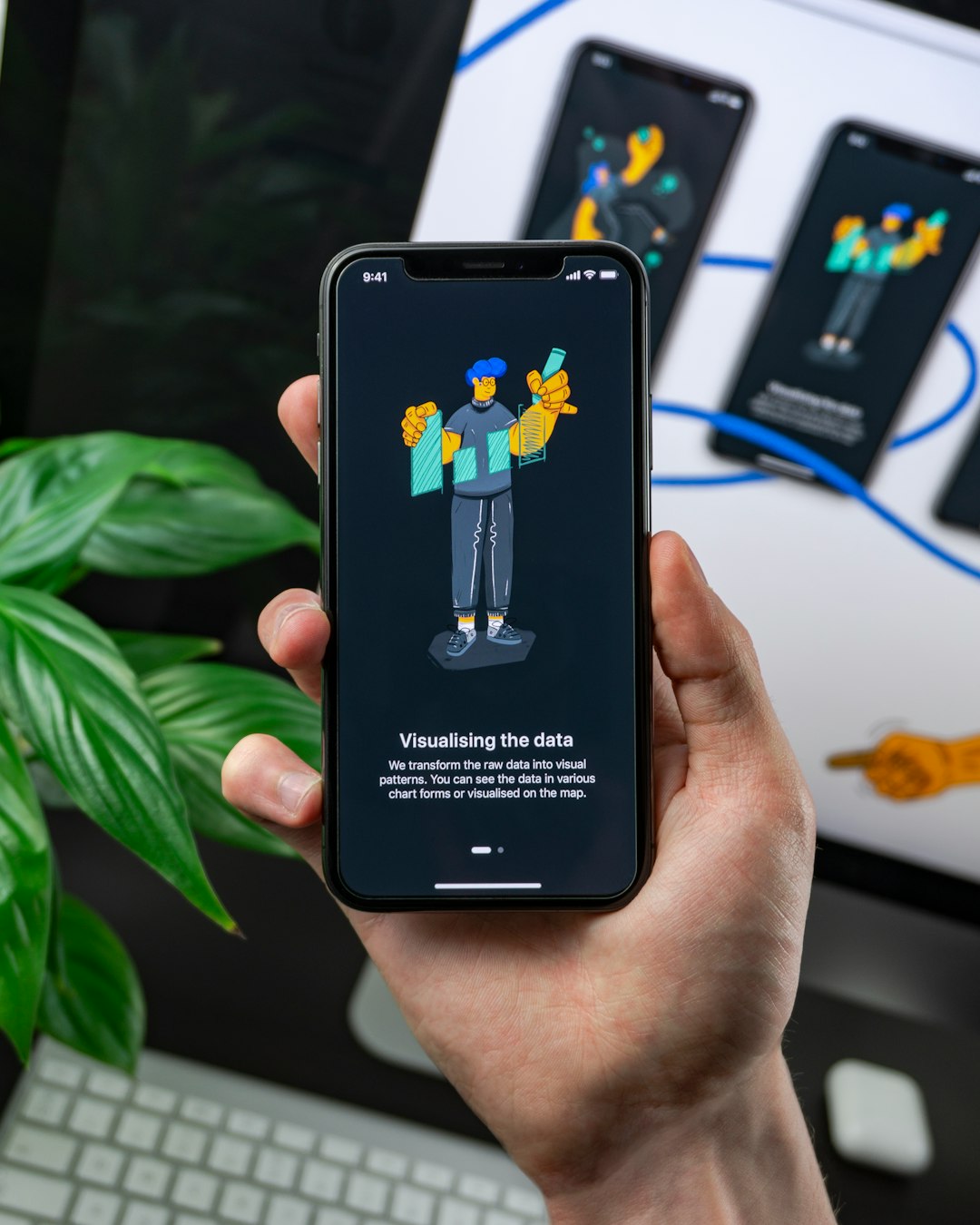
Best for: product-led teams that want clickable demos and guided onboarding.
4. Dubble
Dubble focuses on speed. Record a task, and it turns the session into a visual guide with screenshots and written steps. It is good for people who hate formatting documents. Honestly, it feels like the right tool for the person who says, “I’ll document this later,” then never does.
Dubble is useful for startups, agencies, and small support teams. It may not offer the deepest enterprise controls, but it makes process capture feel light. That is a win when documentation is already treated like a chore.
Best for: fast internal guides, repeatable admin tasks, and lightweight SOPs.
5. Loom
Loom is not a classic step-by-step documentation tool, but it belongs on this list. Some tutorials need voice, tone, and context. A screenshot guide can show where to click. A Loom video can explain why it matters.
Loom’s AI features can help with titles, summaries, chapters, and follow-up notes. That makes videos easier to scan. It is a strong fit for bug reports, product updates, training clips, and customer replies.
The downside is obvious. Videos are harder to update than written guides. If one button changes, you may need a new recording. Use Loom for context-rich training, not every tiny process.
Best for: video tutorials, async team training, and customer explanations.
How to choose the right tool
- Choose Scribe if your team writes lots of SOPs and needs clean exports.
- Choose Tango if you document browser workflows again and again.
- Choose Supademo if your goal is product adoption or sales enablement.
- Choose Dubble if speed matters more than deep customization.
- Choose Loom if voice explanation will prevent confusion.

The smart move is to match the format to the job. Written guides are better for repeatable tasks. Clickable demos are better for product onboarding. Videos are better when people need context. Guidde is useful, but these five alternatives give you more ways to teach, support, and train without turning documentation into a full-time job.