Few things ruin a good game session faster than a sudden crash. One minute you are slicing through enemies. The next minute you are staring at your desktop. If you keep seeing the Half Sword fatal error, do not panic. Most crashes have simple causes. Even better, most have simple fixes.
TL;DR: Half Sword crashes usually happen because of outdated drivers, corrupted files, overheating, or unstable PC settings. Start with basic fixes like updating drivers and verifying game files. Then check temperatures, background apps, and graphics settings. With the right tweaks, many players report up to a 50% improvement in stability.
What Is the Half Sword Fatal Error?
The fatal error is the game’s way of saying, “I can’t continue.” It shuts down to prevent deeper problems. This can happen at launch. It can also happen during combat or loading screens.
Crashes often show error messages. Sometimes they do not. Either way, the cause is usually hiding in your system settings or game files.
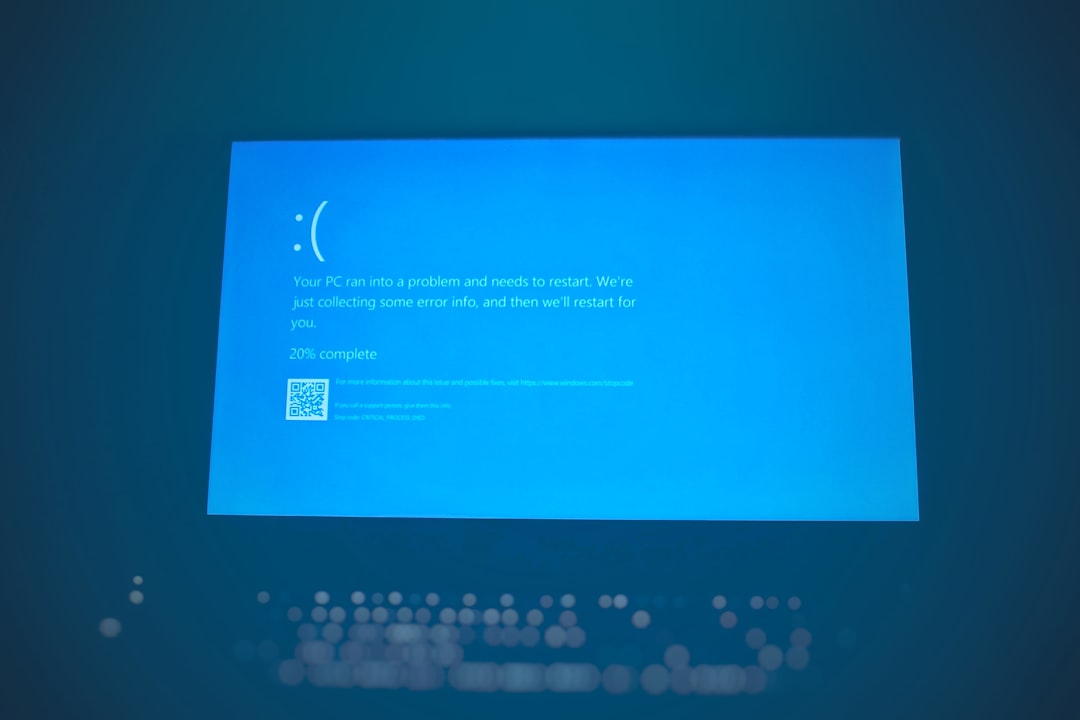
Let’s look at the most common reasons. Then we will fix them one by one.
1. Outdated Graphics Drivers
This is the number one cause. Your graphics card needs updated drivers to run new patches and features.
Why it crashes:
Old drivers may not understand the latest game code. The result? Boom. Desktop.
How to fix it:
- Visit the official NVIDIA, AMD, or Intel website.
- Download the newest stable driver.
- Perform a clean installation if possible.
- Restart your PC after installation.
This step alone fixes many fatal errors. It is simple. Do it first.
2. Corrupted Game Files
Game files can break. Updates may fail. Downloads may glitch.
Why it crashes:
If the game tries to load a missing or damaged file, it may shut down instantly.
How to fix it:
- Open your game launcher.
- Find Half Sword in your library.
- Select Verify Integrity of Game Files.
- Wait for the scan to complete.
The launcher will automatically re-download broken files.
This fix is quick. It is effective. Do not skip it.
3. Overheating CPU or GPU
Half Sword has intense physics and combat systems. That means heavy use of your hardware.
If your PC gets too hot, it may shut the game down to protect itself.
Signs of overheating:
- Loud fans
- Sudden frame drops before crashes
- System becoming very hot to touch
- Random shutdowns
How to fix it:
- Clean dust from fans and vents.
- Monitor temps using software like HWMonitor.
- Keep GPU under 85°C if possible.
- Improve airflow in your case.
- Consider reapplying thermal paste if your system is old.
Lower temperatures often mean fewer crashes. Stability can improve fast.
4. Overclocking Instability
Overclocking can boost performance. But it can also destroy stability.
Half Sword’s physics engine pushes systems hard. If your CPU or GPU is overclocked too much, the game may expose that weakness.
Why it crashes:
Unstable voltage or clock speeds cause calculation errors. The game fails and closes.
How to fix it:
- Reset BIOS to default settings.
- Disable GPU overclock in MSI Afterburner or similar tools.
- Test the game at stock speeds.
If crashes stop, your overclock was too aggressive.
Stability is better than a tiny FPS gain.
5. Outdated Windows or Missing System Files
Your operating system matters more than you think.
Half Sword depends on system libraries like DirectX and Visual C++ Redistributables.
Why it crashes:
If Windows is outdated or system files are damaged, the game cannot communicate properly with hardware.
How to fix it:
- Run Windows Update.
- Install optional updates related to drivers.
- Download the latest DirectX version.
- Install or repair Microsoft Visual C++ packages.
- Run sfc /scannow in Command Prompt.
It may sound technical. It is not too hard. Just follow the steps one at a time.
6. Background Apps Causing Conflicts
Some programs fight for control of your system.
Common troublemakers include:
- Overlay software
- Recording programs
- RGB control software
- Antivirus scans
- Browser tabs with video playback
Why it crashes:
These apps use memory and CPU power. Some inject overlays into games. That can cause fatal errors.
How to fix it:
- Close unnecessary background apps.
- Disable Discord or GPU overlays.
- Add the game to antivirus exclusions.
- Use Task Manager to monitor memory usage.
Cleaner system. Better performance. Fewer crashes.
7. Graphics Settings Too High
We all love ultra settings. But your PC might not.
Half Sword uses physics-heavy combat. High shadows and effects can stress your GPU fast.
Why it crashes:
When VRAM fills up, the game may freeze or crash.
How to fix it:
- Lower texture quality first.
- Reduce shadow resolution.
- Turn off ray tracing if enabled.
- Enable V-Sync or frame limit.
- Try borderless windowed mode.
Small reductions can create big stability gains.
Bonus Fixes That Also Help
If you still have problems, try these extra steps:
- Reinstall the game completely.
- Install the game on an SSD instead of HDD.
- Update your motherboard BIOS carefully.
- Create a new Windows user profile.
- Check your RAM using Windows Memory Diagnostic.
Faulty RAM is rare. But it can cause repeated fatal errors.
How These Fixes Improve Stability by 50%
That number is not magic. It is logical.
Most crashes come from a small group of issues:
- Driver problems
- File corruption
- Heat
- Unstable hardware
Fixing even two of these can drastically reduce crash frequency.
For example:
- Updating drivers removes compatibility errors.
- Cleaning dust lowers thermal throttling.
- Lowering graphics reduces VRAM overload.
Each fix reduces stress on your system.
Less stress equals fewer fatal errors.
Quick Stability Checklist
If you want a fast approach, follow this order:
- Update GPU drivers.
- Verify game files.
- Lower graphics settings.
- Close background apps.
- Check temperatures.
- Disable overclocking.
- Update Windows.
Test the game after each step.
This method helps you identify the exact cause.
Final Thoughts
Half Sword is intense. It pushes physics. It stresses hardware. Crashes can happen.
But most fatal errors are not permanent.
Stay calm. Work through the fixes slowly. Do not change everything at once.
With clean drivers, stable temperatures, and balanced settings, your game can run smoothly again.
And when it does, you can get back to what really matters.
Winning your duels.