Use Google Colab first if you want free GPU time with almost no setup. It is the easiest choice for students, hobby coders, and anyone testing AI notebooks. Google says Colab can be used free of charge, but GPU access depends on availability and usage limits [source: Google]. RunPod is better when you need stronger GPUs, longer sessions, or more control, but it is usually a paid tool.
TLDR: Pick Google Colab if you want to open a notebook and run Python in minutes. Pick RunPod if you need a rented cloud machine for apps, AI models, or long training jobs. For example, a student testing a small image classifier for 30 minutes may spend $0 on Colab, while a creator running Stable Diffusion for several hours may prefer RunPod and pay only for the GPU time used. Colab wins for free access; RunPod wins for power and control.
What are cloud GPUs?
A GPU is a chip that is great at doing many small math jobs at once. That makes it perfect for AI, machine learning, image generation, video work, and data science.
A cloud GPU is a GPU you use over the internet. You do not buy the card. You rent or borrow it. Your laptop can stay cool. Your wallet may scream less. Maybe.
This is why tools like Colab and RunPod are popular. They let you run code on hardware you do not own. That is great if your laptop sounds like a tiny jet engine after opening one neural network.
Image not found in postmeta
Google Colab: the friendly free notebook
Google Colab is a browser based notebook. It feels like Google Docs met Python and drank too much coffee. You write code in cells. You run each cell. You see the result right below it.
It is very beginner friendly. You only need a Google account. Open Colab. Start a notebook. Change the runtime to a GPU. Done.
That is the magic. No driver mess. No CUDA panic. No “why is my environment broken again?” sadness.
Best parts of Colab
- Free GPU access is possible. This is the big one.
- Setup is simple. Most users can start in minutes.
- Great for tutorials. Many AI guides use Colab links.
- Easy sharing. Send a notebook link to a friend.
- Good for learning. It lowers the fear level fast.
Colab is perfect for small tests. Train a tiny model. Try a Hugging Face demo. Run a data science lesson. Test a script before moving to a serious machine.
The annoying parts of Colab
The catch is that “free GPU” does not mean “GPU whenever you want.” Sometimes you get one. Sometimes you do not. Sometimes the session ends while you are mid-flow. Love that. Very relaxing.
Free Colab also has limits. Sessions can disconnect. Runtime memory can be tight. Storage disappears unless you save files to Google Drive. If you are training for hours, expect some friction.
It drives me a bit nuts when a notebook takes 45 seconds to reconnect, then forgets a package I installed earlier. It is not tragic. It is just enough to make you stare at the screen like it insulted your family.
RunPod: more power, less hand holding
RunPod is a cloud GPU rental platform. It gives you access to a virtual machine with a GPU. You can choose GPU types, templates, storage, and server settings.
RunPod feels less like a school notebook and more like renting a small AI workshop. You can run notebooks, web apps, APIs, model training, image generation tools, and custom containers.
It is not as cute as Colab. It is not as simple for total beginners. But it can be much stronger.
Image not found in postmeta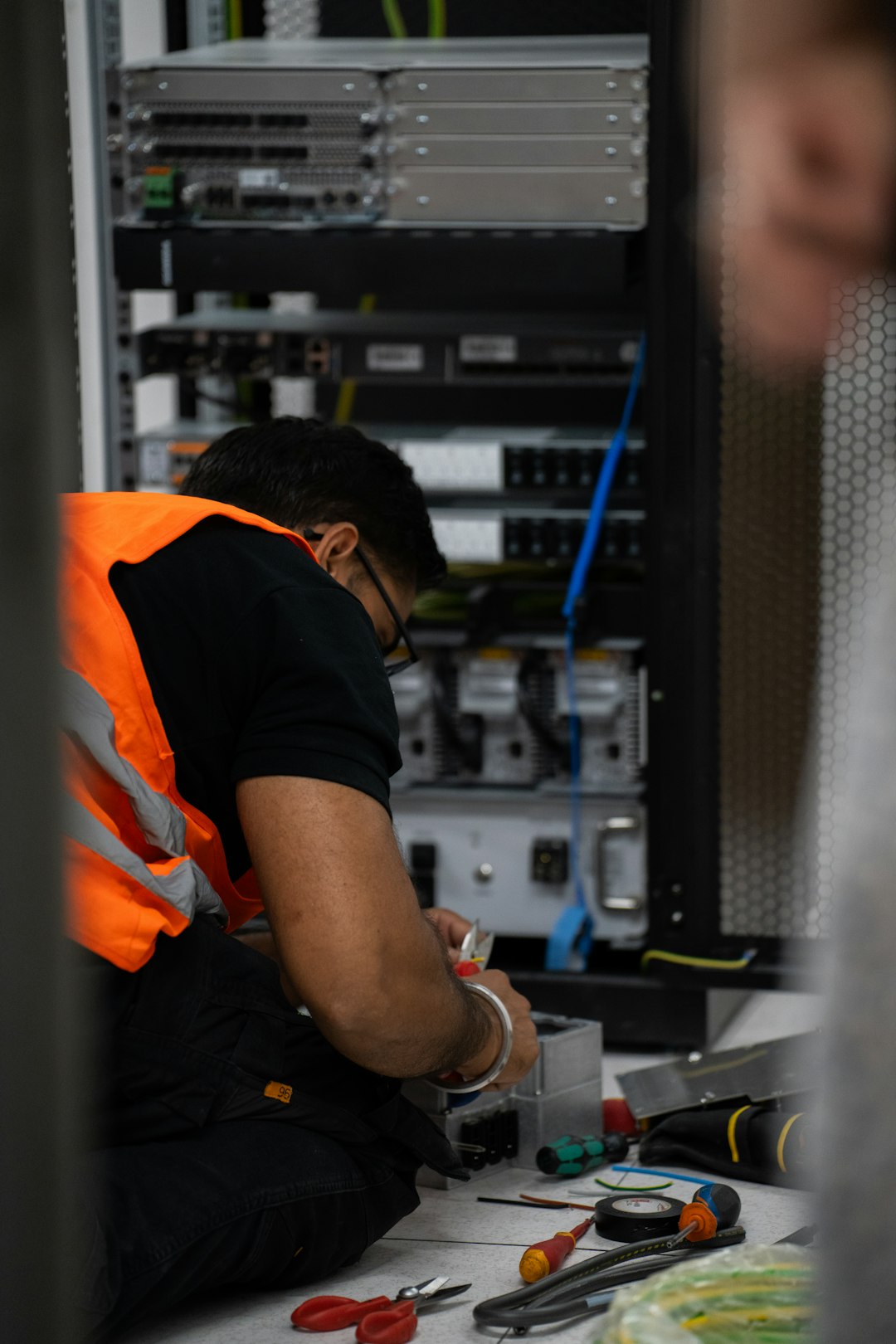
Best parts of RunPod
- More GPU choices. You can pick stronger cards when available.
- Longer jobs are easier. Your work is less likely to vanish at random.
- More control. You can install tools and run services your way.
- Good for AI apps. It can host more than notebooks.
- Pay for what you use. Stop the pod when done.
RunPod is useful when the project gets real. Maybe you are fine tuning a model. Maybe you are running Stable Diffusion. Maybe you need a GPU API for a weekend demo. This is where Colab starts to feel cramped.
The annoying parts of RunPod
RunPod is usually not truly free. You may find credits or low cost options, but you should treat it as a paid service. That matters if your goal is free cloud GPU computing.
There is also more setup. You may need to pick a template. You may need to manage storage. You may need to open ports. If the words “SSH key” make you tired, Colab will feel nicer.
And yes, forgetting to stop a running GPU can cost money. Not a fortune for a short mistake, but enough to make you say words your keyboard did not deserve.
Free access: who wins?
Google Colab wins for free access. That is the simple answer.
Colab has a real free tier. It is limited, but it exists. You can often run GPU workloads without adding a credit card. For students, this is huge.
RunPod wins for low cost control. It is not the best answer for “I want free forever.” It is better for “I want a better GPU and I can pay a small amount for a few hours.”
If your project is light, use Colab. If your project is serious, use RunPod. If your project is serious and your budget is zero, start with Colab and pray to the GPU fairy.
Ease of use
Colab is easier. No contest.
You open a notebook. You click Runtime. You select Change runtime type. You choose a GPU. That is about it.
RunPod needs more decisions. Which GPU? Which region? Which template? How much storage? Do you need Jupyter? Do you need a web UI? It can feel like ordering noodles from a 60 page menu.
For beginners, Colab is the warm pool. RunPod is the deep end with better goggles.
Performance
Performance depends on the GPU you get.
With free Colab, the GPU type can change. You may get a decent card. You may get a weaker one. You do not have much control.
With RunPod, you choose the GPU from what is available. That means you can rent a stronger card for bigger models and faster results. This is a major advantage.
For example, a small notebook may run fine on Colab. A large language model may need more VRAM. RunPod lets you pick machines with more memory, if you are willing to pay.
Storage and files
Colab storage is temporary. Files can disappear when the session resets. You can mount Google Drive, which helps a lot. Still, file management can feel clunky.
RunPod gives more serious storage options. You can keep data on a volume. You can set up your environment and reuse it. This is better for repeated work.
If you are just learning, Colab storage is fine. If you are building a workflow, RunPod feels cleaner.
Image not found in postmeta
Best use cases
Use Google Colab for:
- Learning Python and machine learning.
- Running course notebooks.
- Testing small AI models.
- Quick data science experiments.
- Free GPU access when available.
Use RunPod for:
- Longer AI training runs.
- Stable Diffusion and image tools.
- Hosting GPU based apps.
- Using specific GPU types.
- Projects that need better storage and control.
Simple decision guide
- Total beginner? Use Colab.
- No budget? Use Colab.
- Need a GPU today, right now? Try both, but Colab may deny you.
- Need reliable power? Use RunPod.
- Training a big model? Use RunPod.
- Following a tutorial? Use Colab.
Final verdict
Google Colab is the best starting point for free cloud GPU computing. It is simple, friendly, and good enough for many small projects. It has limits, but free is free.
RunPod is the better tool when you outgrow free. It gives you more power and control. It costs money, but it can save time and hassle on serious jobs.
So start with Colab. Break things. Learn fast. When Colab says “no GPU for you” or your model gets too hungry, move to RunPod. That is the normal path. It is not glamorous, but it works.