Your app is like a tiny party in someone’s pocket. People walk in, tap around, smile, frown, leave, come back, or vanish forever. The tricky part is knowing why. App survey questions help you ask the right things at the right time, without sounding like a robot with a clipboard.
TLDR: Great app surveys help you understand why users stay, leave, tap, buy, or get confused. Ask short, clear questions about retention, engagement, and user behavior. Use surveys after key moments, like onboarding, purchases, feature use, or cancellation. Keep it simple, friendly, and easy to answer.
Why App Surveys Matter
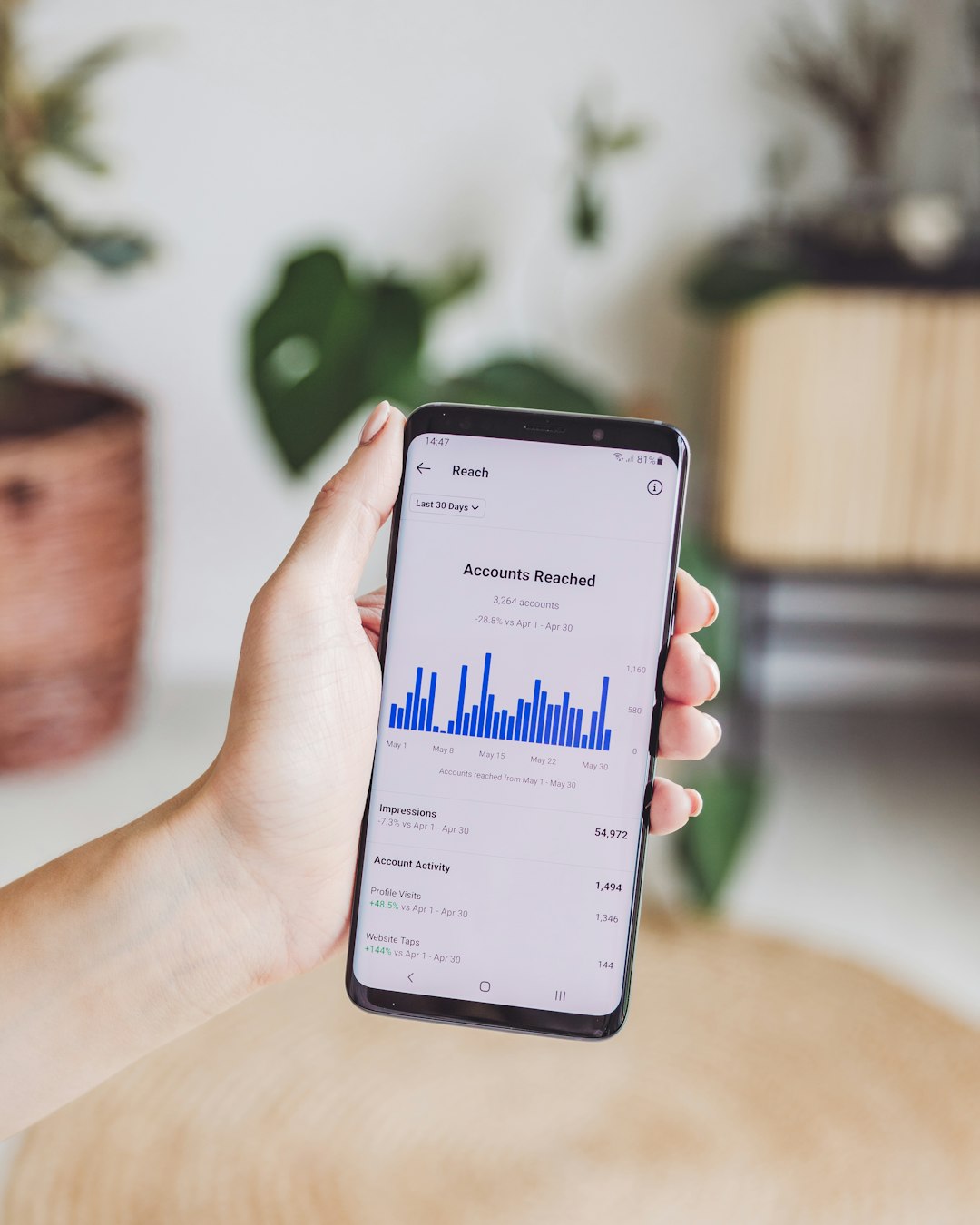
Analytics can show you what users do. Surveys tell you why they do it.
That is a big deal.
You may know that users drop off after day three. But you may not know if they are bored, confused, annoyed, or just forgot you exist. A short survey can uncover the real reason.
Good app survey questions can help you:
- Find out why users stop using your app.
- Learn what keeps loyal users coming back.
- Spot confusing screens or broken flows.
- Discover which features people love most.
- Improve onboarding, support, and product design.
- Build a better app without guessing.
Think of surveys as tiny conversations. Not lectures. Not exams. Just smart little check-ins.
Before You Ask: Keep It Short
People are busy. They are in line for coffee. They are on the bus. They are trying to do one thing in your app.
So do not hit them with a 40-question monster.
Use short surveys. One to five questions is often enough. Ask one main thing at a time. Use plain language. Avoid fancy product terms unless your users already know them.
Also, timing matters. Ask after a meaningful action. Not in the middle of a task. That feels like someone asking you for feedback while you are carrying soup.
Good moments to ask include:
- After signup or onboarding.
- After a user completes a key task.
- After using a feature for the first time.
- After a purchase or upgrade.
- After support contact.
- When a user becomes inactive.
- When a user cancels or downgrades.
Top Survey Questions for Retention
Retention means users come back. It is the “please do not forget us” metric. If people keep returning, your app is likely solving a real problem.
Retention surveys help you understand what brings users back and what pushes them away.
1. What made you come back to the app today?
This question is simple and powerful. It tells you what users value most.
Answer options can include:
- I needed to complete a task.
- I received a reminder or notification.
- I wanted to check progress.
- I enjoy using the app.
- I was curious about something new.
- Other.
This helps you learn which habits, features, or messages drive repeat visits.
2. How likely are you to use this app again this week?
This is a quick retention signal. Use a scale from 1 to 5 or 1 to 10.
Low scores mean danger. High scores mean users see ongoing value.
You can follow up with:
What would make you more likely to return?
That follow-up is where the gold lives.
3. What is the main reason you might stop using this app?
This question sounds a little scary. Ask it anyway.
It helps you spot churn risks before users disappear. Common answers may include price, bugs, missing features, confusing design, or lack of time.
You can use choices like:
- It is too hard to use.
- I do not need it often.
- It is missing something important.
- It costs too much.
- I found another app.
- It has too many bugs.
4. What feature would you miss most if this app disappeared?
This is a fun one. It also tells you your app’s “sticky” value.
If many users name the same feature, protect it. Improve it. Show it off. That feature may be your retention superhero.
5. Why did you cancel, downgrade, or stop using the app?
Ask this at the exit door. Be kind. Do not guilt-trip users.
Good wording: “Sorry to see you go. What is the main reason you are leaving?”
Give simple options. Add an “Other” field. This makes the feedback easy to sort.
Top Survey Questions for Engagement
Engagement is about how users interact with your app. Do they tap one button and vanish? Or do they explore, click, save, share, and return with joy?
Engagement surveys help you find what feels useful, fun, or frustrating.

6. How easy was it to complete your task today?
This is a classic. It works after a user finishes a task, like booking, posting, uploading, ordering, or setting up a profile.
Use a simple scale:
- Very easy.
- Easy.
- Neutral.
- Hard.
- Very hard.
If users say “hard,” ask what got in the way. Short answer fields are great here.
7. Which feature do you use most often?
This helps you understand actual value. It may also surprise you.
Sometimes the feature your team loves is not the one users love. Users are funny like that. They do not read your roadmap. They just tap what helps.
8. Which feature do you use least often?
This is the other side of the coin.
A feature may be unused because it is not valuable. Or because users cannot find it. Or because the name is confusing. This question helps you decide whether to improve, rename, move, or remove it.
9. What would make you use the app more often?
This question opens the idea box. You may hear requests for reminders, better content, faster loading, simpler design, or new integrations.
Look for patterns. One wild idea is interesting. Fifty people asking for the same thing is a flashing neon sign.
10. Did you find what you were looking for?
This works well in content apps, shopping apps, finance apps, health apps, and support sections.
Use it after search, browsing, or help center visits.
Answer options:
- Yes, completely.
- Yes, partly.
- No.
If the answer is no, ask: What were you trying to find?
11. How satisfied are you with your experience today?
This is a simple pulse check. It does not need to be fancy.
Use smiley faces if your app has a playful feel. Use a number scale if your app is more formal. Either way, keep it quick.
Top Survey Questions for User Behavior
User behavior is the “what are people doing and why” zone. It helps you understand habits, goals, and choices.
These questions can guide product decisions, marketing, onboarding, and support.
12. What were you trying to do in the app today?
This is one of the best questions you can ask.
It reveals user intent. It tells you why the user opened the app. Compare answers with actual behavior. If users say they came to do one thing but end up doing another, there may be confusion.
13. How often do you use apps like this?
This gives context.
A power user may expect advanced tools. A beginner may need more guidance. You can design better experiences when you know who is using the app.
Answer options:
- Every day.
- A few times a week.
- A few times a month.
- Rarely.
- This is my first time.
14. What other apps do you use for this task?
This helps you understand your competition. Not just direct competitors. Users may use notes, spreadsheets, calendars, chats, or old-school paper.
Your biggest competitor may be a sticky note. Respect the sticky note.
15. What almost stopped you from completing this action?
This question is great after signup, checkout, booking, or upgrade.
It finds friction. It may reveal trust concerns, unclear pricing, too many steps, or missing information.
16. What device or setting do you usually use this app in?
Users behave differently at home, at work, while traveling, or on the couch with snacks.
Context matters. A fitness app used outdoors needs different design choices than one used at a desk. A finance app used during lunch break needs speed and clarity.
17. What is your main goal with this app?
This helps you segment users. Two people may use the same app for very different reasons.
For example, a language app user may want to travel, pass an exam, talk to family, or just keep a streak alive. Each goal needs a different kind of encouragement.
Questions for Onboarding
Onboarding is the first handshake. Make it friendly. Do not make users feel like they are filling out tax forms.
Ask only what you need. Use answers to personalize the experience.
Great onboarding questions include:
- What brought you here today?
- What is your main goal?
- How experienced are you with this topic?
- What would you like help with first?
- How often would you like reminders?
These questions make the app feel smarter. Users think, “Oh cool, this app gets me.” That is a lovely little retention spark.
Questions for Feature Feedback
New features are exciting. They are also risky. Your team may cheer when a feature launches. Users may stare at it and say, “What is this button doing in my house?”
So ask.
Use these feature survey questions:
- Have you tried the new feature yet?
- How useful is this feature to you?
- Was anything confusing about this feature?
- What would improve this feature?
- Would you use this feature again?
Ask after the user has actually seen or used the feature. Do not ask too early. That is like asking someone to review a pizza while it is still dough.
Questions for Push Notifications
Push notifications can help retention. They can also annoy people into uninstalling your app with the speed of a superhero.
Use surveys to get the balance right.
Ask:
- Are our notifications useful?
- Do you receive too many notifications?
- What types of reminders would you like?
- When is the best time to send reminders?
- Which notifications should we stop sending?
The goal is simple. Be helpful, not noisy.
Questions for Inactive Users
Inactive users are not always lost. Sometimes they just need a reason to return. Sometimes they are gone forever. Either way, ask nicely.
Try these questions:
- What made you stop using the app?
- Is there anything we could improve?
- Did the app help you reach your goal?
- What would bring you back?
- Are you using another solution now?
Send these by email, push, or in-app message if they return. Keep the tone light. No blame. No dramatic breakup energy.
How to Write Better App Survey Questions
The best survey questions are clear, short, and easy to answer. They do not trick users. They do not ask five things at once.
Bad question: “How satisfied are you with our onboarding, app speed, design, content, pricing, notifications, and customer support?”
That question needs a nap.
Better question: “How easy was onboarding?”
Much better. Clean. Simple. Answerable.
Follow these tips:
- Ask one thing per question.
- Use simple words.
- Avoid leading questions.
- Use scales for quick feedback.
- Use open text for deeper insight.
- Make surveys optional.
- Thank users after they answer.
Final Thoughts
App survey questions are small, but mighty. They help you understand retention, engagement, and user behavior in plain human terms.
Ask why users return. Ask what they love. Ask what gets in the way. Ask what would make the app better.
Then do something with the answers.
That is the real magic. A survey is not just a form. It is a tiny doorway into your user’s brain. Open it gently. Listen well. Build better.